




01. Edit your form online
Type text, add images, blackout confidential details, add comments, highlights and more.

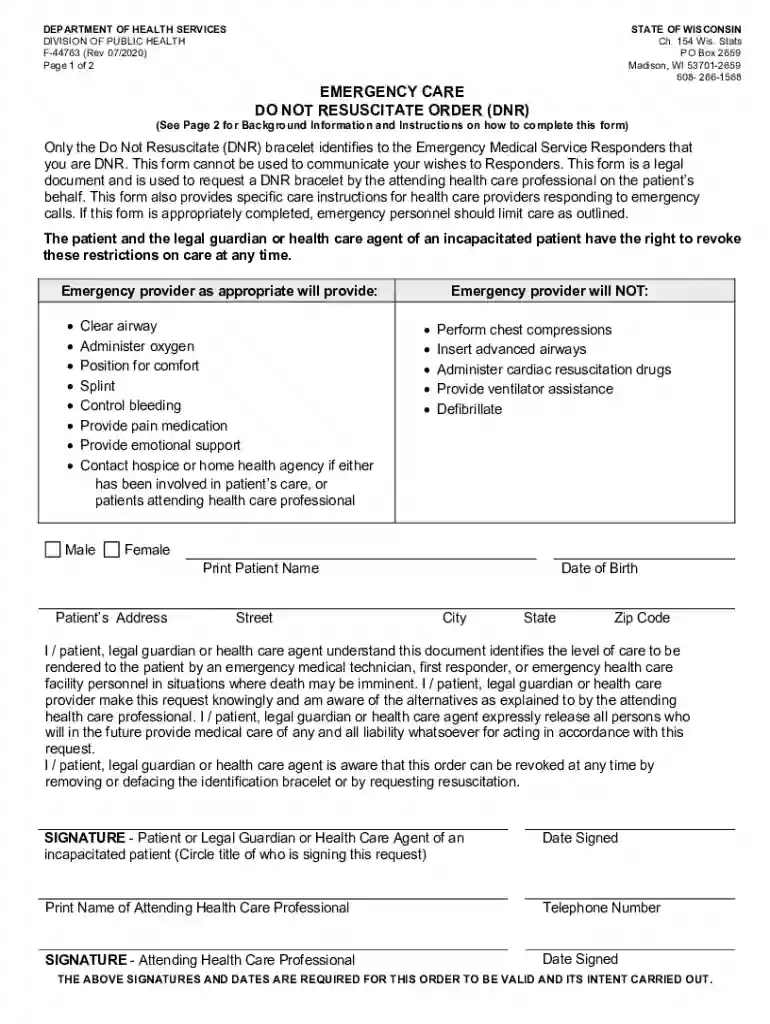
Type text, add images, blackout confidential details, add comments, highlights and more.

Draw your signature, type it, upload its image, or use your mobile device as a signature pad.

Send it via email, link, or fax. You can also download it, export it or print it out.

Start using our platform today to easily complete your wi f dnr form online, for free!
We've got more versions of the wi f dnr form. Select the right wi f dnr version from the list and start editing it straight away!
At DocHub, your data security is our priority. We follow HIPAA, SOC2, GDPR, and other standards, so you can work on your documents with confidence.
Web the wisconsin department of natural resources (dnr) has received the proposed revisions to wisconsins invasive species identification, classification and.Read more
Dedicated to working with the citizens and businesses of the state while preserving and enhancing the natural resources of Wisconsin.
Wisconsin Department of Natural Resources P.O. Box 7921, Madison, WI 53707 dnr.wi.gov, search brownfield. This document contains information aboutRead more


