Type text, add images, blackout confidential details, add comments, highlights and more.
02. Sign it in a few clicks
Draw your signature, type it, upload its image, or use your mobile device as a signature pad.
03. Share your form with others
Send schedule 2 via email, link, or fax. You can also download it, export it or print it out.
How to use or fill out 2020 1040 Schedule 2 with DocHub
Ease of Setup
DocHub User Ratings on G2
Ease of Use
DocHub User Ratings on G2
Click ‘Get Form’ to open the 2020 1040 Schedule 2 in our editor.
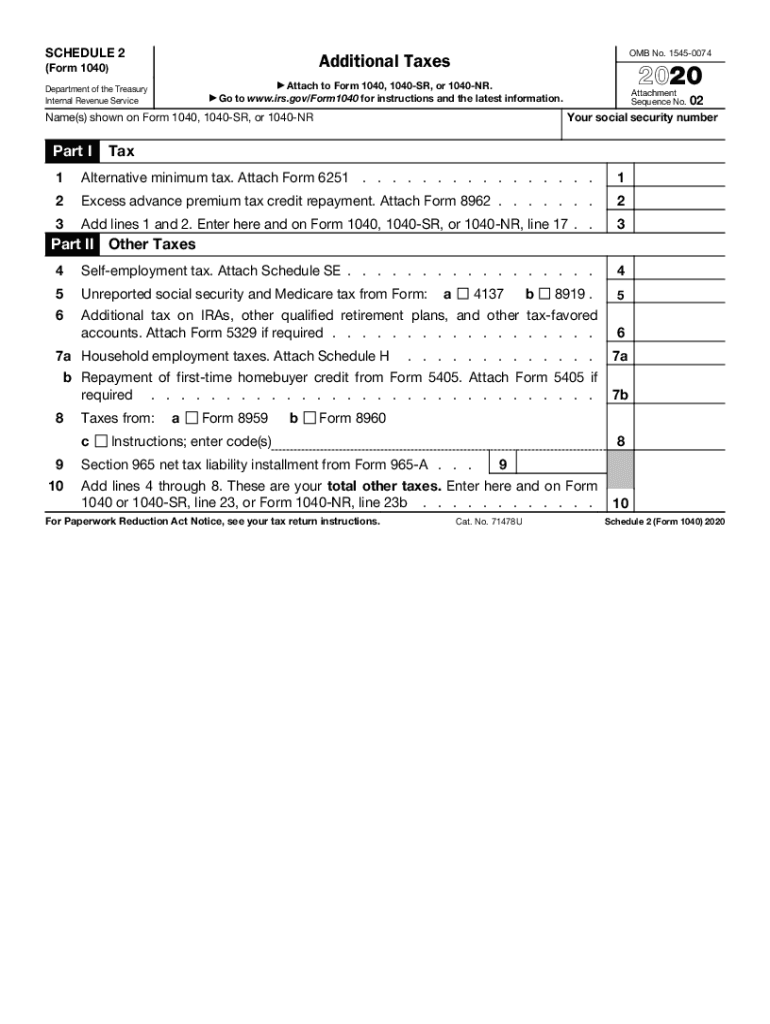
Begin by entering your social security number and the names as shown on your Form 1040, 1040-SR, or 1040-NR at the top of the form.
In Part I, address the Alternative Minimum Tax by attaching Form 6251 if applicable. Enter any excess advance premium tax credit repayment from Form 8962 in line 2.
Add lines 1 and 2 together and enter the total on line 3, which should also be reported on your main tax form.
Move to Part II for other taxes. If you have self-employment income, attach Schedule SE and enter that amount on line 4.
Continue filling out any additional taxes such as unreported social security and Medicare tax or household employment taxes as required.
Finally, sum all amounts from lines 4 through 8 and enter this total on line 9, ensuring it matches with your main tax return.
Start using our platform today to easily complete your tax forms for free!
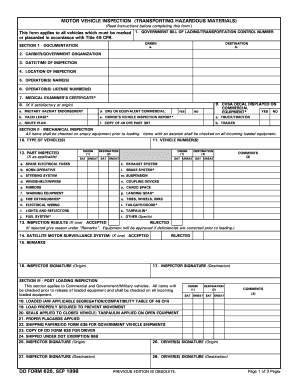
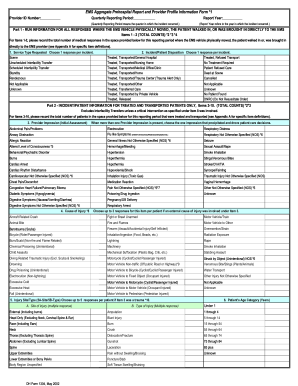
We've got more versions of the 2020 1040 schedule 2 form. Select the right 2020 1040 schedule 2 version from the list and start editing it straight away!
You can claim a deduction for charitable contributions if you dont itemize your deductions on Schedule A (Form. 1040). For details on these and other.Read more
Jan 21, 2026 Instructions for Form 1040 (2023) PDF Form 1040 Schedule 1 (2023) PDF Form 1040 Schedule 2 (2023) PDF Form 1040 Schedule 3 (2023) PDFRead more
Cookie consent notice
This site uses cookies to enhance site navigation and personalize your experience.
By using this site you agree to our use of cookies as described in our Privacy Notice.
You can modify your selections by visiting our Cookie and Advertising Notice.