Type text, add images, blackout confidential details, add comments, highlights and more.
02. Sign it in a few clicks
Draw your signature, type it, upload its image, or use your mobile device as a signature pad.
03. Share your form with others
Send it via email, link, or fax. You can also download it, export it or print it out.
How to use or fill out Tennessee Deed with our platform
Ease of Setup
DocHub User Ratings on G2
Ease of Use
DocHub User Ratings on G2
Click ‘Get Form’ to open the Tennessee Deed in the editor.
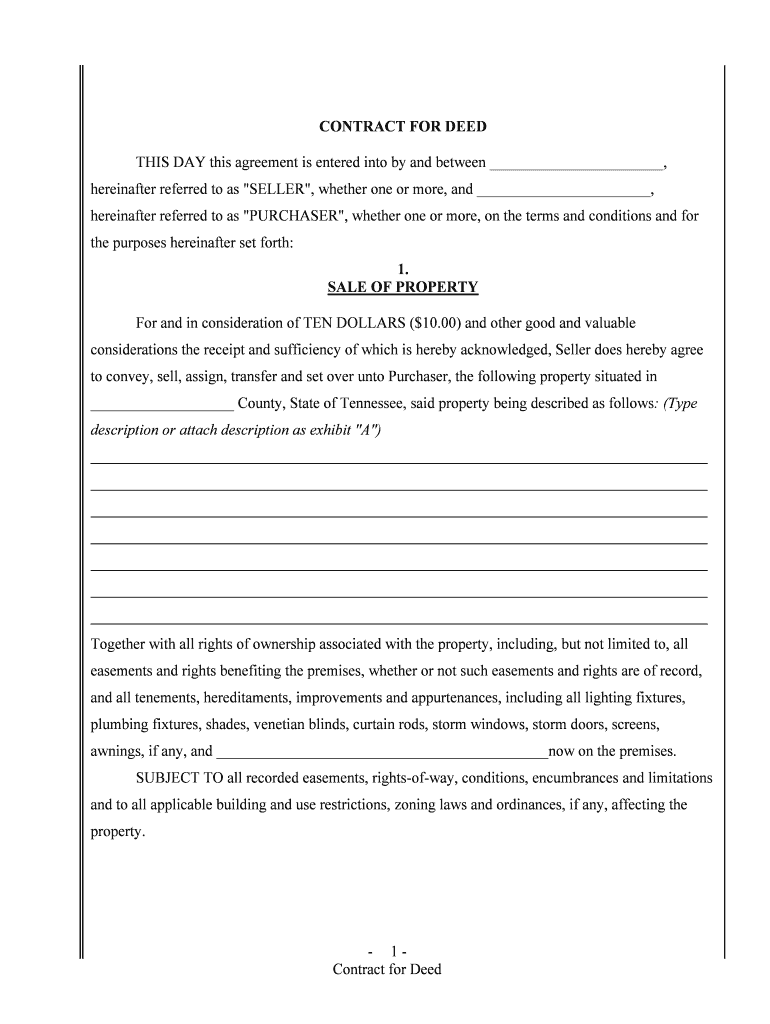
Begin by entering the names of the Seller and Purchaser in the designated fields. Ensure that all parties are clearly identified.
In the 'Sale of Property' section, provide a detailed description of the property being sold. You may type this directly or attach an exhibit if necessary.
Next, specify the purchase price and payment terms. Choose from options for monthly installments or balloon payments, filling in all required amounts and dates.
Complete sections regarding maintenance responsibilities, insurance obligations, and taxes. Select who will be responsible for these costs as indicated.
Review all entries for accuracy before finalizing. Utilize our platform's features to sign electronically and share with involved parties.
Start using our platform today to streamline your Tennessee Deed process for free!
Chapter 17: The Legitimate Greatness of the Standard Oil
If a refiner could get his barrels back, of course there was a saving (a returned barrel was estimated to be worth 2 cents), but the return could not beRead more
Register of Deeds | UT County Technical Assistance Service
The registers general duties have always been to record various types of legal instruments and transactions, particularly those conveying title to land.Read more
How do I find deeds? | Tennessee Secretary of State
The Tennessee State Library and Archives has microfilmed copies of older deeds for every county in Tennessee. The deeds records are arranged by the name ofRead more
Cookie consent notice
This site uses cookies to enhance site navigation and personalize your experience.
By using this site you agree to our use of cookies as described in our Privacy Notice.
You can modify your selections by visiting our Cookie and Advertising Notice.