




01. Edit your asha superbill online
Type text, add images, blackout confidential details, add comments, highlights and more.

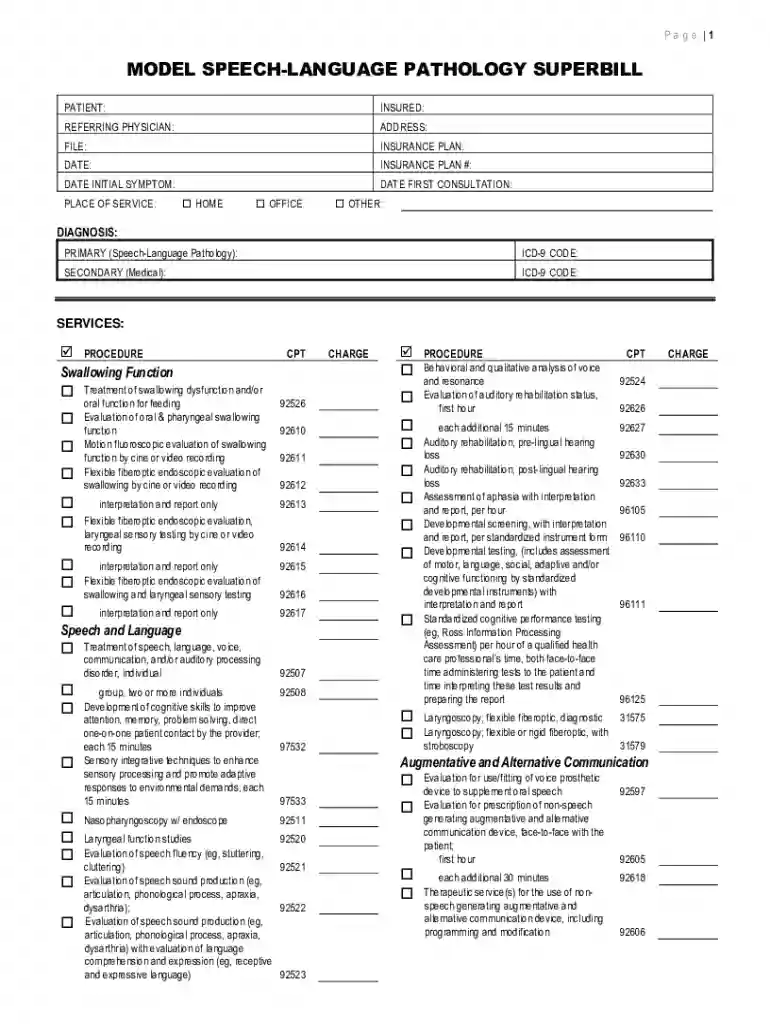
Type text, add images, blackout confidential details, add comments, highlights and more.

Draw your signature, type it, upload its image, or use your mobile device as a signature pad.

Send form model superbill via email, link, or fax. You can also download it, export it or print it out.

Start using our platform today for free to streamline your superbill completion!
At DocHub, your data security is our priority. We follow HIPAA, SOC2, GDPR, and other standards, so you can work on your documents with confidence.
by V Watzlaf 2015 Cited by 21 Physicians expressed that advantages of ICD-10-CM/PCS were effective data analytics and complexity of patient cases with more specific codes.Read more
If you would like to seek reimbursement from your health insurance, we can provide a superbill at the end of your visit(s). Please note that our rates may beRead more


