




Here's how it works

01. Edit your affidavit of intent to homeschool online
Type text, add images, blackout confidential details, add comments, highlights and more.

02. Sign it in a few clicks
Draw your signature, type it, upload its image, or use your mobile device as a signature pad.

03. Share your form with others
Send arizona homeschool affidavit via email, link, or fax. You can also download it, export it or print it out.
How to use or fill out affidavit of intent to homeschool Arizona with DocHub

- Click ‘Get Form’ to open the affidavit of intent to homeschool Arizona in our editor.
- Begin by filling out the STUDENT INFORMATION section. Enter the child's full name, including last, first, and middle names, followed by their date of birth.
- Next, provide the SCHOOL DISTRICT OF RESIDENCE for your child. This is essential for proper registration.
- Move on to the PARENT/GUARDIAN INFORMATION section. Fill in your full name, telephone number, and home address details accurately.
- Review the Arizona state homeschool laws provided in the document. Ensure you understand your responsibilities regarding education and documentation.
- If applicable, indicate your choice regarding formal education start age by checking the appropriate box.
- Sign and date the AUTHORIZATION section at the bottom of the form. Make sure to have it notarized as required.
- Finally, submit this form either by mail or in person to the Homeschool Services Division at the specified address.
Start using our platform today for free to complete your affidavit efficiently!
Fill out affidavit of intent to homeschool arizona online
It's free
Security and compliance
At DocHub, your data security is our priority. We follow HIPAA, SOC2, GDPR, and other standards, so you can work on your documents with confidence.
Learn more


Related forms

2023 Schedule M (Form 990) Noncash Contributions
Schedule M (Form 990) is a reporting form used by organizations to disclose the types and amounts of noncash contributio ...

CIS-October-Camp-2023-Bus-Form
The document is a registration form for the CIS October Camp 2023, detailing school bus transport options from October 9 ...
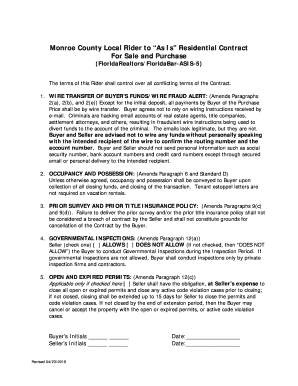
Monroe County Local Rider 04-23-18
The Monroe County Local Rider to the 'As Is' Residential Contract outlines specific amendments and conditions related to ...

CREDENTIAL APPLICATION FOR N CERTIFIED ADOLESCENT
The document outlines the application process for the National Certified Adolescent Addiction Counselor (NCAAC) credenti ...

Coulter au5800 analyzer competency create
The document is a Competency Checklist for the AU5800 Chemistry Analyzer, outlining tasks related to reagent management, ...
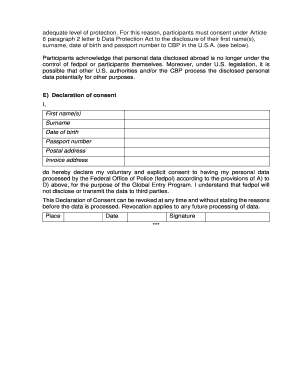
CH Information and Declaration of Consent Under Article 4 Paregraph 5 Data Protection Act on Process
CH Information and Declaration of Consent Under Article 4 Paregraph 5 Data Protection Act on Process
The document outlines the procedures and requirements for Swiss nationals to participate in the U.S. Global Entry Progra ...

Ns 1 form
The document is a FORM NS-1 CERTIFICATE HOLDER’S CERTIFICATE OF CONFORMANCE for welded supports, required by the ASME Co ...
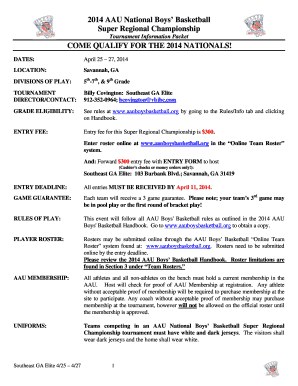
National packet super regional
The document provides information about the 2014 AAU National Boys' Basketball Super Regional Championship, scheduled fo ...