




01. Edit your form 637 online
Type text, add images, blackout confidential details, add comments, highlights and more.

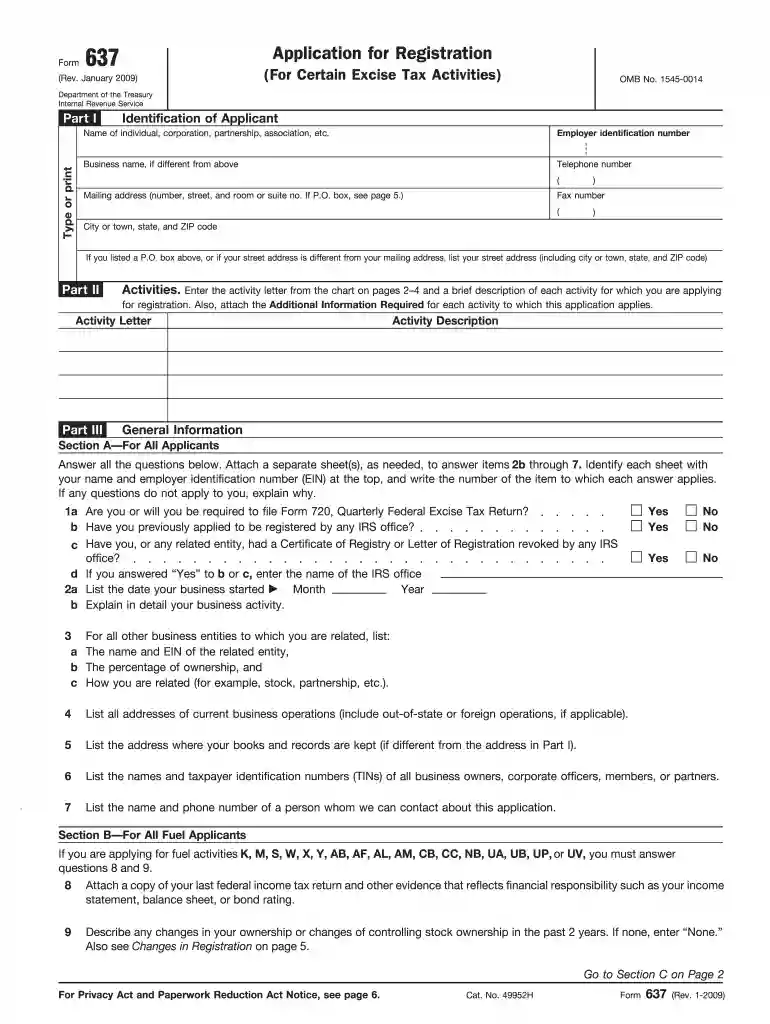
Type text, add images, blackout confidential details, add comments, highlights and more.

Draw your signature, type it, upload its image, or use your mobile device as a signature pad.

Send irs form 637 via email, link, or fax. You can also download it, export it or print it out.

Start using our platform today to fill out IRS Form 637 quickly and efficiently!
We've got more versions of the form 637 form. Select the right form 637 version from the list and start editing it straight away!
At DocHub, your data security is our priority. We follow HIPAA, SOC2, GDPR, and other standards, so you can work on your documents with confidence.
Provide a general description of the type of educational facility, including faculty, curriculum, and student body. 2. Provide a copy of the IRS determinationRead more
Apr 26, 2017 Indicate by check mark whether the registrant is a shell company (as defined in Rule 12b-2 of the Act). Yes ☐ No ☒.Read more
The energy credit for any taxable year is the energy percentage of the basis of each energy property placed in service during such taxable year.Read more


