




01. Edit your form online
Type text, add images, blackout confidential details, add comments, highlights and more.

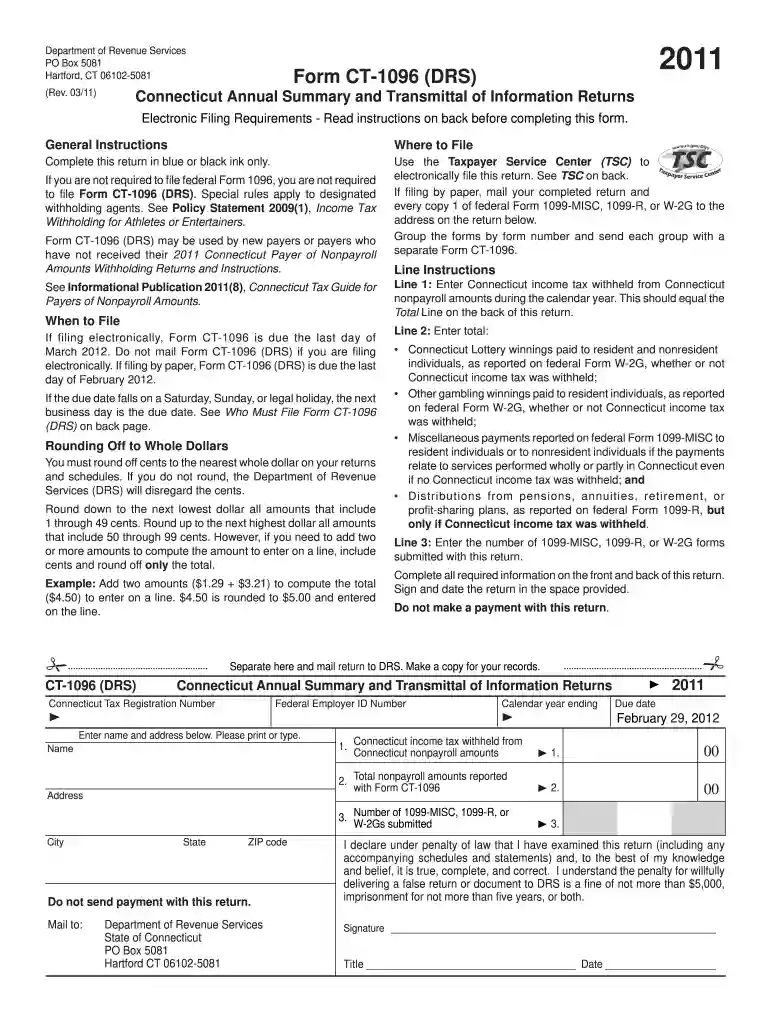
Type text, add images, blackout confidential details, add comments, highlights and more.

Draw your signature, type it, upload its image, or use your mobile device as a signature pad.

Send it via email, link, or fax. You can also download it, export it or print it out.

Start using our platform today for free to streamline your CT-1096 form completion!
We've got more versions of the ct 1096 form 2011 form. Select the right ct 1096 form 2011 version from the list and start editing it straight away!
| Versions | Form popularity | Fillable & printable |
|---|---|---|
| 2025 | 4.1 Satisfied (36 Votes) | |
| 2024 | 4.9 Satisfied (28 Votes) | |
| 2022 | 4.2 Satisfied (32 Votes) | |
| 2021 | 4.7 Satisfied (92 Votes) | |
| 2020 | 4.2 Satisfied (28 Votes) | |
| 2019 | 4 Satisfied (27 Votes) | |
| 2018 | 4.3 Satisfied (147 Votes) | |
| 2017 | 4.4 Satisfied (68 Votes) | |
| 2016 | 4.4 Satisfied (631 Votes) | |
| 2015 | 4 Satisfied (40 Votes) | |
| 2015 | 4.1 Satisfied (44 Votes) | |
| 2014 | 4 Satisfied (54 Votes) | |
| 2012 | 4 Satisfied (29 Votes) | |
| 2011 | 4 Satisfied (57 Votes) | |
| 2009 | 4 Satisfied (59 Votes) |
At DocHub, your data security is our priority. We follow HIPAA, SOC2, GDPR, and other standards, so you can work on your documents with confidence.
On or before the fifteenth day of March following the end of each calendar year, the designated withholding agent must complete Form CT-1096 ATHEN and file it,.Read more
Our recommendation to detect cases of PA places a high value on avoiding the risks associated with missing a PA diagnosis (and thus forgoing the opportunity ofRead more
Form CT-1096 (DRS) may be used by new payers or payers who have not received their 2011 Connecticut Payer of Nonpayroll To amend Form CT-1096, submit aRead more


