




01. Edit your cp565 notice online
Type text, add images, blackout confidential details, add comments, highlights and more.

Type text, add images, blackout confidential details, add comments, highlights and more.

Draw your signature, type it, upload its image, or use your mobile device as a signature pad.

Send cp565 via email, link, or fax. You can also download it, export it or print it out.

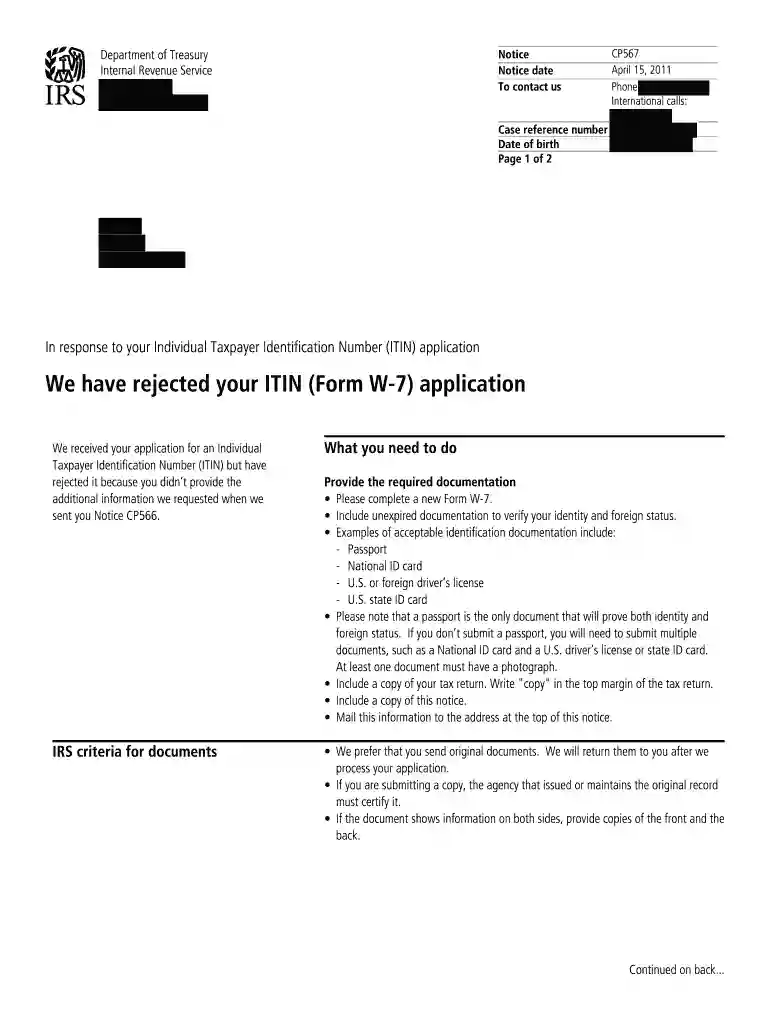
Start using our platform today for free to streamline your cp567 notice completion!
At DocHub, your data security is our priority. We follow HIPAA, SOC2, GDPR, and other standards, so you can work on your documents with confidence.
CP 567: Purchase your Professional Liability Insurance and submit proof of day notice to the site and your clients to ensure that you fulfill your ethical.Read more
Aug 27, 2025 What this notice is about. We rejected your application for an individual taxpayer identification number (ITIN). You may not be eligible forRead more


