




Here's how it works



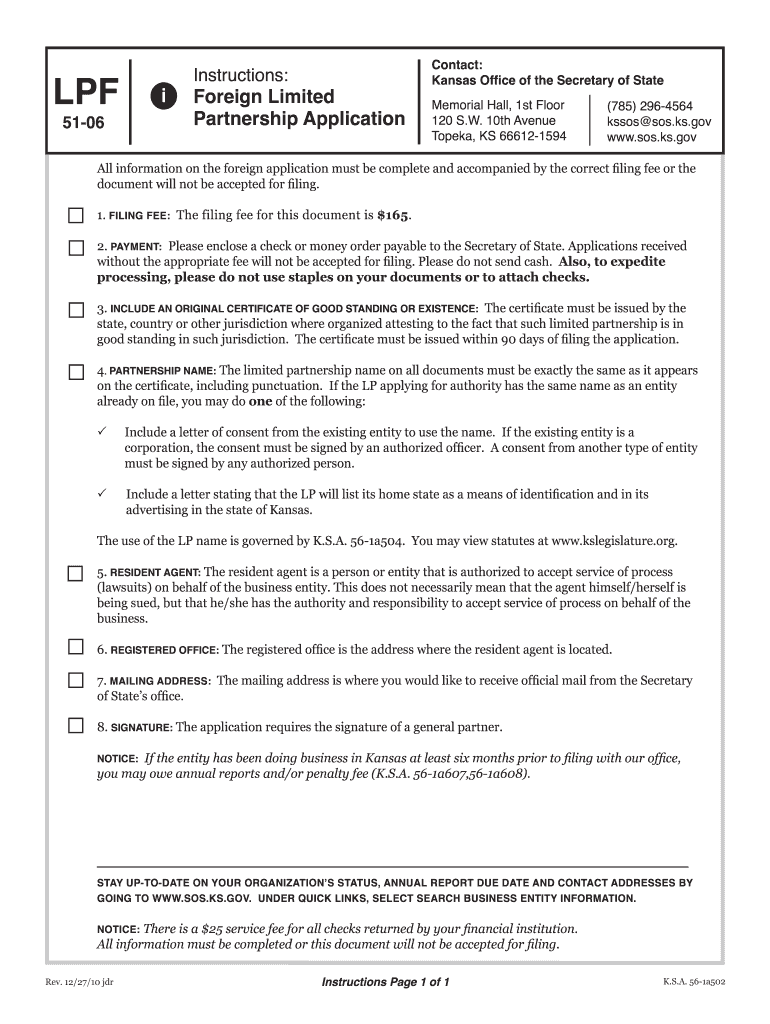
How to use or fill out Foreign Limited Partnership Application i - Kansas Secretary of State - sos ks with DocHub

- Click ‘Get Form’ to open the Foreign Limited Partnership Application in our editor.
- Begin by entering the name of the limited partnership. Ensure it matches exactly with the name on record from your home state.
- Fill in the state or country of organization and the date of organization in your home state.
- Indicate when you began doing business in Kansas, providing the exact date.
- Enter the name of your resident agent and their registered office address. Remember, a P.O. box is not acceptable.
- Provide a mailing address for receiving official correspondence from the Secretary of State’s office.
- Detail the full nature and character of your business activities in Kansas.
- List each general partner's name and mailing address. If more space is needed, attach additional pages.
- Review all entries for accuracy before signing. The application must be signed by a general partner.
Start using our platform today to streamline your Foreign Limited Partnership Application process for free!
It's free
See more Foreign Limited Partnership Application i - Kansas Secretary of State - sos ks versions
Got questions?
Can I sign my Foreign Limited Partnership Application i - Kansas Secretary of State - sos ks on a mobile?
Sure, you’ll find many different apps for this on the web. Nevertheless, if you need to eSign your Foreign Limited Partnership Application i - Kansas Secretary of State - sos ks without installing extra software, DocHub is the optimum choice you can make. This powerful editor works on mobile devices just like on desktops. Open our editor in your preferred internet browser, register or log in to your account, and start managing your forms.
Can I print my Foreign Limited Partnership Application i - Kansas Secretary of State - sos ks and complete it by myself?
When you choose analog methods of completing your Foreign Limited Partnership Application i - Kansas Secretary of State - sos ks, it is simple to download your file for printing. Search DocHub’s Forms & Templates catalog to find the exact document template you need and open it for editing or download it on your device in the format of your liking. It is possible to complete your form electronically and place your handwritten signature on it after printing or eSign your document with DocHub.
Security and compliance
At DocHub, your data security is our priority. We follow HIPAA, SOC2, GDPR, and other standards, so you can work on your documents with confidence.
Learn more


