
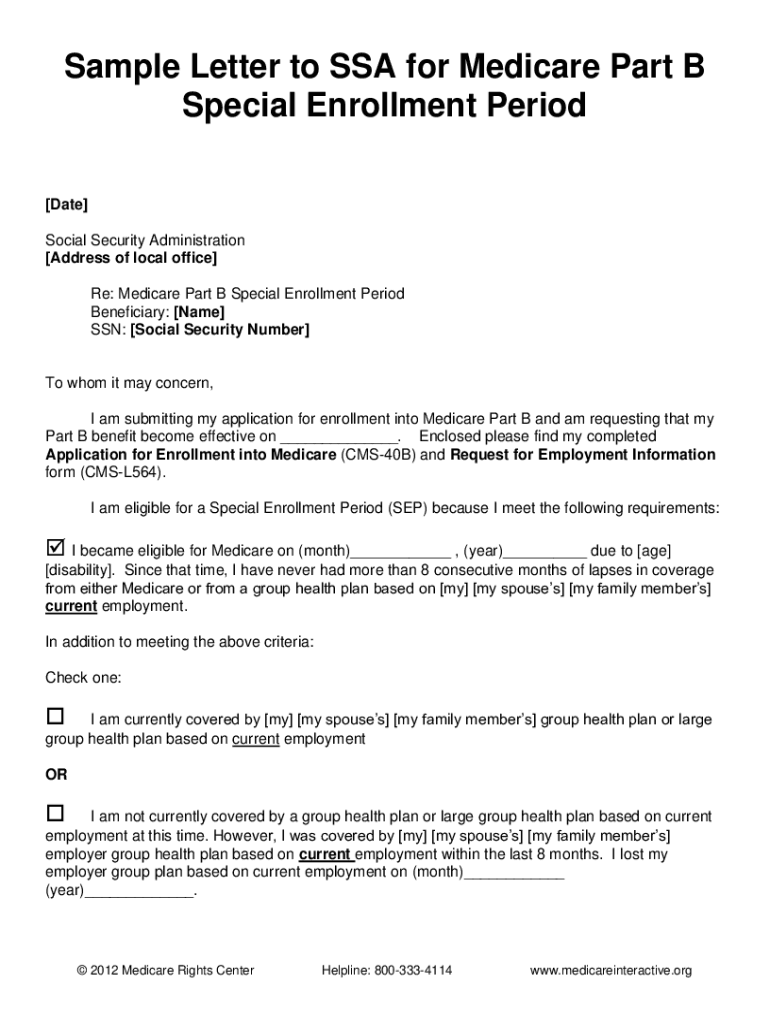




Here's how it works

01. Edit your medicare part b application pdf online
Type text, add images, blackout confidential details, add comments, highlights and more.

02. Sign it in a few clicks
Draw your signature, type it, upload its image, or use your mobile device as a signature pad.

03. Share your form with others
Send medicare part b application form via email, link, or fax. You can also download it, export it or print it out.
How to use or fill out Medicare Special Enrollment with our platform

- Click ‘Get Form’ to open the Medicare Part B Special Enrollment Period form in the editor.
- Begin by filling out your personal information, including your name, Social Security Number, and contact details. Ensure accuracy as this information is crucial for processing your application.
- Answer the eligibility questions clearly. Confirm that you meet all three criteria regarding your Medicare eligibility and coverage history. This step is vital to ensure you qualify for the Special Enrollment Period.
- Complete form CMS 40B (Application for Enrollment in Medicare) and have your employer fill out form CMS L564 (Request for Employment Information). Use our platform’s tools to easily sign and share these forms.
- Once both forms are completed, prepare a cover letter detailing your request for enrollment. Attach all documents and make copies before submission.
- Submit your application at your local Social Security office and obtain a receipt confirming the submission date. This will be important for tracking your application status.
Start using our platform today to simplify your Medicare Special Enrollment process!
Fill out medicare special enrollment online
It's free
It's free
Security and compliance
At DocHub, your data security is our priority. We follow HIPAA, SOC2, GDPR, and other standards, so you can work on your documents with confidence.
Learn more


Related forms
Application form, sign, date, and attach a legible site
The document is an Event Permit Application guide for the Town of East Bridgewater, outlining the process and requiremen ...
S adlro
The document is a form for employers to submit a sworn statement in support of an employee's application for a driver’s ...

New jersey inheritance tax
The document provides comprehensive information on New Jersey's Transfer Inheritance Tax and Estate Tax, detailing the t ...
WA AGR-4300B (Formerly AGR Form 630-4300B)
The document outlines the requirements and instructions for registering commercial fertilizer products with the Washingt ...

Utah Pain Relief Institute - Your Pain Solution CenterHome
The document is a Patient Agreement for pain management at Alpine Pain Solutions of Utah, outlining the responsibilities ...
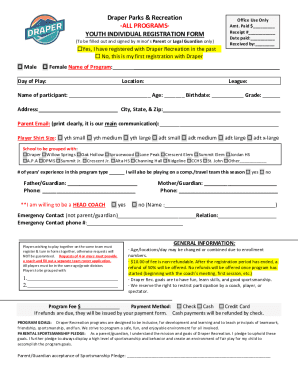
Draper Parks & Recreation -ALL PROGRAMS- Amt Paid $ YOUTH
The document is a registration form for youth programs offered by Draper Parks & Recreation, requiring parental consent ...

Accident Questionnaire Form - Partners MGU
The document is an Accident Questionnaire Form intended for insured individuals to report details about injuries or illn ...
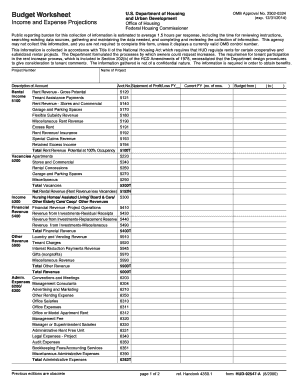
Worksheet expense
The document is a Budget Worksheet from the U.S. Department of Housing and Urban Development (HUD) designed for income a ...