Type text, add images, blackout confidential details, add comments, highlights and more.
02. Sign it in a few clicks
Draw your signature, type it, upload its image, or use your mobile device as a signature pad.
03. Share your form with others
Send it via email, link, or fax. You can also download it, export it or print it out.
How to use or fill out 10o3 section with our platform
Ease of Setup
DocHub User Ratings on G2
Ease of Use
DocHub User Ratings on G2
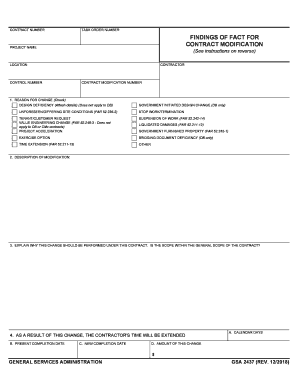
Click ‘Get Form’ to open the 10o3 section in the editor.
Begin by reviewing the introductory fields, which typically include your name and contact information. Fill these out accurately to ensure proper identification.
Next, navigate to the main content area of the form. Here, you will find specific questions or prompts related to the purpose of the document. Take your time to read each question carefully before providing your responses.
If there are checkboxes or multiple-choice options, simply click on your preferred selection. This makes it easy to indicate your choices without any hassle.
For any open-ended questions, utilize the text box provided. Our platform allows you to type directly into these fields, ensuring that your answers are clear and concise.
Once all sections are completed, review your entries for accuracy. You can easily edit any field by clicking on it again.
Finally, save your progress and export the document as needed. Our editor ensures that you can do this seamlessly and for free.
Start using our platform today to effortlessly complete your 10o3 section!
Jan 7, 2026 Regulation C requires many financial institutions to collect, report, and disclose certain information about their mortgage lending activity.Read more
Cookie consent notice
This site uses cookies to enhance site navigation and personalize your experience.
By using this site you agree to our use of cookies as described in our Privacy Notice.
You can modify your selections by visiting our Cookie and Advertising Notice.