




Here's how it works

01. Edit your civil service pa online
Type text, add images, blackout confidential details, add comments, highlights and more.

02. Sign it in a few clicks
Draw your signature, type it, upload its image, or use your mobile device as a signature pad.

03. Share your form with others
Send pa civil service application via email, link, or fax. You can also download it, export it or print it out.
How to use or fill out pa form civil service application with our platform

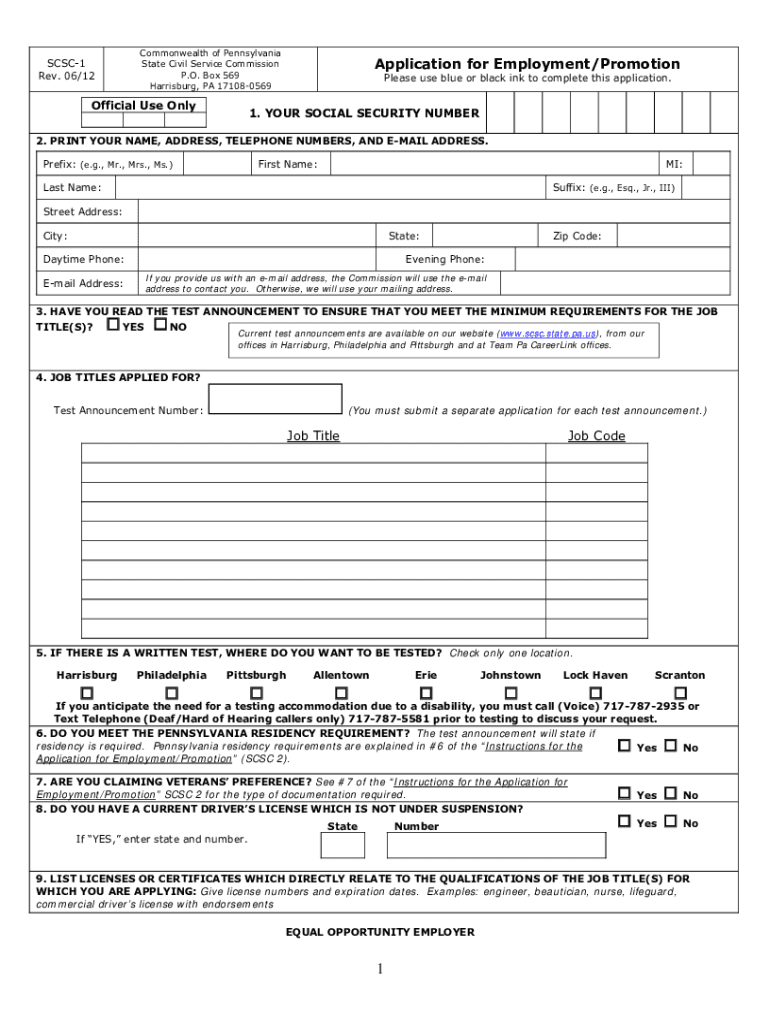
- Click ‘Get Form’ to open the PA Form Civil Service Application in the editor.
- Begin by entering your Social Security Number in the designated boxes at the top of each page. This ensures confidentiality and proper identification.
- Fill in your personal details, including your name, address, and contact information. If you provide an email address, it will be used for communication regarding your application.
- Review the test announcement carefully to confirm that you meet all requirements for the job title(s) you are applying for. This is crucial for a successful application.
- Indicate the job titles and codes you are applying for, ensuring accuracy as changes cannot be made post-testing.
- Select your preferred test location from the options provided, ensuring it aligns with where tests are administered.
- Confirm if you meet Pennsylvania residency requirements by checking relevant indicators listed in the instructions.
- If applicable, indicate any Veterans’ Preference claims and ensure to attach necessary documentation.
- Complete sections on education and work experience thoroughly, detailing duties and responsibilities for each position held.
- Finally, review all entries for accuracy before signing and dating the VERIFIED DECLARATION at the end of the application.
Start filling out your PA Form Civil Service Application today using our platform for free!
Fill out pa form civil service application online
It's free
See more pa form civil service application versions
We've got more versions of the pa form civil service application form. Select the right pa form civil service application version from the list and start editing it straight away!
Security and compliance
At DocHub, your data security is our priority. We follow HIPAA, SOC2, GDPR, and other standards, so you can work on your documents with confidence.
Learn more


Related forms

What need to know stu Portals law docs registrar CONSENTFORRELEASEOFPERSONALINFORMATION
The document is a consent form from St. Thomas University School of Law, allowing students to authorize the release of t ...
Cardiovascular Fellowship Training Program - Department of
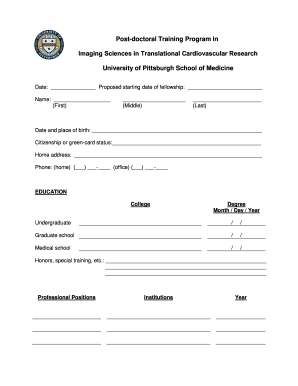
The document outlines the application process for a Post-doctoral Training Program in Imaging Sciences in Translational ...

Harris county federal purchasing requisition form
The document is a Purchase Requisition Form used to request the purchase of items or services, detailing vendor informat ...

Post-baccalaureate ProgramAdmission Services
The document is a Post-Baccalaureate Certification Statement for students at UH-Central, outlining eligibility and requi ...
Fillable Online cpc unc Restricted-Use Contract
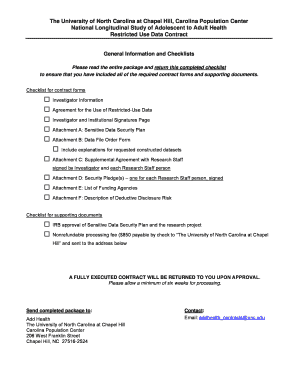
The document outlines the Restricted Use Data Contract for the National Longitudinal Study of Adolescent to Adult Health ...
Release federal
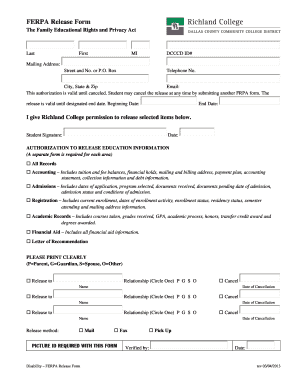
The document is a FERPA Release Form that allows students to authorize Richland College to release their educational inf ...

125 088
The document is an Incident Report Form (Form 125-088) for students and visitors at NOVA, designed to report accidents o ...
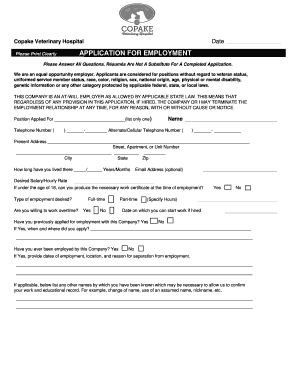
Copake Veterinary Hospital
The document is an employment application form for Copake Veterinary Hospital, outlining the information required from a ...