Type text, add images, blackout confidential details, add comments, highlights and more.
02. Sign it in a few clicks
Draw your signature, type it, upload its image, or use your mobile device as a signature pad.
03. Share your form with others
Send it via email, link, or fax. You can also download it, export it or print it out.
How to use or fill out Cigna claim form with our platform
Ease of Setup
DocHub User Ratings on G2
Ease of Use
DocHub User Ratings on G2
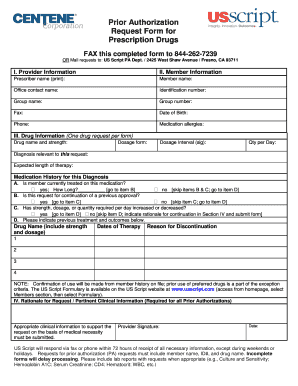
Click ‘Get Form’ to open the Cigna claim form in the editor.
Begin by entering your personal information in the designated fields, including your name, address, and policy number. Ensure accuracy to avoid processing delays.
Next, provide details about the medical services received. Fill in the date of service, provider information, and a brief description of the treatment or procedure.
In the section for expenses, list all relevant charges. Attach any necessary receipts or documentation by using our platform’s upload feature for seamless integration.
Review all entered information carefully. Use our editing tools to make any corrections before finalizing your submission.
Once satisfied with your entries, sign the form electronically using our signature tool and submit it directly through our platform for free.
Start filling out your Cigna claim form today with our user-friendly editor!
Cigna claim form pdfCigna how to submit a claim for reimbursement onlineCigna claim form DentalCigna claim form 1500Cigna out of-network reimbursement formCigna forms for providersCigna Dental Claim Form PDFCigna Vision claim form
Security and compliance
At DocHub, your data security is our priority. We follow HIPAA, SOC2, GDPR, and other standards, so you can work on your documents with confidence.
Please submit this completed claim form with itemized bills and receipts as soon as possible to the address, fax number, or website above. Tape small.Read more
CLAIM FORM INSTRUCTIONS. To help expedite the claim process, please complete the claim form in its entirety and include the below information when applicableRead more
The Court denied claims by both parties for damages and further denied Cignas claim for the reverse termination fee. The Company filed a Notice of AppealRead more
Cookie consent notice
This site uses cookies to enhance site navigation and personalize your experience.
By using this site you agree to our use of cookies as described in our Privacy Notice.
You can modify your selections by visiting our Cookie and Advertising Notice.