




01. Edit your commonwealth of virginia department of taxation letter online
Type text, add images, blackout confidential details, add comments, highlights and more.

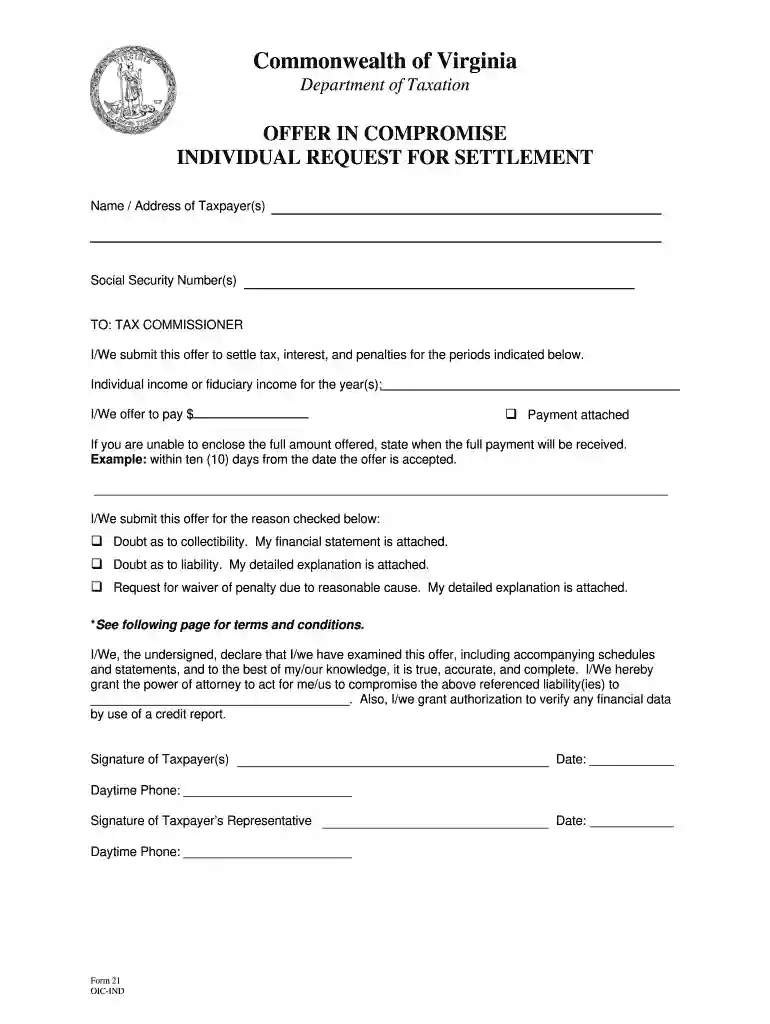
Type text, add images, blackout confidential details, add comments, highlights and more.

Draw your signature, type it, upload its image, or use your mobile device as a signature pad.

Send notice of tax lien and demand for payment virginia via email, link, or fax. You can also download it, export it or print it out.

Start using our platform today to streamline your Virginia Taxation Compromise process for free!
At DocHub, your data security is our priority. We follow HIPAA, SOC2, GDPR, and other standards, so you can work on your documents with confidence.
An offer in compromise (OIC) is a proposal to settle your tax bill for less than the full amount due.Read more
An offer in compromise is considered accepted only when the taxpayer is notified in writing by the Tax Commissioner. 2. The Tax Commissioner has the authorityRead more
Sep 29, 2024 enforcement of the tax angered citizens, especially small, rural distilleries (manufacturers) who felt unfairly targeted by the tax collectors.Read more


