




Here's how it works

01. Edit your near miss report form online
Type text, add images, blackout confidential details, add comments, highlights and more.

02. Sign it in a few clicks
Draw your signature, type it, upload its image, or use your mobile device as a signature pad.

03. Share your form with others
Send near miss reporting form via email, link, or fax. You can also download it, export it or print it out.
How to use or fill out near miss report form with our platform

- Click ‘Get Form’ to open the near miss report form in the editor.
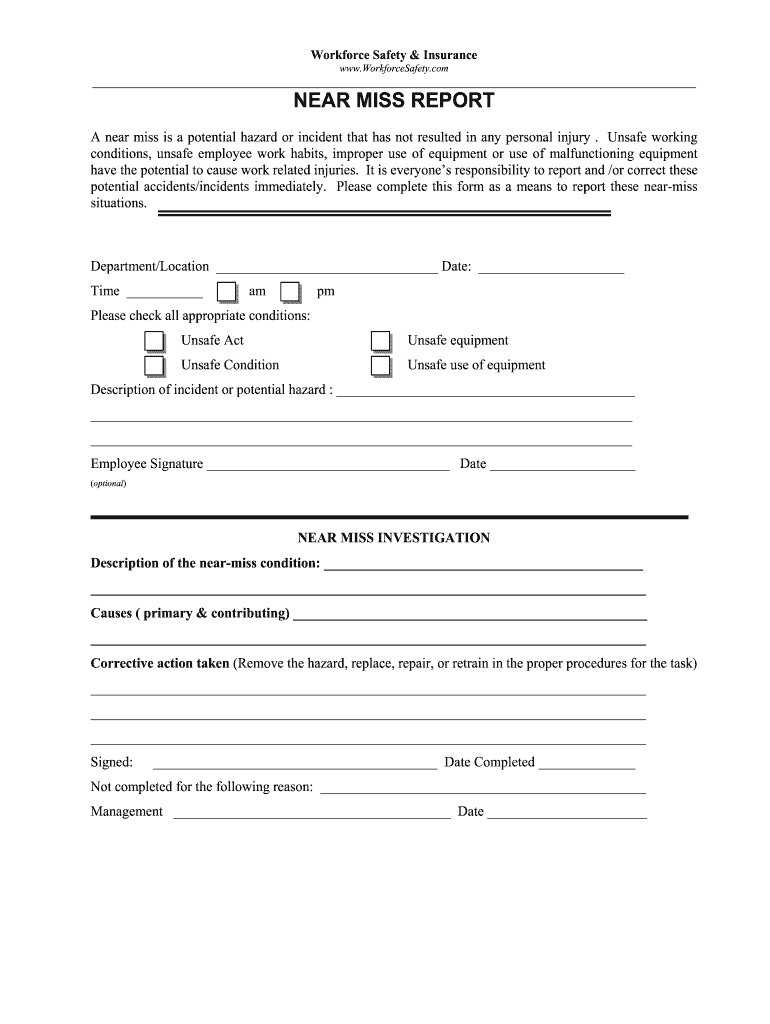
- Begin by filling in the 'Department/Location' and 'Date' fields. Ensure accuracy as this information is crucial for tracking incidents.
- Indicate the time of the incident by selecting either 'am' or 'pm'. This helps in documenting the timeline of events.
- Check all applicable conditions that contributed to the near miss, such as 'Unsafe Act', 'Unsafe Equipment', or 'Unsafe Condition'. This categorization aids in understanding the nature of hazards.
- Provide a detailed description of the incident or potential hazard in the designated area. Be specific to ensure clarity for future investigations.
- If desired, sign and date at the bottom of the form to acknowledge your report. This step is optional but can enhance accountability.
- For the near miss investigation section, describe the condition and list primary and contributing causes. Document any corrective actions taken to mitigate risks.
- Finally, ensure management signs off on the report, noting any reasons if not completed. This finalizes your submission.
Start using our platform today to efficiently complete your near miss report form online for free!
Fill out near miss report form online
It's free
Security and compliance
At DocHub, your data security is our priority. We follow HIPAA, SOC2, GDPR, and other standards, so you can work on your documents with confidence.
Learn more


Related forms

AAAI-20 IAAI-20 EAAI-20 Program
The document is an application form for admission to the School of Nursing at the University of Northwestern - St. Paul. ...
Visiting Graduate ResearcherSemel Institute for
The document is an appointment form for visiting students at the Semel Institute Office of Education, detailing the nece ...
Simon Benson House Facility Use Agreement
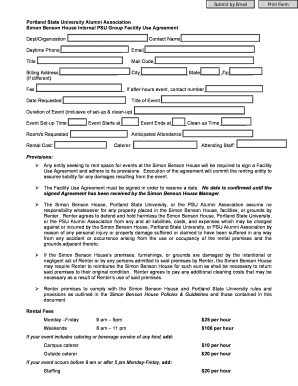
The document is a Facility Use Agreement for renting the Simon Benson House at Portland State University. It outlines th ...

Department of Exercise and Sports Science Fitchburg State
The document outlines the informed consent process for participants in body composition and exercise testing at Bowling ...
Student Scholarship Application for the USITT National Conference
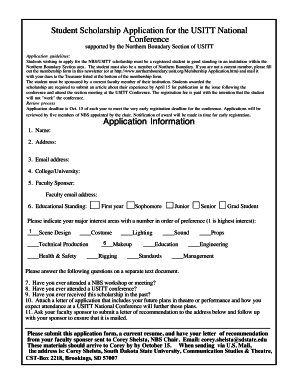
The document outlines the application process for the NBS/USITT scholarship for students attending the USITT National Co ...

Spring 2021 fall 2021 - UCO
The document is an application packet for the University of Central Oklahoma's Nursing Program for Spring and Fall 2021. ...
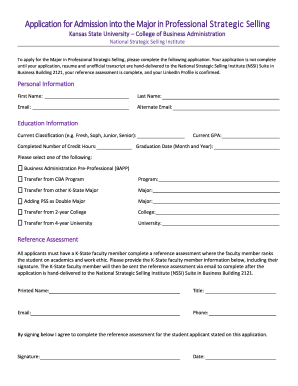
Certificate in Professional Strategic Selling
The document outlines the application process for the Major in Professional Strategic Selling at Kansas State University ...
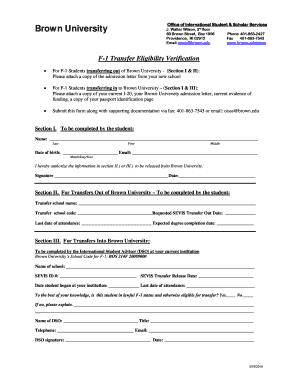
F-1 Transfer Form - Brown University
The document outlines the procedures for F-1 students transferring to and from Brown University, detailing the necessary ...