




01. Edit your texas payee id form online
Type text, add images, blackout confidential details, add comments, highlights and more.

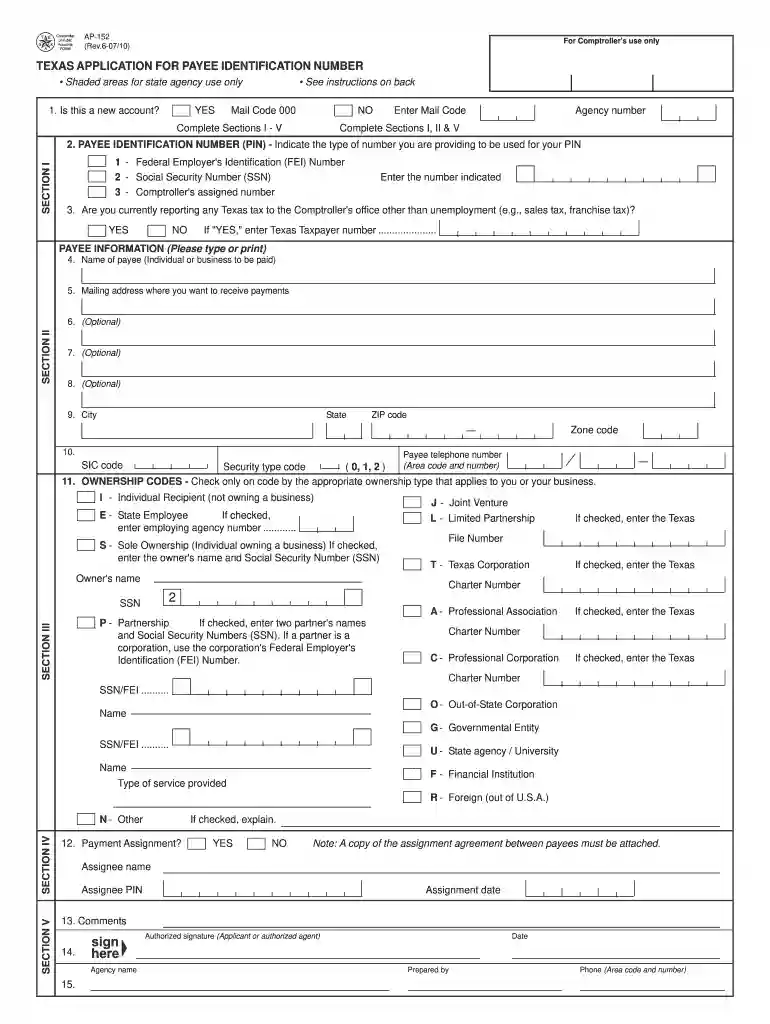
Type text, add images, blackout confidential details, add comments, highlights and more.

Draw your signature, type it, upload its image, or use your mobile device as a signature pad.

Send texaspayeeresources org via email, link, or fax. You can also download it, export it or print it out.

Start using our platform today for free to streamline your document editing and form completion!
We've got more versions of the texas payee id form form. Select the right texas payee id form version from the list and start editing it straight away!
With DocHub, it’s pretty simple. The editor offers users an add-on called DocHub for Gmail, which you can find in the Google Workspace Marketplace free of charge. Set it up and give it access to your Google account. Open your email with your application for texas identification number attached and click on the add-on button in the right-side panel. Sign in to your DocHub account, and import the form to our editor, where you can fill it out and sign.
As a comprehensive document editing service, DocHub is accessible on smart phones. Open DocHub in your choice of mobile internet browser and use our smart mobile-friendly toolset to complete your find webfile number.
At DocHub, your data security is our priority. We follow HIPAA, SOC2, GDPR, and other standards, so you can work on your documents with confidence.
Apr 1, 2021 This prospectus relates to the registration of the resale of up to 114,850,769 shares of our Class A common stock by the stockholdersRead more
The use of this number on all billings will reduce the time required to process billings to the State of Texas. NOTE: To expedite processing of this applicationRead more
In almost all cases, payees are required to provide one of these nine-digit identification numbers to obtain a TIN.Read more


