




01. Edit your 1120me instructions online
Type text, add images, blackout confidential details, add comments, highlights and more.

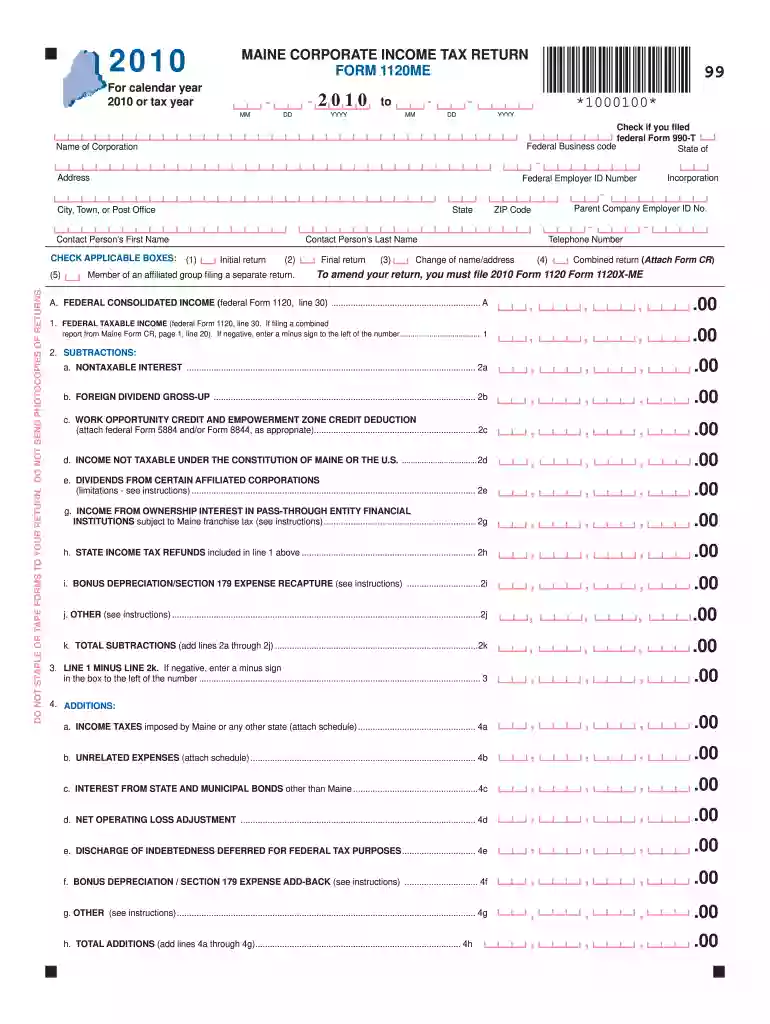
Type text, add images, blackout confidential details, add comments, highlights and more.

Draw your signature, type it, upload its image, or use your mobile device as a signature pad.

Send 1120me instructions 2021 via email, link, or fax. You can also download it, export it or print it out.

Start filling out your Maine Form 1120ME online today for free with our powerful editing tools!
We've got more versions of the 1120me instructions form. Select the right 1120me instructions version from the list and start editing it straight away!
| Versions | Form popularity | Fillable & printable |
|---|---|---|
| 2023 | 4.9 Satisfied (39 Votes) | |
| 2022 | 4.1 Satisfied (30 Votes) | |
| 2021 | 4.8 Satisfied (62 Votes) | |
| 2020 | 4 Satisfied (31 Votes) | |
| 2019 | 4.4 Satisfied (220 Votes) | |
| 2018 | 4.3 Satisfied (94 Votes) | |
| 2017 | 4.2 Satisfied (103 Votes) | |
| 2016 | 4.4 Satisfied (430 Votes) | |
| 2015 | 4 Satisfied (70 Votes) | |
| 2014 | 4.4 Satisfied (71 Votes) | |
| 2013 | 4 Satisfied (32 Votes) | |
| 2012 | 4 Satisfied (22 Votes) | |
| 2010 | 4 Satisfied (33 Votes) |
At DocHub, your data security is our priority. We follow HIPAA, SOC2, GDPR, and other standards, so you can work on your documents with confidence.
Electronic payments: Any person with a combined tax liability to Maine of $10,000 or more for all tax types during the most recent lookback period ending duringRead more
by WB Read Papers presented at the 2016 Annual Meeting and Conference will be considered for publication in the Business Law Review.Read more


