




01. Edit your blood transfusion order example online
Type text, add images, blackout confidential details, add comments, highlights and more.

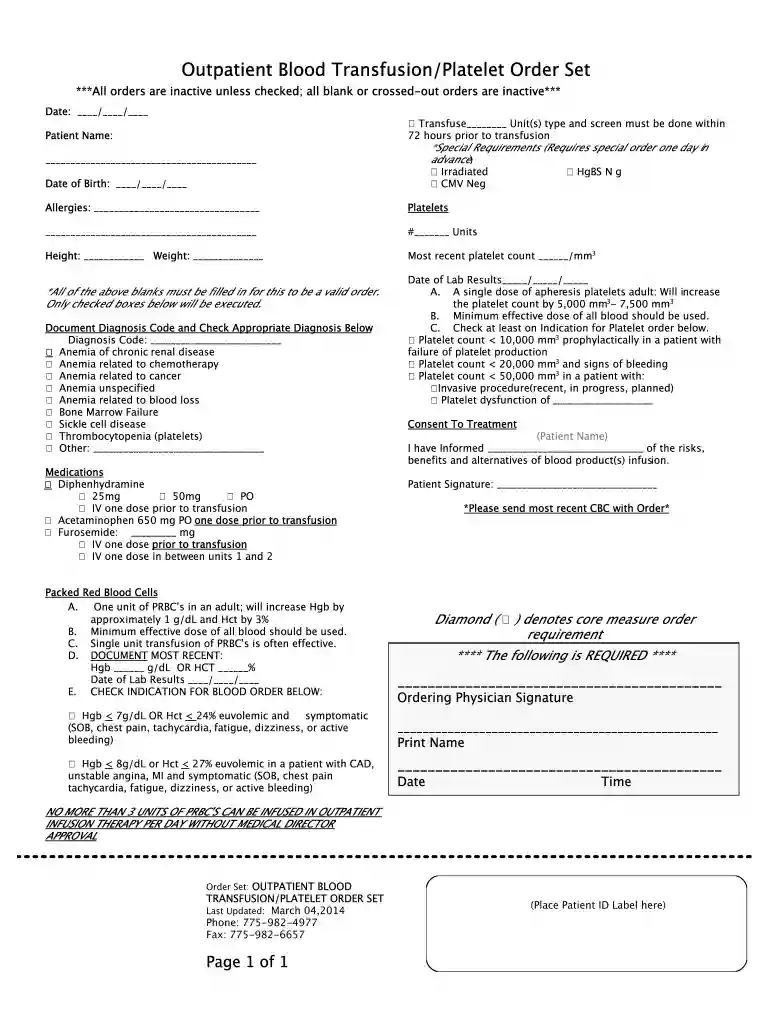
Type text, add images, blackout confidential details, add comments, highlights and more.

Draw your signature, type it, upload its image, or use your mobile device as a signature pad.

Send transfusion order sample via email, link, or fax. You can also download it, export it or print it out.

Start using our platform today to streamline your document editing and form completion for free!
We've got more versions of the blood transfusion order example form. Select the right blood transfusion order example version from the list and start editing it straight away!
At DocHub, your data security is our priority. We follow HIPAA, SOC2, GDPR, and other standards, so you can work on your documents with confidence.
by R Ma 2024 Cited by 2 The LASSO-logistic regression model in the study can better predict the risk of PTR. The study includes both PAAs and HLA antibodies.Read more
He also suggested that we go for an IV mode of delivery since it is easier in a government hospital set-up and also has accountability. Additionally, sinceRead more
Jul 12, 2021 Standard blood banking procedure is to store platelets at room temperature. Since the risk of infection is higher when blood products are stored at roomRead more


