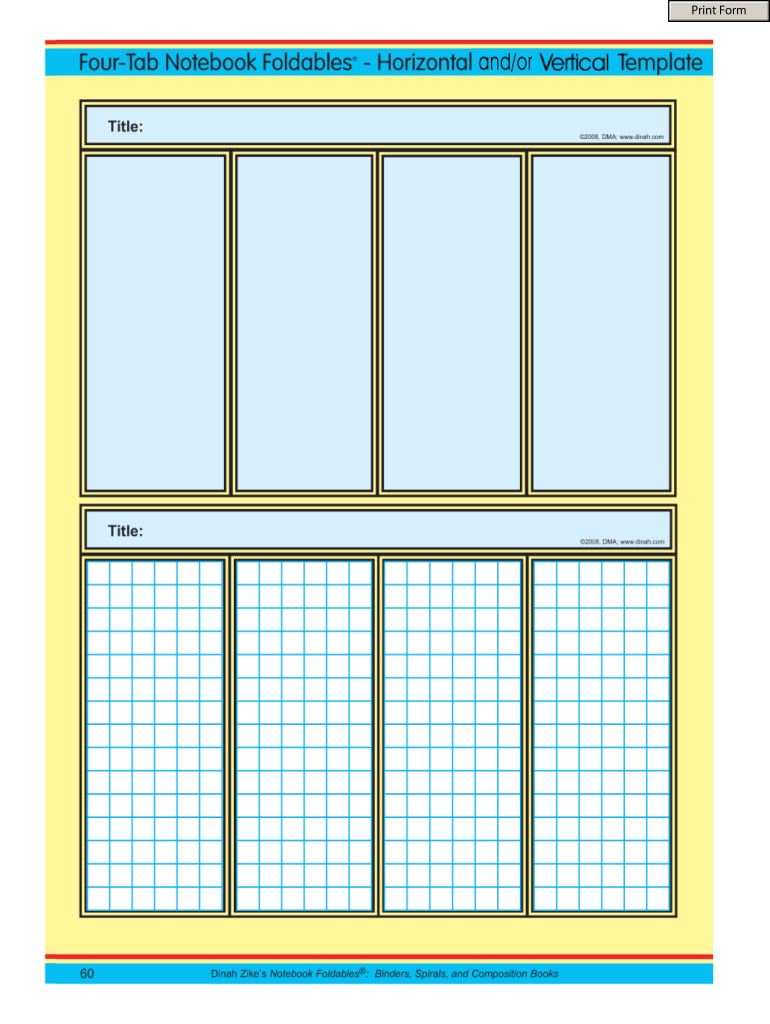
P060 Four-Tab Foldables- Horizontal and-or Vertical Notebook Foldables 2025

Get Form
P060 Four-Tab Foldables- Horizontal and-or Vertical Notebook Foldables Preview on Page 1

Here's how it works

01. Edit your form online
Type text, add images, blackout confidential details, add comments, highlights and more.
02. Sign it in a few clicks
Draw your signature, type it, upload its image, or use your mobile device as a signature pad.
03. Share your form with others
Send it via email, link, or fax. You can also download it, export it or print it out.

How to use or fill out P060 Four-Tab Foldables- Horizontal and-or Vertical Notebook Foldables with DocHub

Form edit decoration
9.5
Ease of Setup
DocHub User Ratings on G2
9.0
Ease of Use
DocHub User Ratings on G2
  1. Click ‘Get Form’ to open the P060 Four-Tab Foldables in our editor.
  2. Begin by selecting the appropriate orientation for your foldable—horizontal or vertical. This choice will dictate how you organize your content.
  3. Utilize the text boxes provided in each tab to input your information. Click on a box to start typing, and use CTL+E to format your text as needed.
  4. If you need to add images or graphics, simply drag and drop them into the designated areas within the foldable.
  5. Review each tab carefully to ensure all information is accurate and well-organized before finalizing your document.

Start using our platform today for free and enhance your document editing experience!

be ready to get more

Complete this form in 5 minutes or less

Get form

Got questions?

We have answers to the most popular questions from our customers. If you can't find an answer to your question, please contact us.
Contact us

Microsoft Word doesn’t have signing tools to generate valid electronic signatures and enforceable forms. Luckily, DocHub is an online eSignature-compliant editor that works with various document formats, including .doc files. Sign in to your account and add the Word edition of your P060 Four-Tab Foldables- Horizontal and-or Vertical Notebook Foldables from your device and cloud, or URL - our editor will automatically transform it into an editable PDF. Make all required alterations in your document and click Sign to generate your own legally-binding electronic signature. There are four signing options from which to choose.

Having a swift editing platform like DocHub, you do not need anything but a web browser and internet connection to modify your P060 Four-Tab Foldables- Horizontal and-or Vertical Notebook Foldables online swiftly. Add your file or get the appropriate form in DocHub’s catalog, open our editor with a single click, and complete it digitally. To edit your forms anytime, sign up a free account with DocHub.

If you prefer portability and a straightforward approach, a notebook might be the better choice. If you need flexibility and organization, a binder could be more suitable. Consider your studying habits, the amount of material you need to manage, and how you like to organize your notes when making your decision.
In these types of notebooks, students are not simply taking passive notes. Instead, students are encouraged to actively show what they know by actively applying their knowledge. Interactive Notebooks help students process information in deep ways. This causes students to personalize the content being presented.
An interactive notebook is just a composition or spiral notebook that students develop over the course of a class where students can organize their notes and their learning to be used as a study tool. Heres an example of the first unit in my Algebra 1 interactive notebook.
be ready to get more

Complete this form in 5 minutes or less

Get form

People also ask

Due to their smaller size, notebooks usually have less powerful processors and graphics cards. This can result in slower performance when running resource-intensive tasks such as video editing or gaming. Furthermore, the compact design of notebooks limits their ability to dissipate heat efficiently.
Foldables help students focus on and remember the information presented without being distracted by other print. Remind students to write more specific informationsupporting ideas, examples of a concept, definitions, answers to questions, observationsunder the tabs.
ISNs are based on scientific research around the left and right hemispheres of the brain. As a result, the left and right pages of the notebook hold different ways of expressing content. Wist (2006) presents an analysis of research on Interactive Student Notebooks as well as their relationship to the brain.
My interactive notebooks are simple spiral-bound notebooks into which students glue or tape my handouts. Its not an especially fancy system, and there are no pop-up cutouts or pages to color in. Its just a simple, functional way for students to create, write, and explore ideas all in the same place.

Related links