




01. Edit your 1023 3 online
Type text, add images, blackout confidential details, add comments, highlights and more.

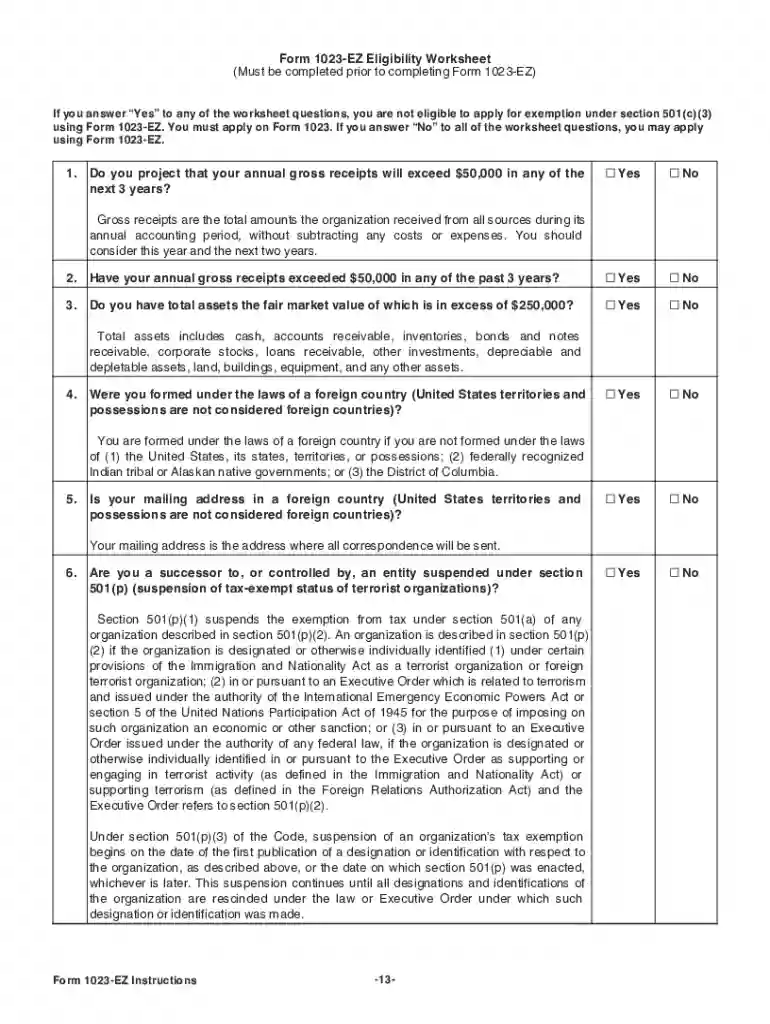
Type text, add images, blackout confidential details, add comments, highlights and more.

Draw your signature, type it, upload its image, or use your mobile device as a signature pad.

Send 1023 code via email, link, or fax. You can also download it, export it or print it out.

Start using our platform today to streamline your form completion process for free!
We've got more versions of the 1023 3 form. Select the right 1023 3 version from the list and start editing it straight away!
At DocHub, your data security is our priority. We follow HIPAA, SOC2, GDPR, and other standards, so you can work on your documents with confidence.
Apr 3, 2013 The instructions from the IRS are almost 40 pages and the form itself is 26 pages, so it is no wonder the task may feel overwhelming!Read more
Apr 15, 2015 Whats New. Premium tax credit. You may be eligible to claim the premium tax credit if you, your spouse, or a dependent.Read more
Organizations requesting recognition of tax-exempt status under section 501(c)(3) must complete and submit their Form. 1023 (or Form 1023-EZ, if eligible).Read more


