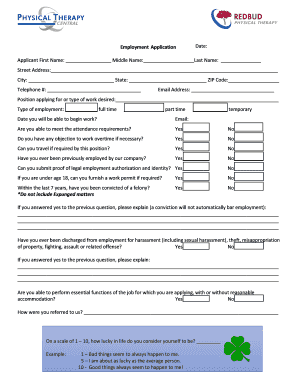
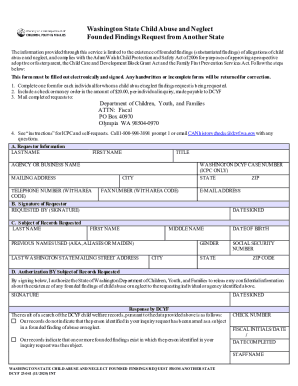
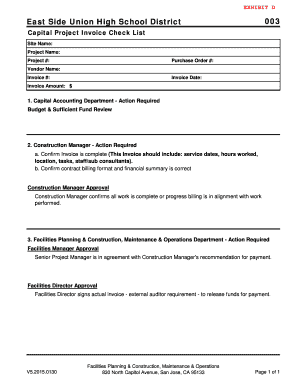
Type text, add images, blackout confidential details, add comments, highlights and more.
02. Sign it in a few clicks
Draw your signature, type it, upload its image, or use your mobile device as a signature pad.
03. Share your form with others
Send it via email, link, or fax. You can also download it, export it or print it out.
How to use or fill out rental application with our platform
Ease of Setup
DocHub User Ratings on G2
Ease of Use
DocHub User Ratings on G2
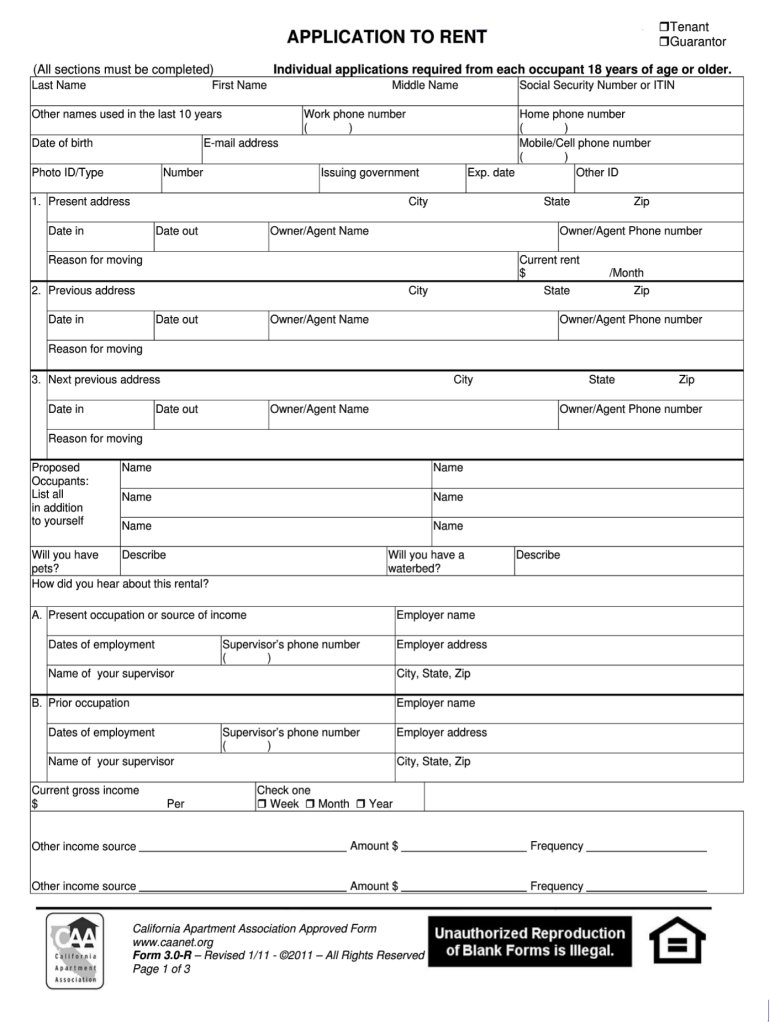
Click ‘Get Form’ to open the rental application in the editor.
Begin by filling in your personal information, including your last name, first name, and any other names used in the past decade. Ensure you provide your date of birth and contact numbers.
Complete the address section by entering your current and previous addresses along with the dates you lived there. Be sure to include details about your landlord or agent.
In the employment section, list your current occupation and income details. Include employer information and supervisor contacts for verification purposes.
Fill out additional sections regarding financial obligations, references, and any pets you may have. This helps landlords assess your suitability as a tenant.
Review all entered information for accuracy before signing the application electronically within our platform.
Start filling out your rental application today for free using our editor!
I further understand that not all subdivisions within the Town of Randolph allow Short Term Rentals and that my unit may be located within one such subdivision.Read more
A landlord may not: (1) charge an applicant a screening fee when the landlord knows or should have known that no rental unit is available at that time.Read more
Cookie consent notice
This site uses cookies to enhance site navigation and personalize your experience.
By using this site you agree to our use of cookies as described in our Privacy Notice.
You can modify your selections by visiting our Cookie and Advertising Notice.