




01. Edit your tangible personal property tax online
Type text, add images, blackout confidential details, add comments, highlights and more.

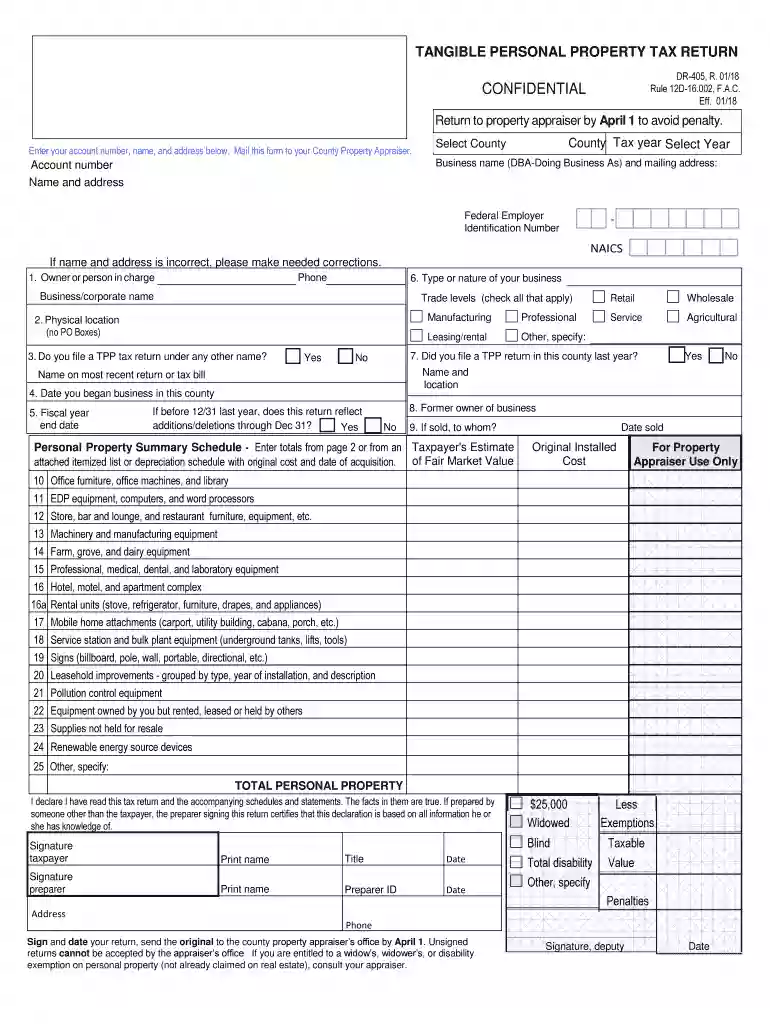
Type text, add images, blackout confidential details, add comments, highlights and more.

Draw your signature, type it, upload its image, or use your mobile device as a signature pad.

Send florida personal property tax via email, link, or fax. You can also download it, export it or print it out.

Start using our platform today for free to streamline your tangible personal property tax filing process!
We've got more versions of the tangible personal property tax form. Select the right tangible personal property tax version from the list and start editing it straight away!
At DocHub, your data security is our priority. We follow HIPAA, SOC2, GDPR, and other standards, so you can work on your documents with confidence.
Tangible personal property is mainly a tax term which is used to describe personal property that can be felt or touched, and can be physically relocated.Read more
Tangible Personal Property is filed by (a) All partnerships, corporations, other business associations not issuing stock and individuals operating for profit.Read more
Jun 15, 2011 The Sales and Use Tax Law imposes a tax on retailers measured by the gross receipts from the sale of tangible personal property sold at retailRead more


