




01. Edit your bill of sale bc online
Type text, add images, blackout confidential details, add comments, highlights and more.

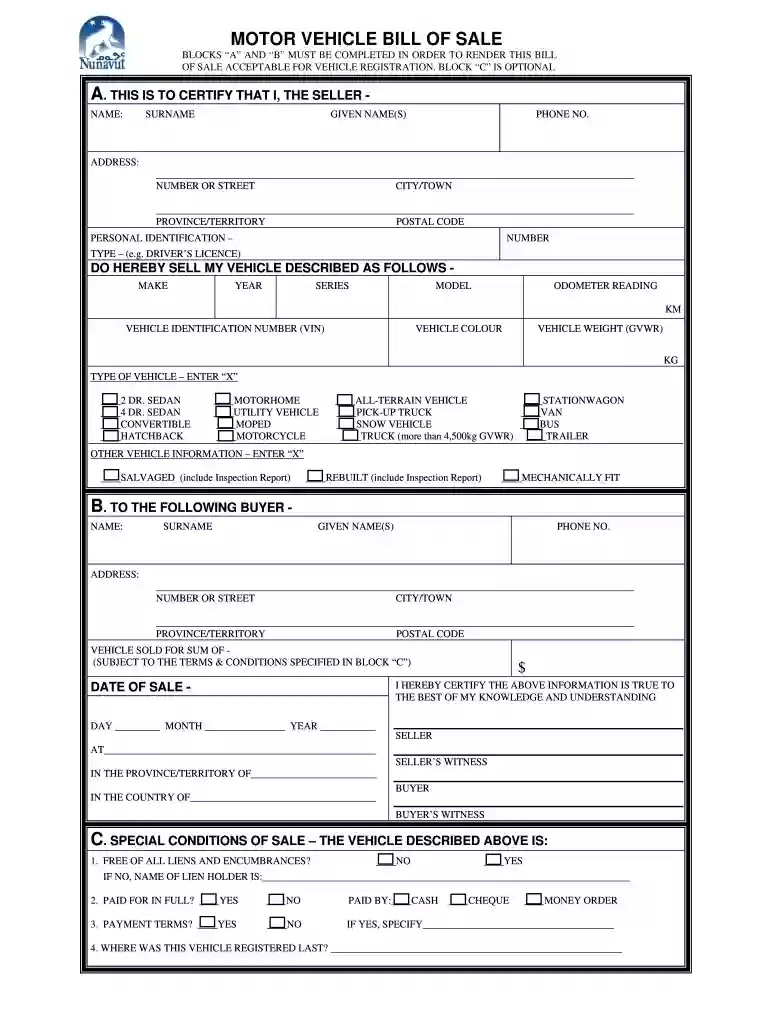
Type text, add images, blackout confidential details, add comments, highlights and more.

Draw your signature, type it, upload its image, or use your mobile device as a signature pad.

Send bill of sale via email, link, or fax. You can also download it, export it or print it out.

Start using our platform today to streamline your bill of sale process for free!
At DocHub, your data security is our priority. We follow HIPAA, SOC2, GDPR, and other standards, so you can work on your documents with confidence.
Mar 2, 2021 The purchaser can process the remaining balance utilizing any of the following methods: Canadian or US Wire Transfers, US Cashiers Cheque,.Read more
by JJ Desmond 1960 Chattel MortgagesBill of Sale to Secure DebtEffect of Granting Borrower Permission to Sell the Secured Chattel.Peopies Loan Finance Corporation of RomeRead more


