Type text, add images, blackout confidential details, add comments, highlights and more.
02. Sign it in a few clicks
Draw your signature, type it, upload its image, or use your mobile device as a signature pad.
03. Share your form with others
Send a des scoring via email, link, or fax. You can also download it, export it or print it out.
How to use or fill out a des scoring sheet with our platform
Ease of Setup
DocHub User Ratings on G2
Ease of Use
DocHub User Ratings on G2
Click ‘Get Form’ to open the des scoring sheet in the editor.
Begin by entering your personal information at the top of the form, including the date, age, and sex. This information is essential for accurate scoring.
For each question, read carefully and circle the number that best represents how often you experience that feeling or situation. Use a scale from 0 (never) to 10 (always).
Ensure you answer based on your experiences without any influence from alcohol or drugs, as specified in the directions.
Once all questions are answered, review your responses for accuracy before saving or exporting your completed scoring sheet.
Start using our platform today to easily fill out your des scoring sheet online for free!
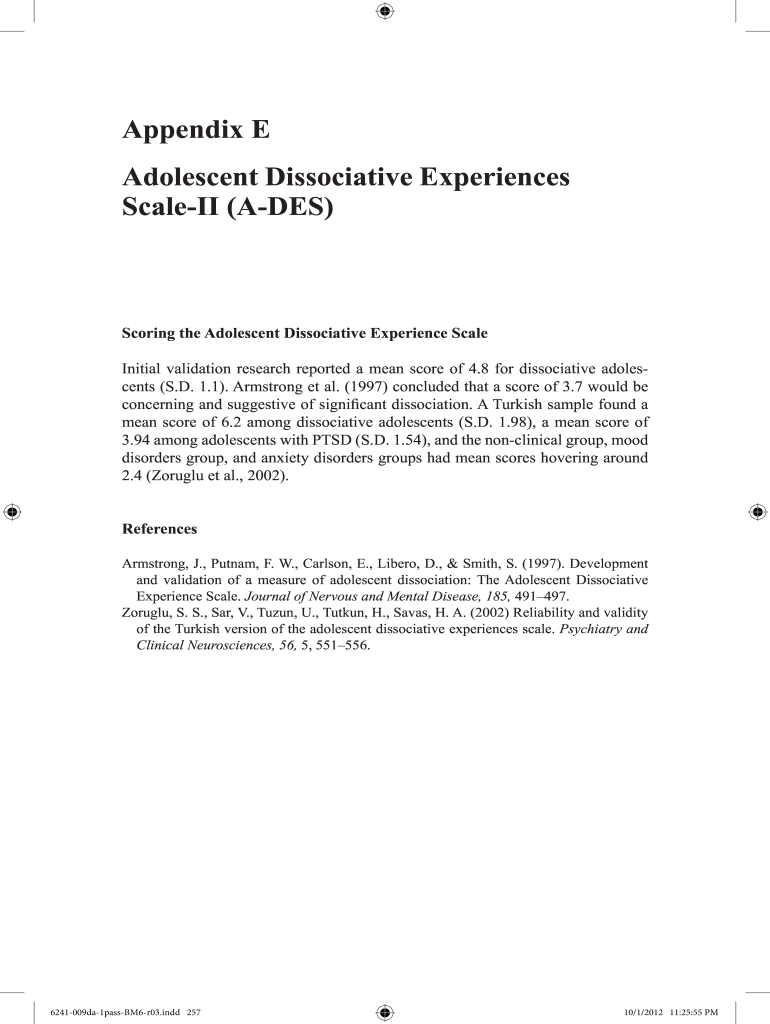
adolescent dissociative experiences scale ii a des scoring
A DES score interpretationAdolescent DES Scale pdfA DES-II scoringAdolescent Dissociative Experiences Scale a DESA DES PDFAdolescent Dissociative Experiences Scale-II a DESDES-II score interpretationDissociative Experiences Scale Adolescent scoring
Security and compliance
At DocHub, your data security is our priority. We follow HIPAA, SOC2, GDPR, and other standards, so you can work on your documents with confidence.
A Decision Framework for Applying Monitored Natural
Established in 1995, the Interstate Technology Regulatory Council (ITRC) is a state-led, national coalition of personnel from the environmental regulatoryRead more
by M STEINBERG Cited by 23 Diagnostic assessment of C.P. regarding her dissociative symptoms revealed a score of 73.21 on the Dissociative Experiences Scale (DES). A second self-reportRead more
Cookie consent notice
This site uses cookies to enhance site navigation and personalize your experience.
By using this site you agree to our use of cookies as described in our Privacy Notice.
You can modify your selections by visiting our Cookie and Advertising Notice.