Type text, add images, blackout confidential details, add comments, highlights and more.
02. Sign it in a few clicks
Draw your signature, type it, upload its image, or use your mobile device as a signature pad.
03. Share your form with others
Send pr006 via email, link, or fax. You can also download it, export it or print it out.
How to use or fill out form ri pr006 california with our platform
Ease of Setup
DocHub User Ratings on G2
Ease of Use
DocHub User Ratings on G2
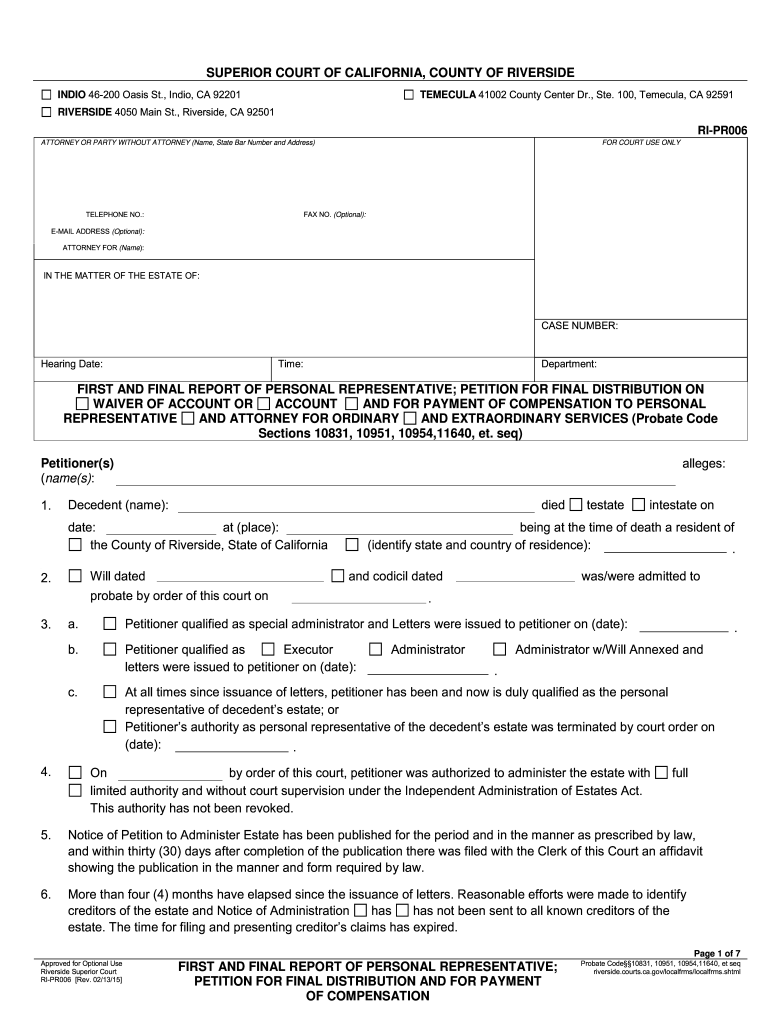
Click ‘Get Form’ to open the RI-PR006 in the editor.
Begin by filling in your name, state bar number, and address in the 'Attorney or Party Without Attorney' section. Ensure all contact information is accurate for court correspondence.
In the 'In the Matter of the Estate of' section, enter the decedent's name and case number. This identifies the estate you are reporting on.
Complete sections regarding the decedent's death, including date and place of death, as well as details about any wills or codicils.
Fill out financial details such as claims filed against the estate and any reimbursements requested for costs incurred during administration.
Review all entries for accuracy before submitting. Use our platform’s tools to ensure clarity and correctness throughout your document.
Start using our platform today to streamline your form completion process for free!
Fill out form ri pr006 california online It's free
Jan 14, 2026 (1). All beneficiaries and/or his heirs waive an accounting by petitioner and required waivers of accounting are on file in this proceeding (UseRead more
Deposit the article of mail in the nearest receptacle marked ON CAMPUS MAIL. Return Receipt Requested Forms are not provided with insured mail except byRead more
Cookie consent notice
This site uses cookies to enhance site navigation and personalize your experience.
By using this site you agree to our use of cookies as described in our Privacy Notice.
You can modify your selections by visiting our Cookie and Advertising Notice.