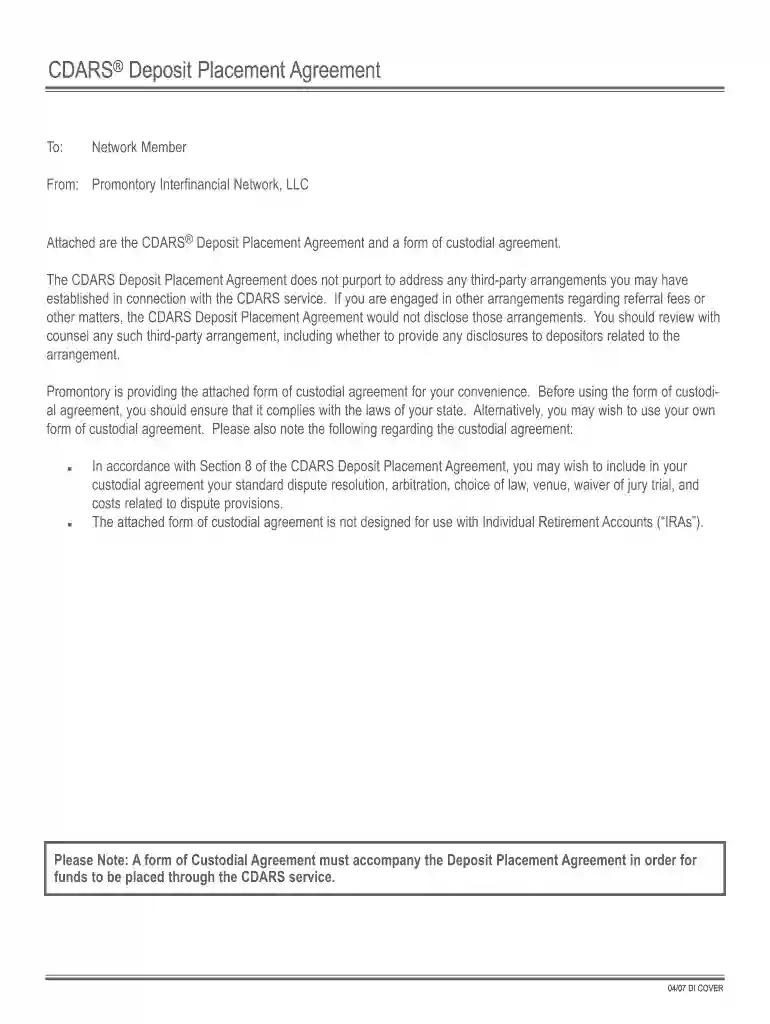
cdars deposit placement agreement Preview on Page 1

Deposit placement printable 2026

Here's how it works

  • 01. Edit your cdars deposit placement agreement online

    Type text, add images, blackout confidential details, add comments, highlights and more.

  • 02. Sign it in a few clicks

    Draw your signature, type it, upload its image, or use your mobile device as a signature pad.

  • 03. Share your form with others

    Send it via email, link, or fax. You can also download it, export it or print it out.

How to use or fill out deposit placement printable with our platform

Form edit decoration
9.5
Ease of Setup
DocHub User Ratings on G2
9.0
Ease of Use
DocHub User Ratings on G2
  1. Click ‘Get Form’ to open the deposit placement printable in the editor.
  2. Begin by entering your name and contact information in the designated fields. Ensure accuracy as this information is crucial for processing your deposits.
  3. Review the list of Insured Institutions provided in the form. If there are any institutions where you do not wish to make a deposit, list them in the section labeled 'Initial List of Insured Institutions.'
  4. Select your preferred transaction type by checking either the CDARS Reciprocal Transaction or CDARS One-Way Transaction box, depending on your needs.
  5. Complete any additional sections regarding your funds, including amounts and terms. Make sure to read through all terms carefully before submission.
  6. Once all fields are filled out, review your entries for accuracy and completeness before saving or printing the document.

Start using our platform today to streamline your deposit placements effortlessly!

See more cdars deposit placement agreement versions

We've got more versions of the cdars deposit placement agreement form. Select the right cdars deposit placement agreement version from the list and start editing it straight away!

VersionsForm popularityFillable & printable
20074.9 Satisfied (212 Votes)

be ready to get more

Complete this form in 5 minutes or less

Security and compliance

At DocHub, your data security is our priority. We follow HIPAA, SOC2, GDPR, and other standards, so you can work on your documents with confidence.

Related links

Student Accounts - Financial Services

The Student Accounts office provides accurate and timely billing and account services such as monthly account billing, support for past due accounts.Read more

Learn more
Your Insured Deposits | FDIC.gov

May 14, 2024 Your Insured Deposits is a comprehensive description of FDIC deposit insurance coverage for the most common account ownership categories.Read more

Learn more
Operators/Dev Notes

The Deposit: Reworked mission end zone for multiplayer lobbies. Players can exfiltrate as soon at the objective has been secured. If the alarm is raisedRead more

Learn more
If you believe that this page should be taken down, please follow our DMCA take down process here