




01. Edit your montana certificate deposit online
Type text, add images, blackout confidential details, add comments, highlights and more.

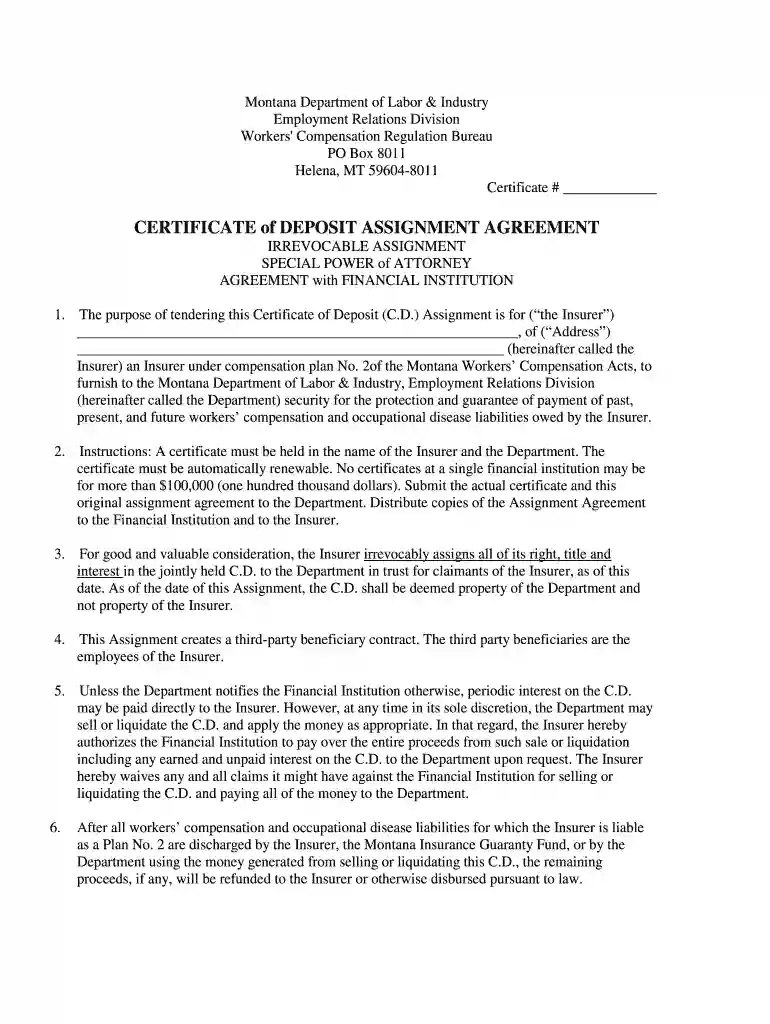
Type text, add images, blackout confidential details, add comments, highlights and more.

Draw your signature, type it, upload its image, or use your mobile device as a signature pad.

Send it via email, link, or fax. You can also download it, export it or print it out.

Start using our platform today to fill out your Montana Certificate of Deposit quickly and efficiently!
At DocHub, your data security is our priority. We follow HIPAA, SOC2, GDPR, and other standards, so you can work on your documents with confidence.
York, New Jersey and Montana. Regions least likely to be using the process include. Regions 4 and 10. Based on the research presented in this report, TIRead more
(a) was issued by a single institution in a denomination not in excess of $250,000, or the maximum insurable amount as determined by the Federal DepositRead more
The Quarterly Certificate of Escrow Deposit must be submitted in addition to the Montana Tobacco Product Manufacturer Certificate. Due Date: The QuarterlyRead more


