




Here's how it works

01. Edit your cdib card cherokee online
Type text, add images, blackout confidential details, add comments, highlights and more.

02. Sign it in a few clicks
Draw your signature, type it, upload its image, or use your mobile device as a signature pad.

03. Share your form with others
Send indian registration card via email, link, or fax. You can also download it, export it or print it out.
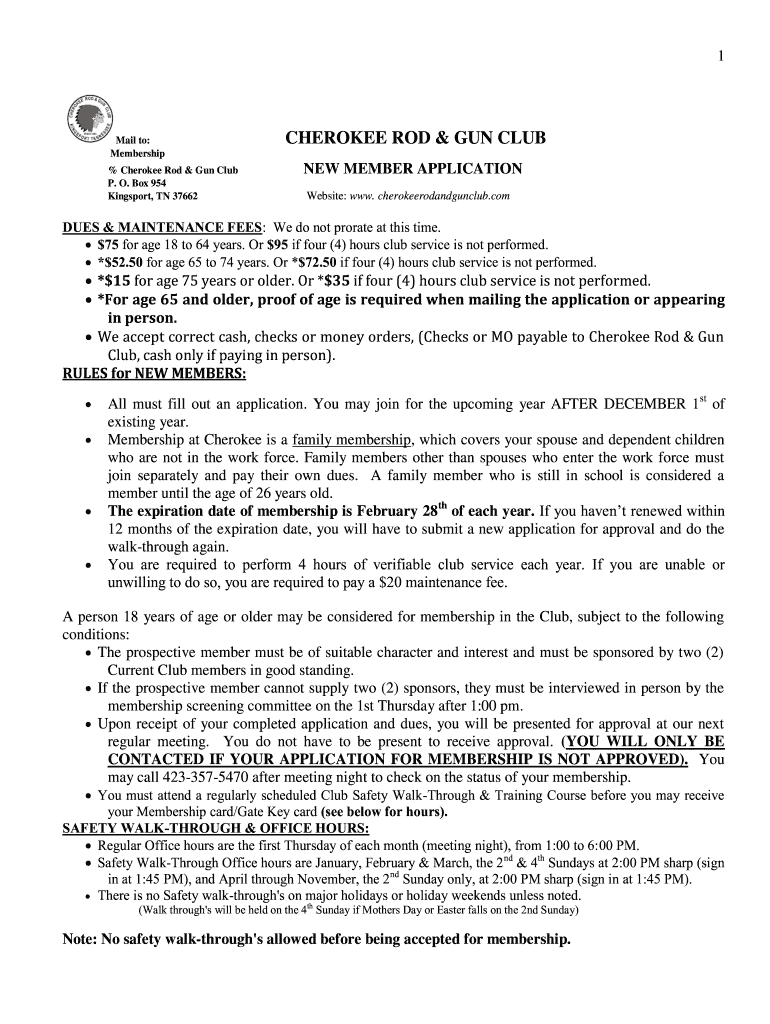
How to use or fill out the Cherokee New Member Form

- Click ‘Get Form’ to open it in the editor.
- Begin by entering today’s date at the top of the form. This helps track your application submission.
- Fill in your name, including first, middle initial, and last name. Ensure accuracy for identification purposes.
- Provide your date of birth and assigned membership number if applicable. If you are 65 or older, check the box indicating proof of age is enclosed.
- Complete your address details, including city, state, and zip code. Include both home and cell phone numbers for contact.
- If applicable, list your spouse's name and any dependent children along with their ages. If there are none, mark the corresponding boxes.
- Indicate whether you can commit to four hours of club service annually or if you will pay a maintenance fee. Initial next to your choice.
- Lastly, provide names of two sponsoring members or indicate that you need an interview if you do not have sponsors.
Start filling out your Cherokee New Member Form online for free today!
Fill out cherokee new member form online
It's free
It's free
Security and compliance
At DocHub, your data security is our priority. We follow HIPAA, SOC2, GDPR, and other standards, so you can work on your documents with confidence.
Learn more




