




Here's how it works

01. Edit your oregondmv con renew online
Type text, add images, blackout confidential details, add comments, highlights and more.

02. Sign it in a few clicks
Draw your signature, type it, upload its image, or use your mobile device as a signature pad.

03. Share your form with others
Send oregondmv com renew via email, link, or fax. You can also download it, export it or print it out.
How to use or fill out Oregon drivers license renewal with our platform

- Click ‘Get Form’ to open the Oregon drivers license renewal application in the editor.
- Begin by entering your first name, last name, and middle name in the designated fields. Ensure that all names are printed clearly.
- Fill in your driver or ID number along with your date of birth in the specified format (M-D-Y).
- Indicate whether you are renewing your license by checking the appropriate box. If applicable, provide details about any restrictions or endorsements.
- Complete personal information such as your social security number, place of birth, height, weight, sex, hair color, and eye color.
- If you have military service or wish to register as an anatomical donor, check the corresponding boxes.
- Answer questions regarding previous licenses issued in other states and any current suspensions. Provide additional details if necessary.
- Review all entries for accuracy before signing at the bottom of the form to certify that all information is correct.
Start using our platform today to complete your Oregon drivers license renewal easily and for free!
Fill out oregon drivers license renewal online
It's free
It's free
See more oregon drivers license renewal versions
We've got more versions of the oregon drivers license renewal form. Select the right oregon drivers license renewal version from the list and start editing it straight away!
Security and compliance
At DocHub, your data security is our priority. We follow HIPAA, SOC2, GDPR, and other standards, so you can work on your documents with confidence.
Learn more


Related forms

Co notice parent
The document is a legal notice from a Colorado court regarding a petition to change the name of a minor child. It inform ...
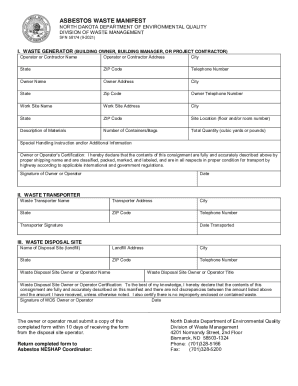
North Dakota Department of Environmental Quality Asbestos Waste Manifest North Dakota Department of
North Dakota Department of Environmental Quality Asbestos Waste Manifest North Dakota Department of
The document is an Asbestos Waste Manifest form issued by the North Dakota Department of Environmental Quality, detailin ...

2s form
The document is a detailed guide for completing the NPDES Form 2S, which is used for applying for a National Pollutant D ...
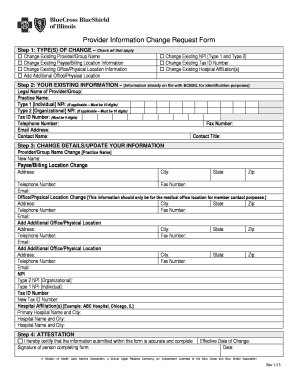
Bluecross information change request form
The document provides instructions for participating providers of BCBSIL to complete the Provider Information Change Req ...

CFS 458-B Family Composition-Initial Family Finding-Household Income
The document is a worksheet from the Illinois Department of Children and Family Services designed to collect information ...

Dgba updates download
The document outlines the procedures for handling employee complaints and grievances within an organization, emphasizing ...
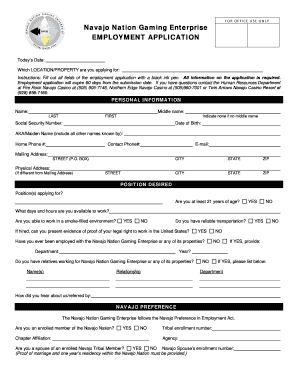
Navajo nation gaming application
The document is an employment application for the Navajo Nation Gaming Enterprise, requiring applicants to provide perso ...

Michigan police state
The document is an Adult Intake Assessment Form created by Dr. Jason G. Stentoumis, a licensed psychologist. It is desig ...