




Here's how it works

01. Edit your fincen 105 online
Type text, add images, blackout confidential details, add comments, highlights and more.

02. Sign it in a few clicks
Draw your signature, type it, upload its image, or use your mobile device as a signature pad.

03. Share your form with others
Send fincen form 105 via email, link, or fax. You can also download it, export it or print it out.
How to use or fill out FinCEN 105 with our platform

- Click ‘Get Form’ to open the FinCEN 105 in the editor.
- Begin with Part I by entering your name, date of birth, and identification number. Ensure accuracy as this information is crucial for identification.
- Fill in your permanent address and country of citizenship. If you are currently in the U.S., provide your local address.
- Complete sections regarding your passport and visa details if applicable. This includes your passport number and U.S. visa date.
- In Part II, provide information about the person or business on whose behalf you are transporting currency. Include their name and address.
- Part III requires you to specify the type and amount of currency or monetary instruments involved. Be detailed about any foreign currencies.
- Finally, sign and date the form in Part IV, confirming that all information provided is accurate to the best of your knowledge.
Start filling out your FinCEN 105 form online for free today!
Fill out fincen 105 online
It's free
Security and compliance
At DocHub, your data security is our priority. We follow HIPAA, SOC2, GDPR, and other standards, so you can work on your documents with confidence.
Learn more


Related forms

2:13-cv-00610-NMK Doc - Government Publishing Office
The document is an order from the United States District Court for the Southern District of Ohio, denying both the Defen ...
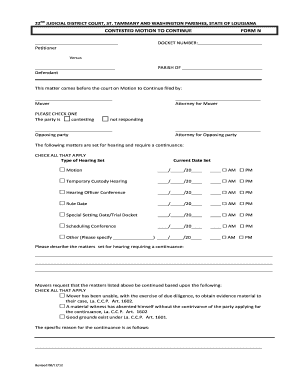
CONTESTED MOTION TO CONTINUE FORM N
The document is a legal form for a contested motion to continue a court hearing in the 22nd Judicial District Court of L ...
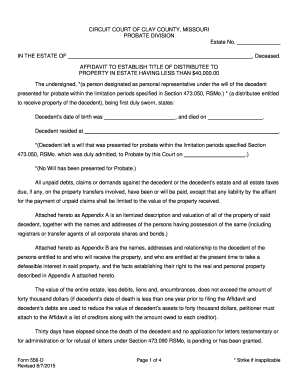
Form application
The document is an affidavit submitted to the Circuit Court of Clay County, Missouri, for establishing the title of dist ...
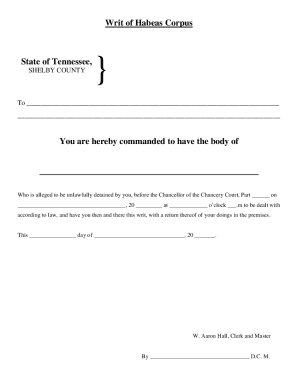
Forms justia tennesseelocal-countyJustia :: Writ Of Habeas Corpus :: Tennessee :: Circuit Court
Forms justia tennesseelocal-countyJustia :: Writ Of Habeas Corpus :: Tennessee :: Circuit Court
The document is a Writ of Habeas Corpus issued by the State of Tennessee, commanding the detention authority to produce ...

Case 1:14-cv-13155-PBS Document 44 Filed 03 28 16 Page 1 of 11
The document is a memorandum and order from the United States District Court for the District of Massachusetts regarding ...
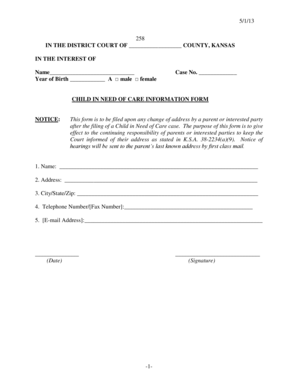
5 1 13 -1- 258 IN THE DISTRICT COURT OF COUNTY, KANSAS IN - kansasjudicialcouncil
The document is a Child in Need of Care Information Form used in the District Court of Kansas. It requires parents or in ...
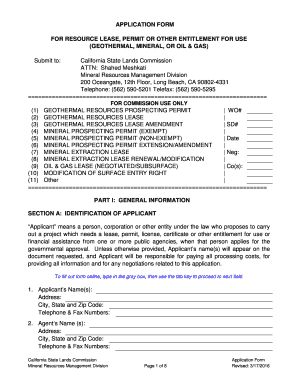
Lands commission form resource sample
The document is an application form for obtaining a lease, permit, or entitlement for the use of geothermal, mineral, or ...
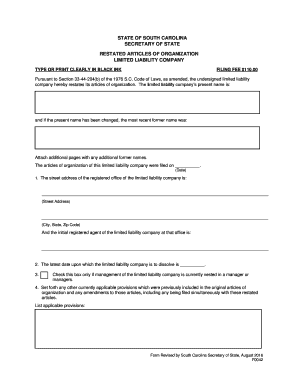
Sc organization limited company search
The document is a form for restating the articles of organization for a limited liability company in South Carolina. It ...