General public records maricopa search 2026

Get Form
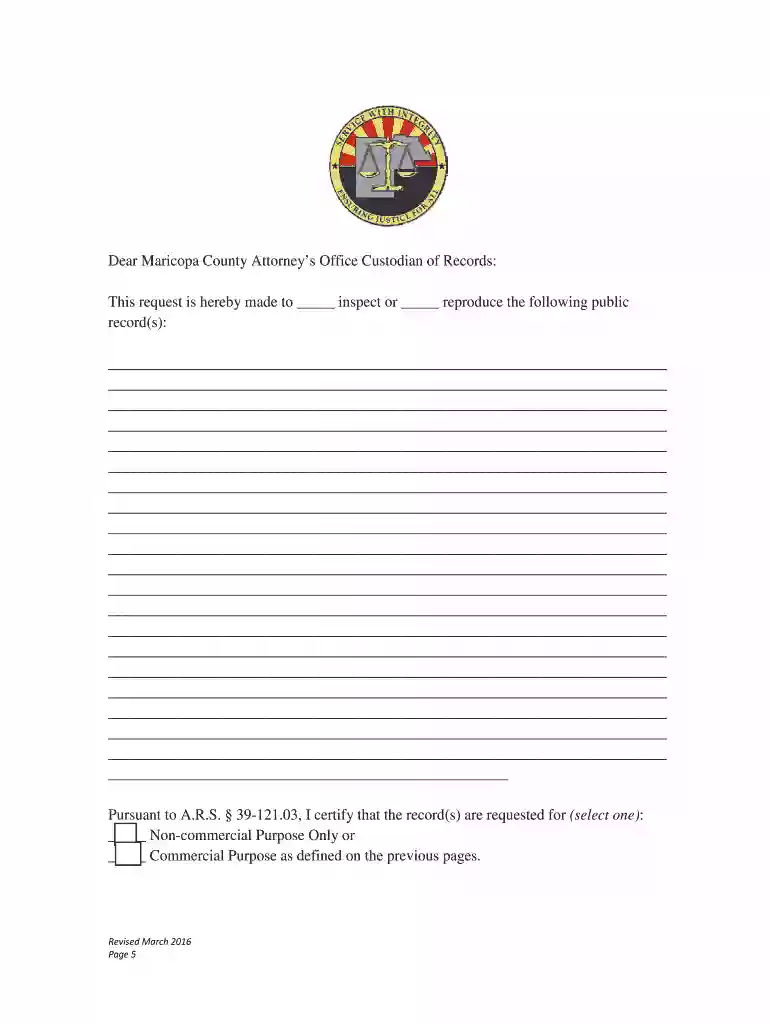
maricopa county public records Preview on Page 1

Here's how it works

01. Edit your maricopa county public records online
Type text, add images, blackout confidential details, add comments, highlights and more.

02. Sign it in a few clicks
Draw your signature, type it, upload its image, or use your mobile device as a signature pad.

03. Share your form with others
Send maricopa county public records search via email, link, or fax. You can also download it, export it or print it out.

How to use or fill out general public records maricopa search with our platform

Form edit decoration
9.5
Ease of Setup
DocHub User Ratings on G2
9.0
Ease of Use
DocHub User Ratings on G2
  1. Click ‘Get Form’ to open the General Public Records Request form in the editor.
  2. Begin by filling in your contact information, including your name, address, email, and phone number. This ensures that the Maricopa County Attorney’s Office can reach you regarding your request.
  3. In the section requesting specific records, clearly describe the documents you are seeking. Include details such as names, dates of birth, case numbers, or report numbers to expedite processing.
  4. Select whether your request is for a non-commercial or commercial purpose by checking the appropriate box. This is crucial for determining any applicable fees.
  5. If you are a crime victim requesting records without redaction, complete and attach the notarized victim’s release form provided at the end of the document.
  6. Review all entered information for accuracy before submitting. Once confirmed, click on the ‘Submit’ button if using an email client program or follow other submission methods outlined in the form.

Start your public records request today using our platform for free and experience seamless document management!

See more general public records maricopa search versions

We've got more versions of the general public records maricopa search form. Select the right general public records maricopa search version from the list and start editing it straight away!
Versions Form popularity Fillable & printable
2016 4.8 Satisfied (198 Votes)
be ready to get more

Complete this form in 5 minutes or less

Get form

Got questions?

We have answers to the most popular questions from our customers. If you can't find an answer to your question, please contact us.
Contact us
Any record in the custody of an Arizona government entity that has a substantial nexus to government activity is considered a public record and is presumed to be subject to disclosure.
Birth and Death Certificates are available from Maricopa County Vital Records. Marriage Licenses and Divorce Decrees are available from the Maricopa County Clerk of the Superior Court. Family Court and Probate records are available at various Justice Court and Maricopa County Court locations.
Public Records Requests should be made directly to the agency where the records reside. Please read Title 39 of the Arizona Revised Statutes to learn more about accessing public records. For questions or concerns regarding public records requests, contact the Arizona Ombudsman Citizens Aide.
The Clerks Office can provide public access to the records of the actions of Superior Court online or by visiting one of our offices.

Security and compliance

At DocHub, your data security is our priority. We follow HIPAA, SOC2, GDPR, and other standards, so you can work on your documents with confidence.

Learn more
ccpa2
pci-dss
gdpr-compliance
hipaa
soc-compliance