




01. Edit your fax cover sheet online
Type text, add images, blackout confidential details, add comments, highlights and more.

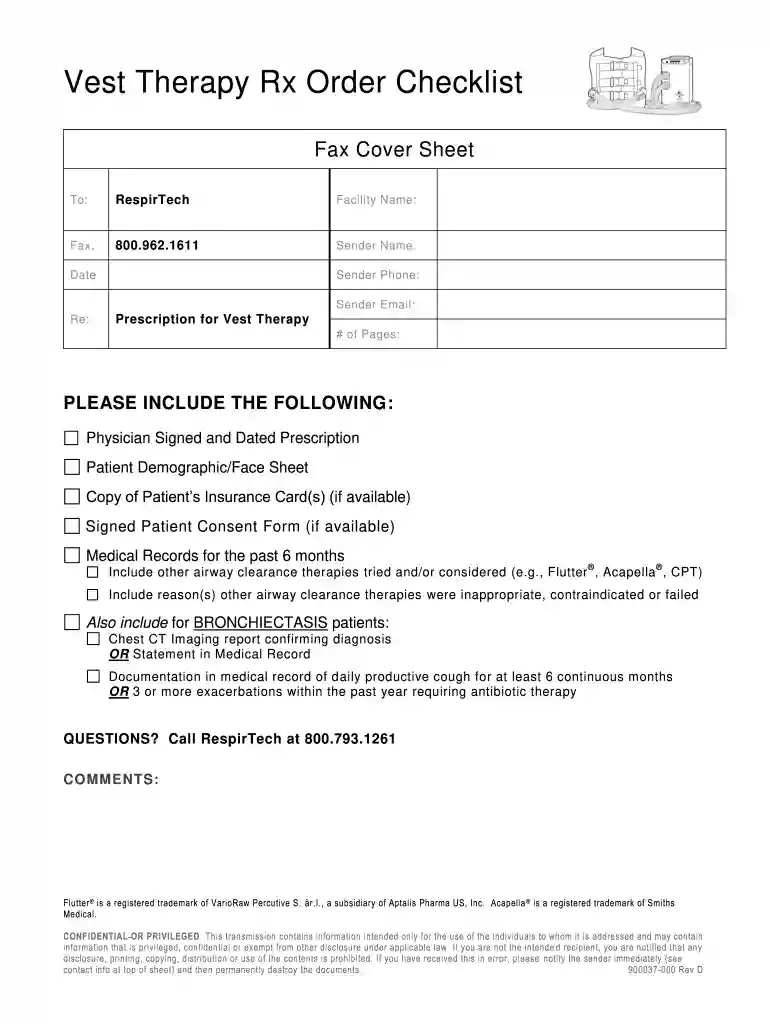
Type text, add images, blackout confidential details, add comments, highlights and more.

Draw your signature, type it, upload its image, or use your mobile device as a signature pad.

Send it via email, link, or fax. You can also download it, export it or print it out.

Start using our platform today to streamline your document editing and submission process for free!
At DocHub, your data security is our priority. We follow HIPAA, SOC2, GDPR, and other standards, so you can work on your documents with confidence.
May 13, 2020 This is accessed via the Search button in the upper right hand corner: Here you will see the any orders that were sent to fax, and their status:Read more
This page has drug prior authorization and other pharmacy resources for Minnesota Health Care Programs providers.
For example, common causes for audit recoveries include: - Not being able to locate a hard copy of a prescription, missing a signature for a mailed medicationRead more


