




01. Edit your sba loan payment 1201 online
Type text, add images, blackout confidential details, add comments, highlights and more.

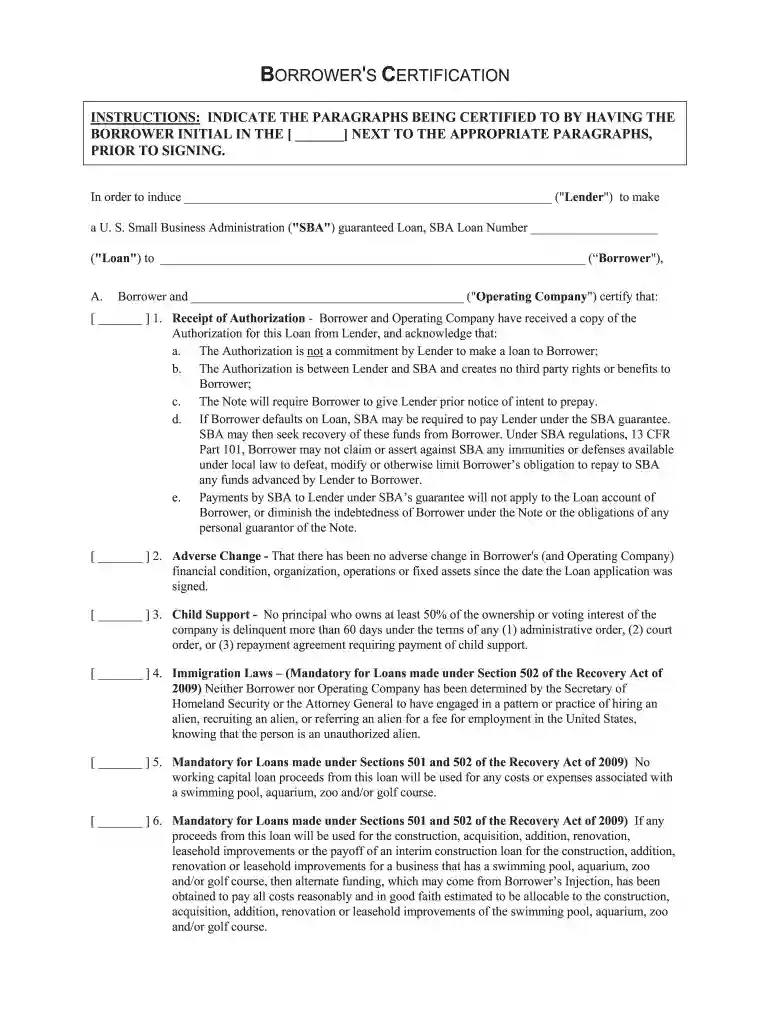
Type text, add images, blackout confidential details, add comments, highlights and more.

Draw your signature, type it, upload its image, or use your mobile device as a signature pad.

Send 1201 borrower payments via email, link, or fax. You can also download it, export it or print it out.

Start using our platform today to fill out your 1201 borrower payments form online for free!
At DocHub, your data security is our priority. We follow HIPAA, SOC2, GDPR, and other standards, so you can work on your documents with confidence.
The payment plan provides the option for students who have a remaining balance of $65 or more (after financial aid funds are applied) to sign up for the payment
(1) Amounts include scheduled interest payments, current maturities of long-term debt and finance leases. CRITICAL ACCOUNTING ESTIMATES. The preparation ofRead more
The 1201 Borrower Payment Form will no longer be available to process loan payments. Borrowers can register and make their payments on the MySBA Loan Portal.Read more


