




Here's how it works

01. Edit your masshealth report income change online
Type text, add images, blackout confidential details, add comments, highlights and more.

02. Sign it in a few clicks
Draw your signature, type it, upload its image, or use your mobile device as a signature pad.

03. Share your form with others
Send masshealth member forms via email, link, or fax. You can also download it, export it or print it out.
How to use or fill out ma job update mass health form with our platform

- Click ‘Get Form’ to open the ma job update mass health form in the editor.
- Begin by entering your name and social security number (SSN) or MassHealth ID at the top of the form. Ensure this information is accurate as it is essential for processing.
- In Section A, provide details about your current job. Fill in the employer's name, address, and your wages/tips before taxes. Select how often you are paid and indicate your weekly working hours.
- Answer questions regarding seasonal employment, self-employment, sheltered workshops, and health insurance availability. If you have multiple jobs, complete the same fields for each additional job listed.
- Move to Section B to report your expected yearly income for both the current and next calendar year.
- In Section C, indicate if you or family members are enrolled in health insurance from your job. Provide necessary details such as insurance company name and policy number.
- Finally, sign and date the form in Section D to certify that all information provided is correct. Ensure you attach any required proof of income before submission.
Start using our platform today to easily fill out your ma job update mass health form online for free!
Fill out ma job update mass health form online
It's free
See more ma job update mass health form versions
We've got more versions of the ma job update mass health form form. Select the right ma job update mass health form version from the list and start editing it straight away!
| Versions | Form popularity | Fillable & printable |
|---|---|---|
| 2016 | 4.8 Satisfied (77 Votes) |
Security and compliance
At DocHub, your data security is our priority. We follow HIPAA, SOC2, GDPR, and other standards, so you can work on your documents with confidence.
Learn more


Related forms
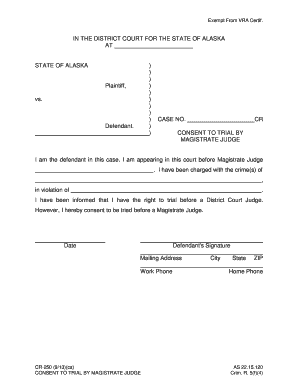
CR-250 - Alaska Court Records - State of Alaska
The document is a consent form for a defendant in the State of Alaska, allowing them to waive their right to a trial bef ...
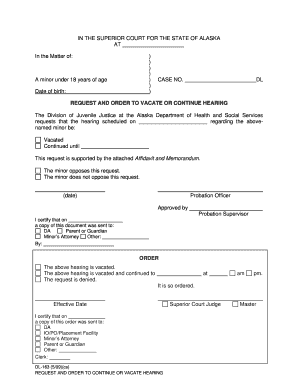
Dl 163 form
The document is a legal request from the Division of Juvenile Justice in Alaska to either vacate or continue a scheduled ...

PUB-29 - Alaska Court Records - State of Alaska
The document provides an overview of the Boney Memorial Courthouse in Anchorage, Alaska, highlighting its historical sig ...
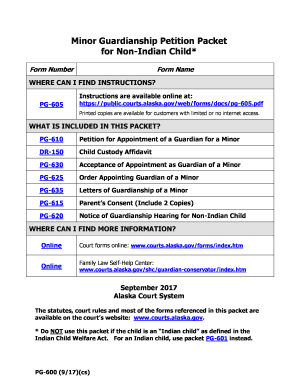
Alaska pg 600
The document is a Minor Guardianship Petition Packet for Non-Indian Children, providing necessary forms and instructions ...
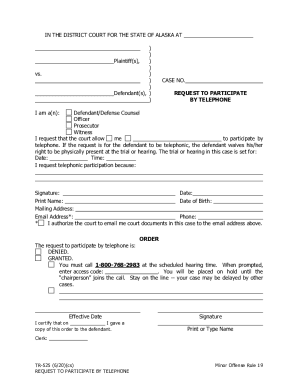
PDF TR-525 Request for Telephone Participation
The document is a request form for individuals involved in a court case in Alaska to participate in a hearing or trial b ...
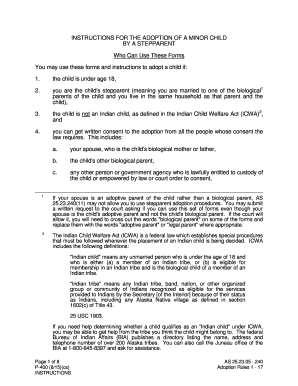
Alaska p 400
The document provides detailed instructions for stepparents in Alaska on how to adopt a minor child. It outlines eligibi ...
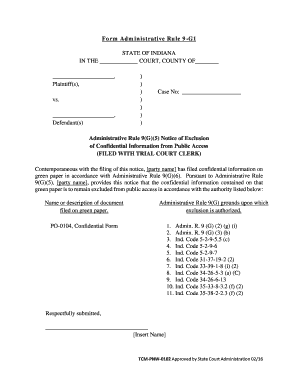
Form administrative indiana
The document is a legal notice filed in an Indiana court regarding the exclusion of confidential information from public ...

Indiana bail form
The document outlines the conditions of a No Contact Order for a defendant charged with a violent crime resulting in bod ...