




01. Edit your binghamtonmls login online
Type text, add images, blackout confidential details, add comments, highlights and more.

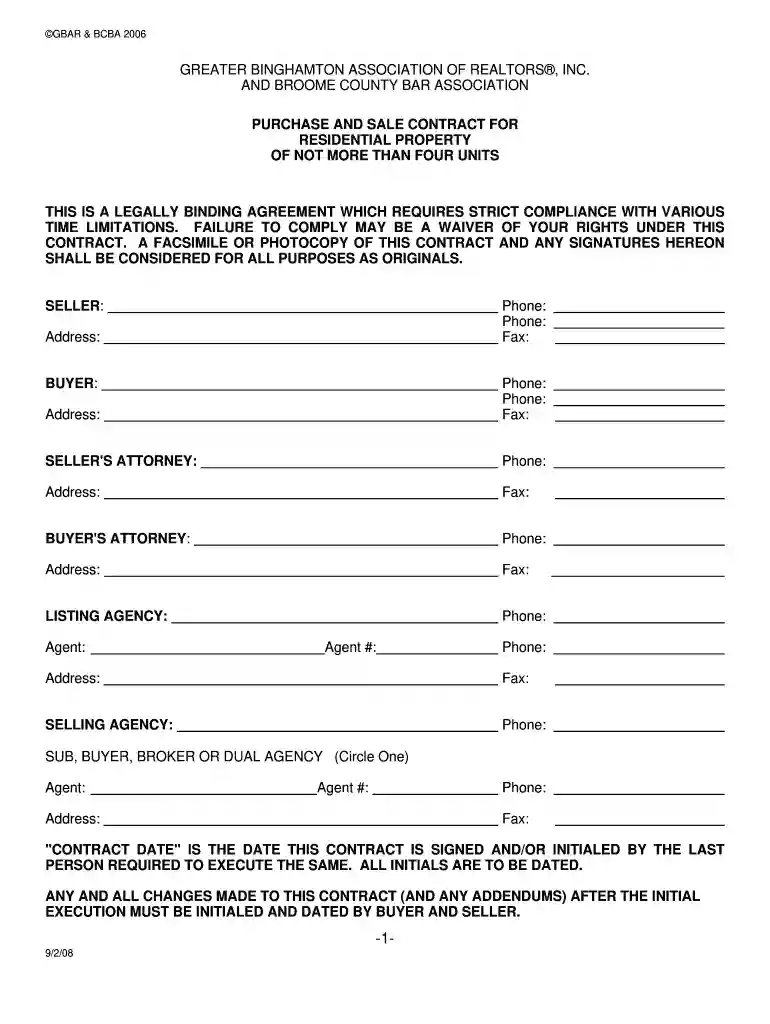
Type text, add images, blackout confidential details, add comments, highlights and more.

Draw your signature, type it, upload its image, or use your mobile device as a signature pad.

Send matrix binghamtonmls via email, link, or fax. You can also download it, export it or print it out.

Start using our platform today to streamline your document editing and signing process for free!
At DocHub, your data security is our priority. We follow HIPAA, SOC2, GDPR, and other standards, so you can work on your documents with confidence.
Academic Background Candidates must hold full-time appointment as a faculty librarian and must possess an ALA-accredited Master of Library Science (MLS), aRead more
GRTR BINGHAMTON ASSO OF REALTORS 19 JENNISON AVENUE JOHNSON CITY, NY 13790 607-798-8245. GRTR CAPITAL ASSO OF REALTORS 451 NEW KARNER RD ALBANY, NY 12205 518Read more
Manhattan Island to najbogatsza dzielnica Nowego Jorku, najgęściej zaludniona, a jednocześnie najbardziej znana, ponieważ większość najsłynniejszych budynkw naRead more


