




Here's how it works

01. Edit your free printable tb test form online
Type text, add images, blackout confidential details, add comments, highlights and more.

02. Sign it in a few clicks
Draw your signature, type it, upload its image, or use your mobile device as a signature pad.

03. Share your form with others
Send tb skin test form via email, link, or fax. You can also download it, export it or print it out.
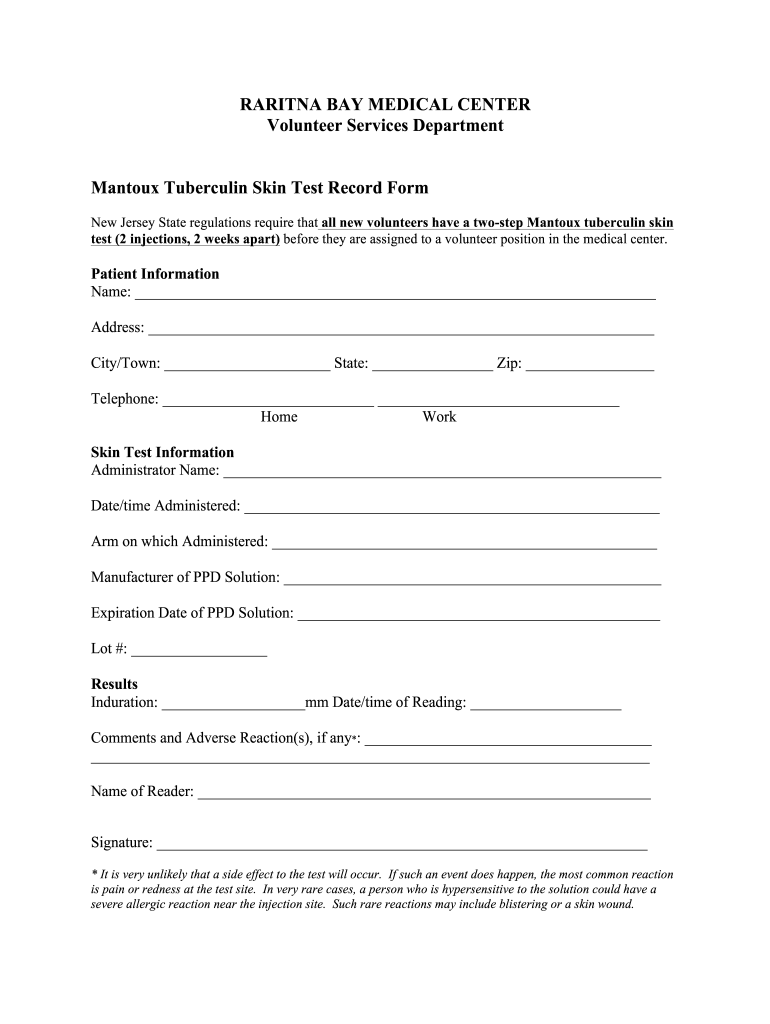
How to use or fill out bay mantoux tuberculin test with our platform

- Click ‘Get Form’ to open the bay mantoux tuberculin test in the editor.
- Begin by entering the patient information. Fill in the name, address, city/town, state, zip code, and telephone numbers for home and work.
- Next, move to the Skin Test Information section. Input the administrator's name, date and time of administration, and specify which arm was used for the injection.
- Provide details about the PPD solution including the manufacturer, expiration date, and lot number.
- In the Results section, record the induration measurement in mm and note the date/time of reading. Include any comments or adverse reactions if applicable.
- Finally, enter the name of the reader and ensure they sign at the bottom of the form to validate it.
Start using our platform today to easily complete your bay mantoux tuberculin test form online for free!
Fill out bay mantoux tuberculin test online
It's free
It's free
Security and compliance
At DocHub, your data security is our priority. We follow HIPAA, SOC2, GDPR, and other standards, so you can work on your documents with confidence.
Learn more


Related forms
Ca 212 s revisar form
The document is a form used to request a review of a social worker's decision not to initiate legal proceedings regardin ...
Judgment against sexual
The document is a Final Judgment of Injunction for Protection Against Sexual Violence issued by a Florida Circuit Court. ...
Ksa 60 1102
The document outlines the procedure for filing a Notice of Extension to File Contractor’s Lien in Kansas, allowing contr ...
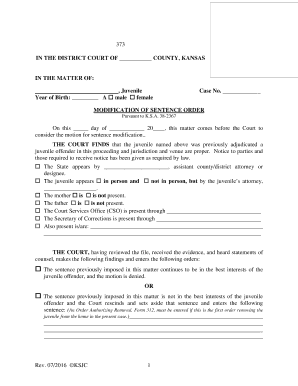
Kansas modification 373
The document is a Modification of Sentence Order for a juvenile offender in the District Court of Kansas. It outlines th ...
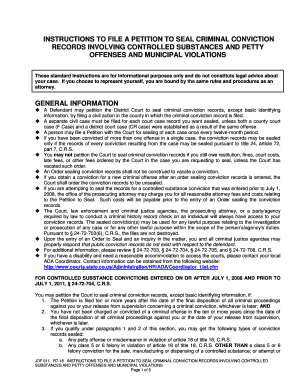
Colorado file petition seal records controlled
The document provides detailed instructions for individuals seeking to file a petition to seal criminal conviction recor ...
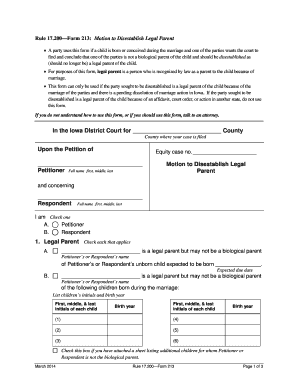
Ia disestablish
The document outlines Rule 17.200—Form 213, which is a legal form used in Iowa for a party to request the court to dises ...

New jersey
The document provides a comprehensive guide for individuals seeking to change their name or the name of a minor child in ...
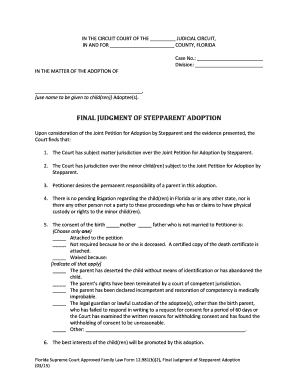
Adoption florida subject
The document is a Final Judgment of Stepparent Adoption issued by a Florida Circuit Court, confirming the legal adoption ...