




Here's how it works

01. Edit your society annual return alberta online
Type text, add images, blackout confidential details, add comments, highlights and more.

02. Sign it in a few clicks
Draw your signature, type it, upload its image, or use your mobile device as a signature pad.

03. Share your form with others
Send society annual return alberta pdf via email, link, or fax. You can also download it, export it or print it out.
How to use or fill out society annual return alberta with our platform

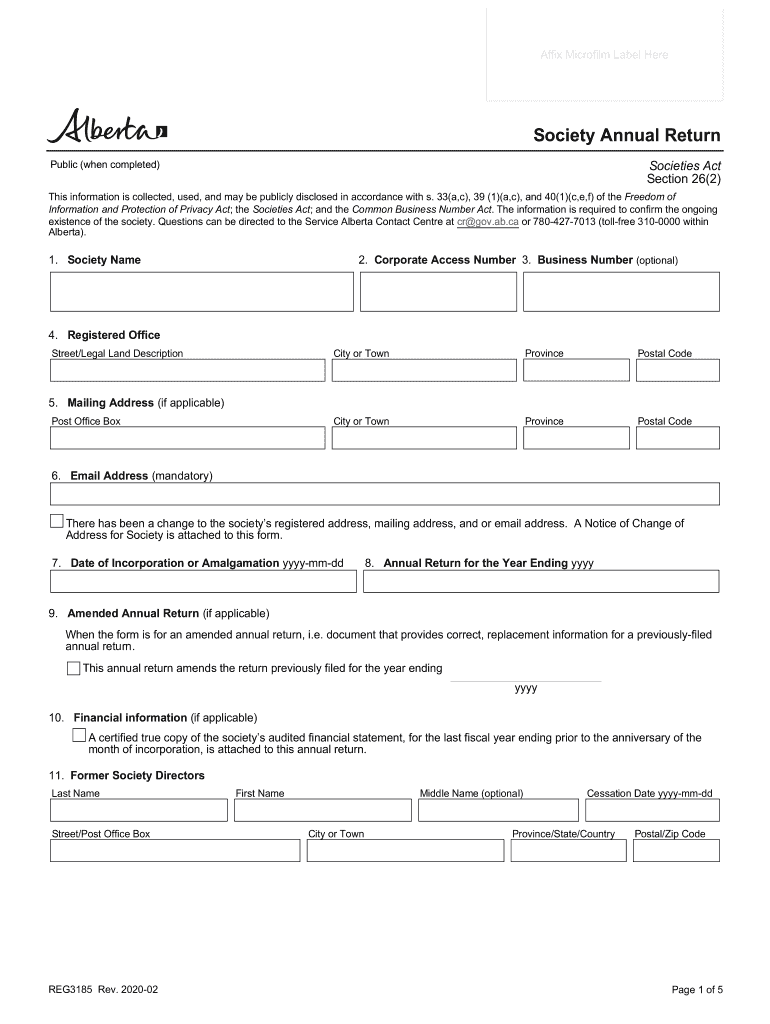
- Click ‘Get Form’ to open the society annual return in the editor.
- Begin by entering the full society name as it appears on your certificate of incorporation in Item 1.
- In Item 2, input your Corporate Access Number found on the upper right corner of your incorporation certificate.
- If applicable, provide your Business Number in Item 3. This is optional but can be helpful.
- For Item 4, fill in the registered office address, ensuring accuracy for any changes.
- Complete Item 5 with your mailing address if it differs from the registered office.
- Enter a current email address in Item 6 to ensure you receive important notifications.
- Input the date of incorporation or amalgamation in Item 7 using the format yyyy-mm-dd.
- In Item 8, specify the year ending for your annual return and mark 'Amended' if applicable.
- Attach a certified true copy of your audited financial statement as required in Item 10.
- List former and current directors and officers in Items 11 through 14, including their details accurately.
- Finally, complete Item 15 with information about the authorized representative and ensure they sign the form before submission.
Start filling out your society annual return today for free using our platform!
Fill out society annual return alberta online
It's free
It's free
See more society annual return alberta versions
We've got more versions of the society annual return alberta form. Select the right society annual return alberta version from the list and start editing it straight away!
Security and compliance
At DocHub, your data security is our priority. We follow HIPAA, SOC2, GDPR, and other standards, so you can work on your documents with confidence.
Learn more


Related forms

No rise no impact
The document provides guidance from the Federal Emergency Management Agency (FEMA) for obtaining a 'No-Rise / No-Impact' ...
Ga occupation tax return
The document outlines the requirements and procedures for obtaining a Business Occupation Tax Certificate in the City of ...
Ds 1909i
The document outlines the details and requirements for a Federal Assistance Award from the U.S. Department of State, inc ...
Checklist items closing
The document is a Wildlife Management Annual Report form for landowners in Texas, intended for submission to the County ...

Ad 416 form
The document is a form from the United States Department of Agriculture (USDA) used to describe research work units or p ...
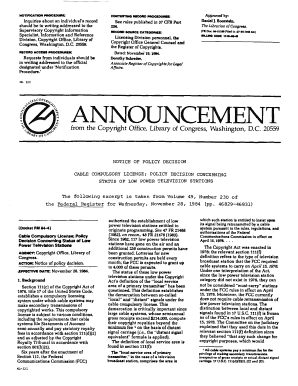
Ml321 compulsory power television
The document outlines a policy decision by the Copyright Office regarding the status of low power television (LPTV) stat ...

A census employment inquiry bc 170 form
The document outlines temporary job opportunities with the U.S. Census Bureau for the 2020 Census, emphasizing the roles ...
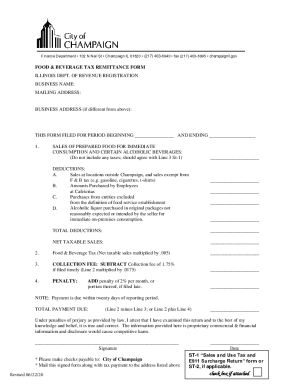
Beverage tax remittance
The document is a Food & Beverage Tax Remittance Form for businesses in Champaign, Illinois. It outlines the process for ...