




Here's how it works

01. Edit your vehicle registration form online
Type text, add images, blackout confidential details, add comments, highlights and more.

02. Sign it in a few clicks
Draw your signature, type it, upload its image, or use your mobile device as a signature pad.

03. Share your form with others
Send vehicle registration form pdf via email, link, or fax. You can also download it, export it or print it out.
How to use or fill out mo registration form with our platform

- Click ‘Get Form’ to open the mo registration form in the editor.
- Begin by entering your Missouri Tax I.D. Number and Federal Employer I.D. Number in the designated fields.
- Select all applicable tax types for which you are applying, such as Sales from a Missouri business location or Corporate Tax.
- Fill in the Owner Information section, including your name, address, email, and telephone number. If applicable, provide Social Security Number and Date of Birth.
- Indicate your Ownership Type by selecting from options like Sole Proprietor or Limited Liability Company (LLC).
- Complete the Previous Owner Information if there was a prior owner of the business, detailing any assets purchased.
- Provide your Mailing and Storage Address where tax forms will be sent and where records will be stored.
- List responsible individuals for tax matters under Officers, Partners, or Members section.
- Review all entries for accuracy before submitting the form to ensure timely processing.
Start using our platform today to fill out your mo registration form easily and for free!
Fill out mo registration form online
It's free
It's free
Security and compliance
At DocHub, your data security is our priority. We follow HIPAA, SOC2, GDPR, and other standards, so you can work on your documents with confidence.
Learn more


Related forms
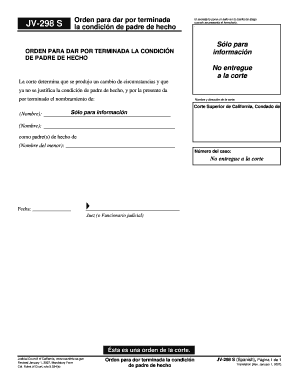
298 ofm california form
The document is an official court order terminating the status of a person as a de facto parent due to a change in circu ...
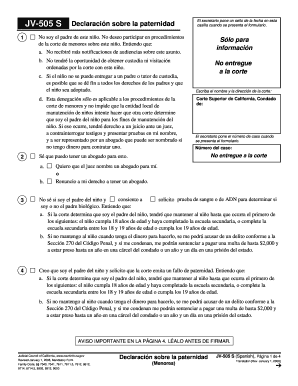
Jv505s
The document is a legal form (JV-505 S) regarding paternity declaration in California. It outlines the rights and respon ...
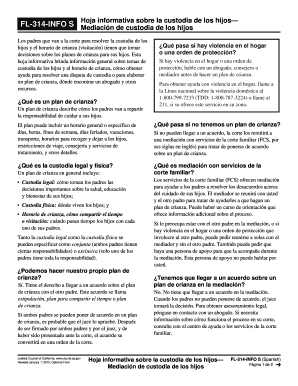
California mediacion form pdf
La hoja informativa FL-314-INFO S proporciona orientación sobre la custodia de los hijos y el horario de crianza, explic ...
- courts ca
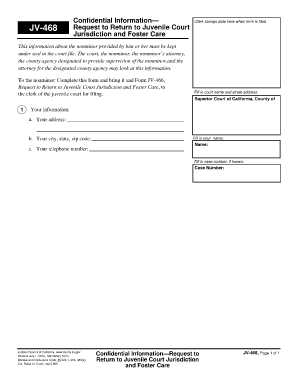
Ipx468
The document JV-468 is a confidential form used by nonminors to request a return to juvenile court jurisdiction and fost ...

California fl 341 as
The document is a court order for supervised visitation concerning children, issued due to allegations of potential harm ...

2014 california unir corte
The document is a legal notice for a hearing in the California Superior Court regarding the unification of agencies invo ...
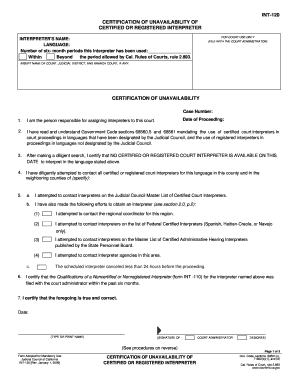
California 120 registered
The document INT-120 is a certification form used by court administrators to declare the unavailability of certified or ...