




01. Edit your all savers online
Type text, add images, blackout confidential details, add comments, highlights and more.

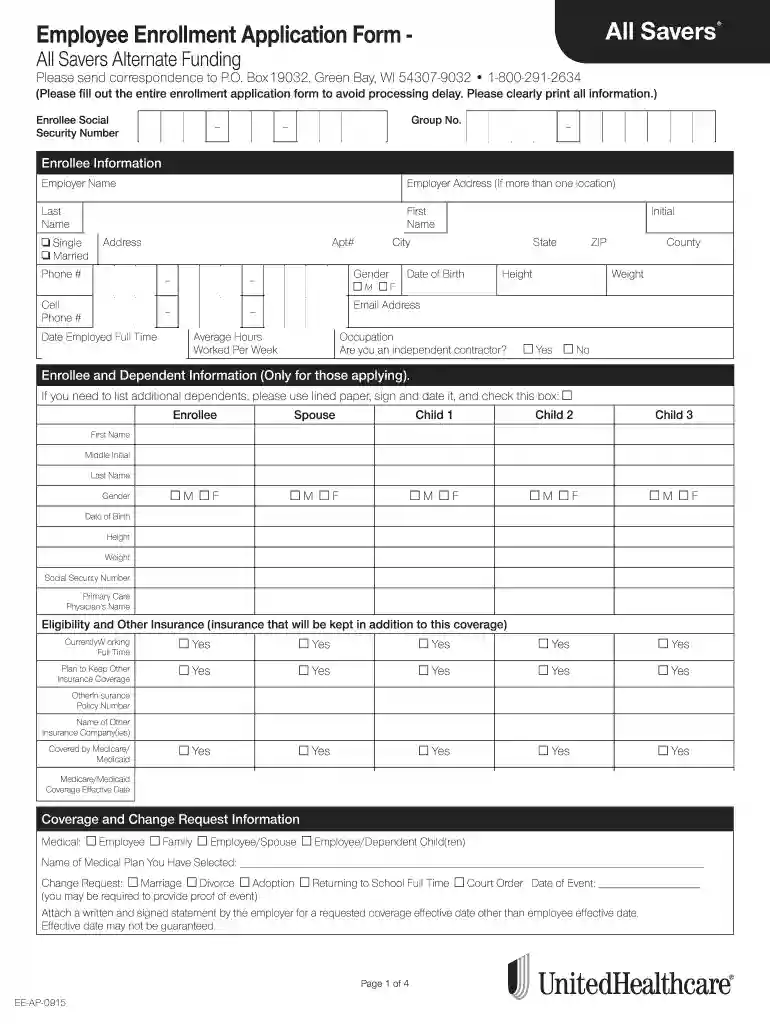
Type text, add images, blackout confidential details, add comments, highlights and more.

Draw your signature, type it, upload its image, or use your mobile device as a signature pad.

Send it via email, link, or fax. You can also download it, export it or print it out.

Start using our platform today to fill out your All Savers Employee Enrollment Application Form easily and for free!
At DocHub, your data security is our priority. We follow HIPAA, SOC2, GDPR, and other standards, so you can work on your documents with confidence.
Jan 1, 2025 Please find a Qualified Domestic Partner application packet online at employee.phoenix.gov/benefits under Forms and Docs. . Children of aRead more
enrollment form. We agree that such information and records will be considered All Savers Insurance Company; All. Savers Life Insurance Company ofRead more
You dont need to identify your User ID before inputting any biometrics fea- ture for verification. Simply place your finger on the scanner for verification.Read more


