




01. Edit your rita form 17 online
Type text, add images, blackout confidential details, add comments, highlights and more.

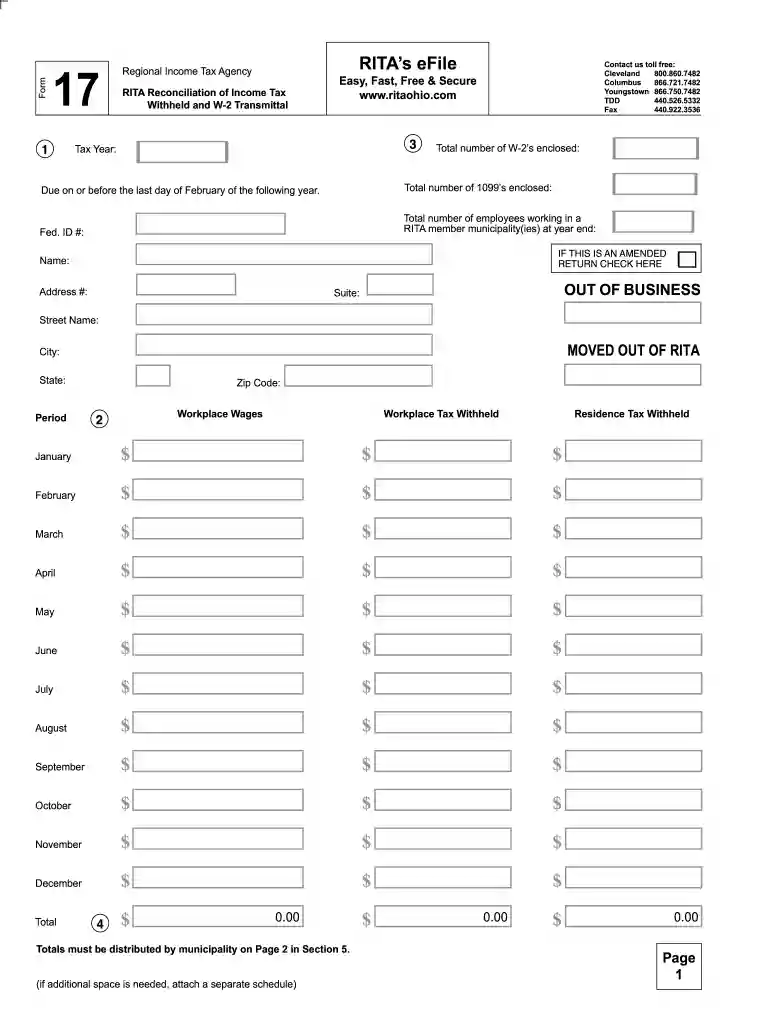
Type text, add images, blackout confidential details, add comments, highlights and more.

Draw your signature, type it, upload its image, or use your mobile device as a signature pad.

Send rita form 17 fillable via email, link, or fax. You can also download it, export it or print it out.

Start filling out your rita form 17 today for free using our platform!
We've got more versions of the rita form 17 form. Select the right rita form 17 version from the list and start editing it straight away!
| Versions | Form popularity | Fillable & printable |
|---|---|---|
| 2025 | 4.3 Satisfied (52 Votes) | |
| 2024 | 4.9 Satisfied (21 Votes) | |
| 2023 | 4.3 Satisfied (28 Votes) | |
| 2022 | 4.9 Satisfied (23 Votes) | |
| 2021 | 4.6 Satisfied (60 Votes) | |
| 2020 | 4.8 Satisfied (183 Votes) | |
| 2019 | 4.4 Satisfied (195 Votes) | |
| 2018 | 4.4 Satisfied (129 Votes) | |
| 2016 | 4.3 Satisfied (118 Votes) | |
| 2012 | 4.3 Satisfied (43 Votes) |
At DocHub, your data security is our priority. We follow HIPAA, SOC2, GDPR, and other standards, so you can work on your documents with confidence.
2020 Cited by 41 Dive into the research topics of Recruitment of trial participants through electronic medical record patient portal messaging: A pilot study.Read more
NOTE REGARDING FORWARD-LOOKING STATEMENTS. The Chairmans Letter, Cheniere Partners at a Glance and 2015 Highlights sections contain forward-lookingRead more
All three of the U.S. Department of Labors (USDOL) flagship reports on international child labor and forced labor are available on the USDOL website inRead more


