




01. Edit your form online
Type text, add images, blackout confidential details, add comments, highlights and more.

Type text, add images, blackout confidential details, add comments, highlights and more.

Draw your signature, type it, upload its image, or use your mobile device as a signature pad.

Send it via email, link, or fax. You can also download it, export it or print it out.

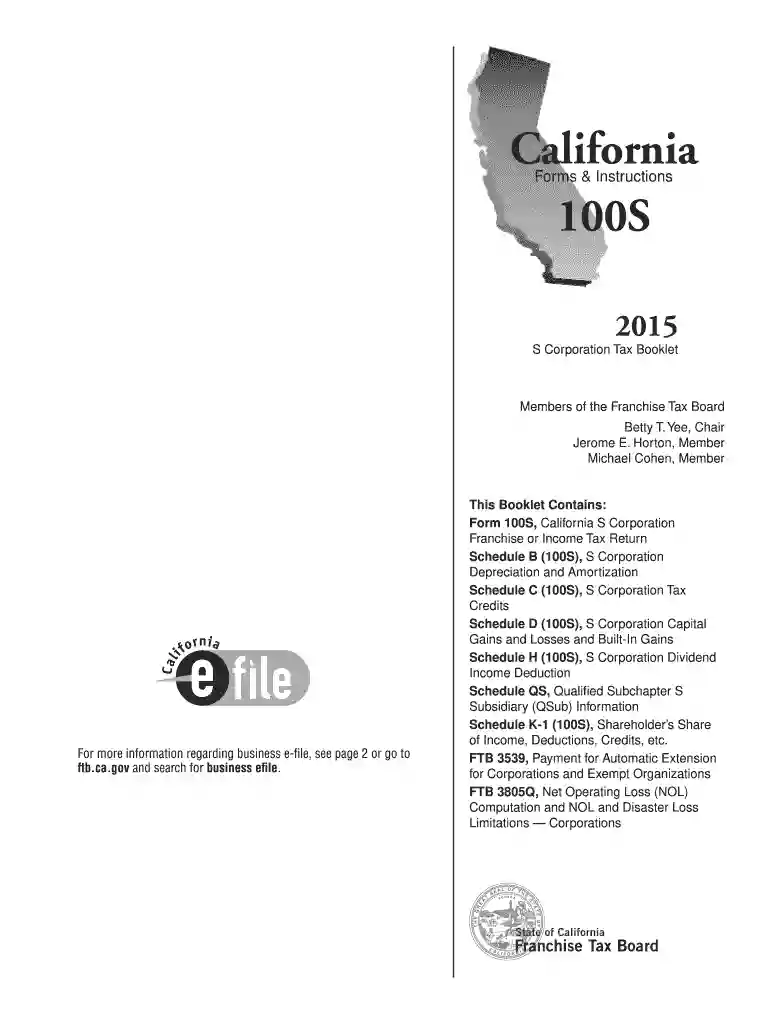
Dochub is a perfect editor for updating your forms online. Adhere to this simple guideline edit 100s tax 2015 form in PDF format online for free:
Discover all the advantages of our editor right now!
We've got more versions of the 100s tax 2015 form form. Select the right 100s tax 2015 form version from the list and start editing it straight away!
| Versions | Form popularity | Fillable & printable |
|---|---|---|
| 2025 | 4.2 Satisfied (59 Votes) | |
| 2023 | 4.4 Satisfied (33 Votes) | |
| 2022 | 4.2 Satisfied (44 Votes) | |
| 2018 | 4.8 Satisfied (127 Votes) | |
| 2017 | 4.2 Satisfied (22 Votes) | |
| 2016 | 4.4 Satisfied (553 Votes) | |
| 2015 | 4.2 Satisfied (69 Votes) | |
| 2014 | 4.3 Satisfied (36 Votes) | |
| 2013 | 4 Satisfied (22 Votes) | |
| 2011 | 4 Satisfied (52 Votes) |
At DocHub, your data security is our priority. We follow HIPAA, SOC2, GDPR, and other standards, so you can work on your documents with confidence.
B 1. During this taxable year, did another person or legal entity acquire control or majority ownership (more than a 50% interest) of this corporation orRead more
Sep 1, 2015 FORM FOR ESTIMATING 2015 INCOME TAX LIABILITY (does not consider AMT or averaging). FARM INCOME. 1. Total farm receipts to date .Read more
Sep 7, 2018 The proposed action, requested by the applicant, is for the Food and Drug Administration (FDA) to issue.Read more


