



Here's how it works



How to use or fill out subway application pdf with our platform

- Click ‘Get Form’ to open the subway application PDF in our editor.
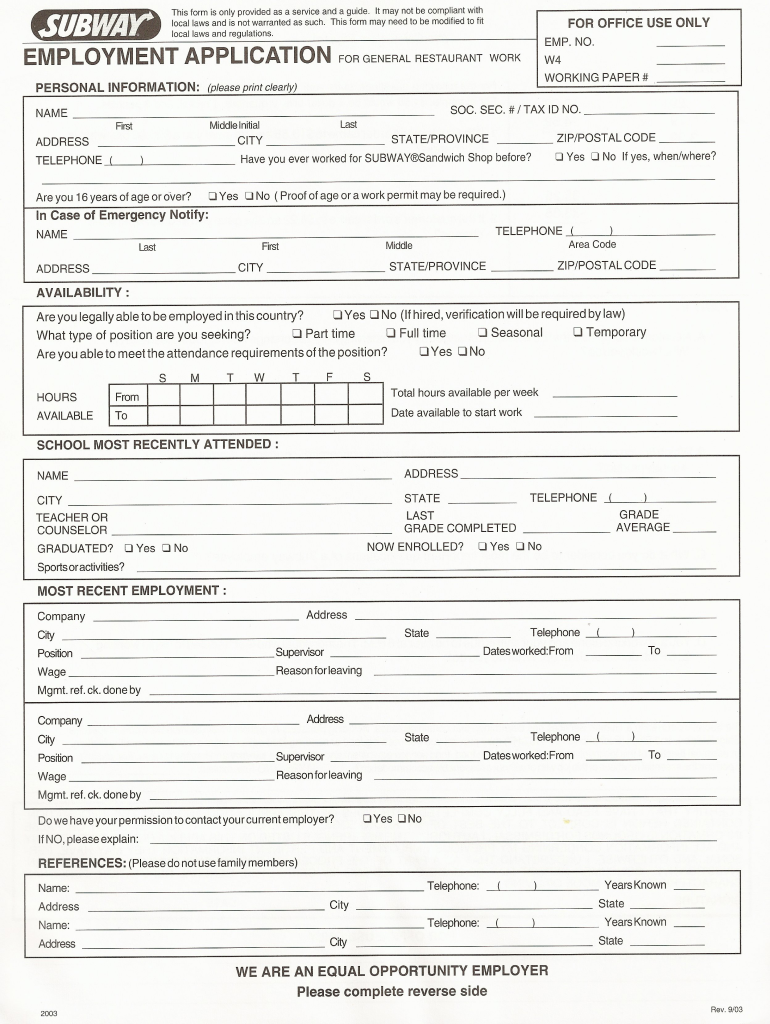
- Begin by entering your personal information in the designated fields, including your name, address, and contact details. Ensure accuracy for a smooth application process.
- Next, navigate to the employment history section. Fill in your previous job experiences, including company names, positions held, and dates of employment. This helps showcase your qualifications.
- Proceed to the references section. Provide at least two professional references who can vouch for your skills and work ethic. Include their contact information for verification.
- Finally, review all entered information for completeness and accuracy. Use our platform’s editing tools to make any necessary adjustments before saving or submitting your application.
Start using our platform today to effortlessly complete your subway application PDF online for free!
It's free
Got questions?
How can I sign my application subway without printing?
Electronic signatures are a great alternative to traditional signing, as they save time, effort, and costs people spend on printing, scanning, and paper delivery. You can eSign your application subway utilizing a trustworthy and robust online document management tool like DocHub. It complies with main eSignature standards (ESIGN and UETA), so all forms approved there are legally binding and have the same validity as physically signed ones.
How to manage my how long does it take for subway to get back to you from Gmail?
If your go-to email service is Gmail, it is simple to incorporate your DocHub editor in your work. Modify your how long does it take for subway to get back to you with DocHub tools and attach it to your drafts in Gmail. See how easy it can be to exchange documents and collaborate with a swift PDF editing solution at hand.
What are the most important qualifications of a Subway employee?
How long does it take for Subway to respond to an application?
How do I pass an interview at Subway?
Security and compliance
At DocHub, your data security is our priority. We follow HIPAA, SOC2, GDPR, and other standards, so you can work on your documents with confidence.
Learn more