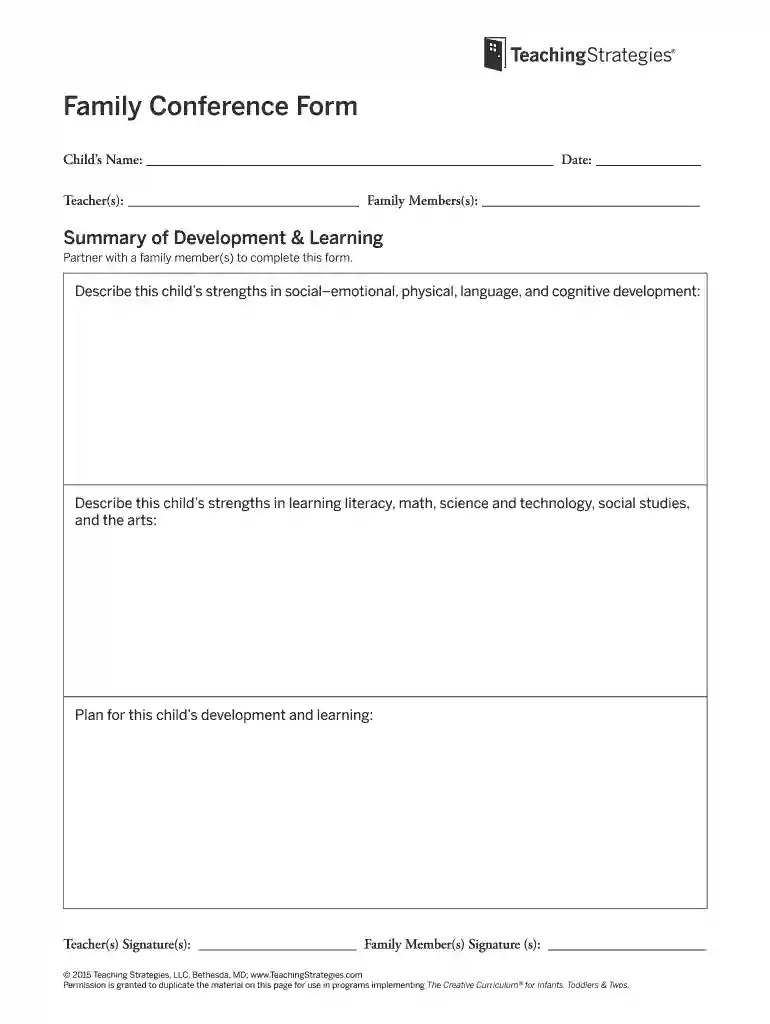
family conference form example Preview on Page 1

Family conference form example 2026

Here's how it works

  • 01. Edit your family conference form example online

    Type text, add images, blackout confidential details, add comments, highlights and more.

  • 02. Sign it in a few clicks

    Draw your signature, type it, upload its image, or use your mobile device as a signature pad.

  • 03. Share your form with others

    Send family conference form via email, link, or fax. You can also download it, export it or print it out.

How to use or fill out family conference form example with our platform

Form edit decoration
9.5
Ease of Setup
DocHub User Ratings on G2
9.0
Ease of Use
DocHub User Ratings on G2
  1. Click ‘Get Form’ to open the family conference form in the editor.
  2. Begin by entering the child’s name and the date at the top of the form. This information is essential for identifying the student and documenting the meeting.
  3. Next, fill in the teacher(s) and family member(s) names. This section helps establish who is involved in the child's education and development.
  4. In the 'Summary of Development & Learning' section, partner with a family member to describe the child's strengths across various developmental areas. Use clear, specific examples to highlight social-emotional, physical, language, and cognitive skills.
  5. Continue by detailing strengths in literacy, math, science and technology, social studies, and arts. This comprehensive overview will aid in planning effective strategies for learning.
  6. Finally, outline a plan for the child's development and learning. Collaborate with family members to ensure all perspectives are included.
  7. Don’t forget to have both teacher(s) and family member(s) sign at the bottom of the form to validate your discussions and agreements.

Start using our platform today for free to streamline your document editing experience!

be ready to get more

Complete this form in 5 minutes or less

Security and compliance

At DocHub, your data security is our priority. We follow HIPAA, SOC2, GDPR, and other standards, so you can work on your documents with confidence.

insurealabama org renewal

Family Group Conference Evaluation Forms

FAMILY GROUP CONFERENCE OUTCOME FORM- this form is completed by a professional at selected intervals. The form is designed to capture outcome/impact of familyRead more

Learn more
msc.pdf - Riverside Superior Court

A final disclosure is not required of either party. (see Family Code section 2110). A completed Income and Expense Declaration (form FL-150). Date: Self-Read more

Learn more
1988 Personnel Rules With

May 16, 1988 A unit of the general salary schedule which includes all classes in the position classification plan which are sufficiently comparable in value.Read more

Learn more
If you believe that this page should be taken down, please follow our DMCA take down process here