




Here's how it works

01. Edit your entry 11 online
Type text, add images, blackout confidential details, add comments, highlights and more.

02. Sign it in a few clicks
Draw your signature, type it, upload its image, or use your mobile device as a signature pad.

03. Share your form with others
Send how much does an estate have to be worth to go to probate in massachusetts via email, link, or fax. You can also download it, export it or print it out.
How to use or fill out appear motion probate with our platform

- Click ‘Get Form’ to open the appear motion probate document in the editor.
- Begin by entering the Docket Number at the top of the form. This is essential for identifying your case.
- Fill in your name as the Plaintiff/Petitioner and the name of the Defendant/Respondent in their respective fields.
- Specify the date of the hearing where indicated, ensuring accuracy for scheduling purposes.
- Provide your telephone number, making sure it is correct, as this will be used for communication during the hearing.
- Indicate your availability by noting that you will be reachable one hour before to three hours after the hearing time.
- If applicable, acknowledge any financial issues by stating that you will file a Rule 401 Financial Statement and provide it to the other party.
- Complete any additional required information such as your address and signature at the bottom of the form.
Start using our platform today to easily complete your appear motion probate form online for free!
Fill out appear motion probate online
It's free
It's free
Security and compliance
At DocHub, your data security is our priority. We follow HIPAA, SOC2, GDPR, and other standards, so you can work on your documents with confidence.
Learn more


Related forms
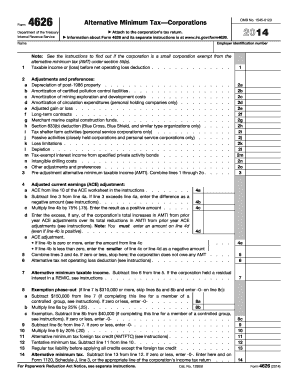
2014 form 4626
Form 4626 is a document used by corporations to calculate the Alternative Minimum Tax (AMT) for the tax year 2014. It in ...
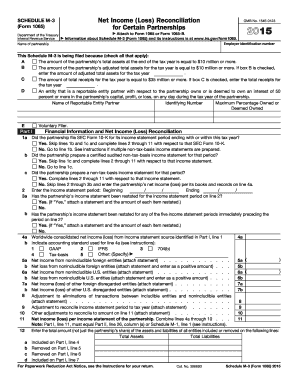
2015 Schedule M-3 (Form 1065) - irs
Schedule M-3 (Form 1065) is a tax form used by certain partnerships to reconcile net income or loss for tax purposes. It ...
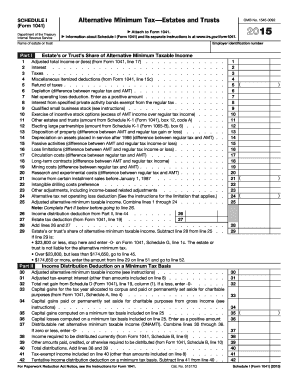
2017 Instructions for Form 1041 and Schedules A, B, G, J - IRS
The document outlines Schedule I (Form 1041) for the Alternative Minimum Tax (AMT) applicable to estates and trusts, det ...
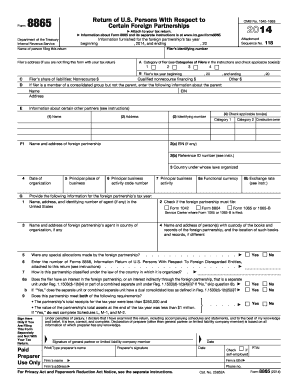
2014 8865 form
Form 8865 is a tax return document for U.S. persons involved with certain foreign partnerships, required by the Internal ...
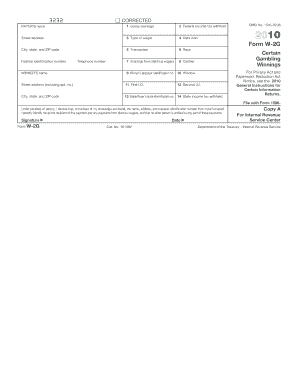
2010 form w
The document is a corrected version of Form W-2G, used to report certain gambling winnings and any federal income tax wi ...
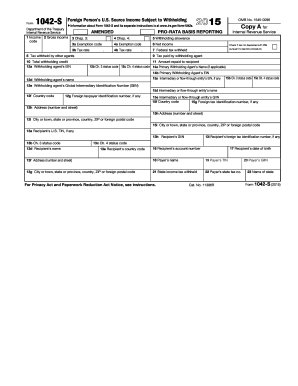
Form 1042 2015
The document is Form 1042-S, which is used to report U.S. source income paid to foreign persons that is subject to withh ...

Irs
Form 5695 is used to claim residential energy credits for energy-efficient property and improvements made to a main home ...

Colorado stipulation support
The document is a legal stipulation regarding the modification of child support payments between parties involved in a m ...