




Here's how it works

01. Edit your b1 b2 application form download online
Type text, add images, blackout confidential details, add comments, highlights and more.

02. Sign it in a few clicks
Draw your signature, type it, upload its image, or use your mobile device as a signature pad.

03. Share your form with others
Send bankruptcy petition via email, link, or fax. You can also download it, export it or print it out.
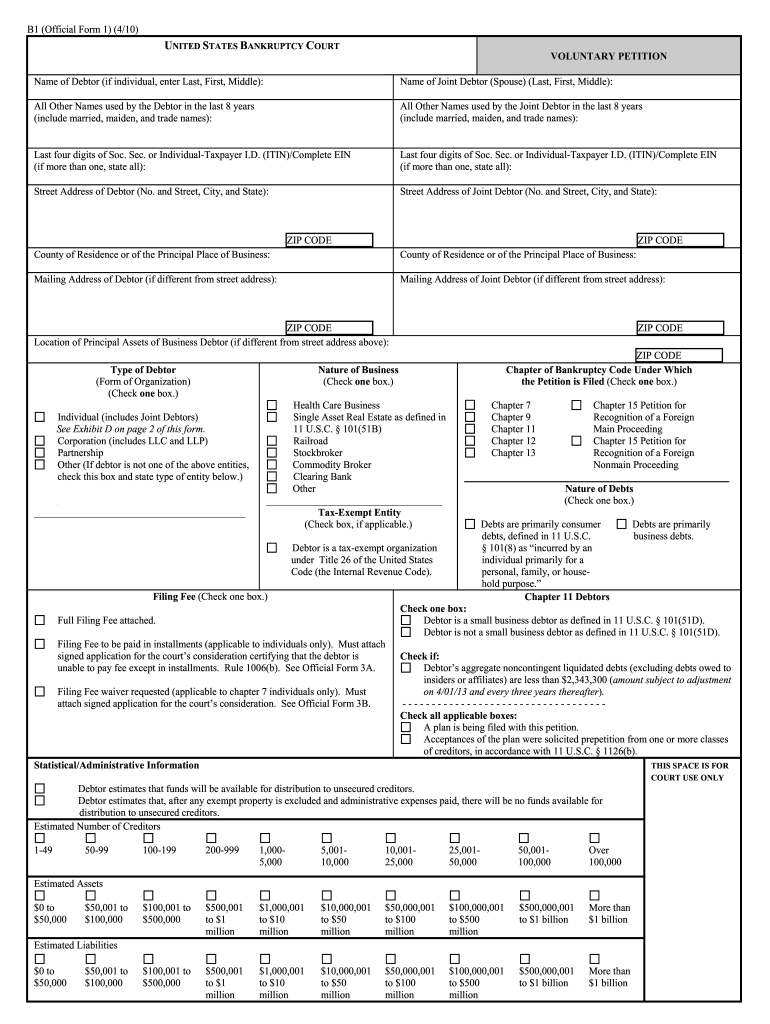
How to Fill Out a Bankruptcy Petition Online

- Click ‘Get Form’ to open the bankruptcy petition in our editor.
- Begin by entering the name of the debtor. If applicable, include the joint debtor's name as well.
- Fill in all other names used by the debtor and joint debtor in the last eight years, including any married or maiden names.
- Provide the last four digits of Social Security numbers or Taxpayer IDs for both debtors.
- Enter the street addresses for both debtors, ensuring accuracy for proper court correspondence.
- Select the type of debtor from the options provided, such as Individual or Corporation.
- Indicate which chapter of bankruptcy you are filing under by checking the appropriate box.
- Complete sections regarding nature of debts and filing fees, ensuring all relevant boxes are checked.
- Review your entries for accuracy before signing and submitting your petition electronically through our platform.
Start your bankruptcy petition today with our user-friendly editor for free!
Fill out how to bankruptcy petition online online
It's free
See more how to bankruptcy petition online versions
We've got more versions of the how to bankruptcy petition online form. Select the right how to bankruptcy petition online version from the list and start editing it straight away!
| Versions | Form popularity | Fillable & printable |
|---|---|---|
| 2010 | 4.9 Satisfied (406 Votes) |
Security and compliance
At DocHub, your data security is our priority. We follow HIPAA, SOC2, GDPR, and other standards, so you can work on your documents with confidence.
Learn more


Related forms
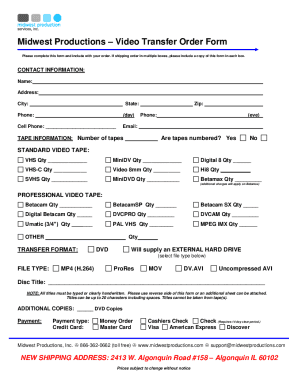
PDF to Fillable 3 Ways to Convert PDF to Fillable Form
The document is a Video Transfer Order Form from Midwest Productions, which customers must complete and include with the ...
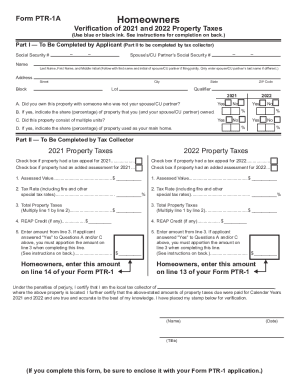
Homeowners Verification of 2021 and 2022 Property Taxes (For use with Form PTR-1) Homeowners Verific
Homeowners Verification of 2021 and 2022 Property Taxes (For use with Form PTR-1) Homeowners Verific
The document is a form (PTR-1A) for homeowners to verify their property taxes for the years 2021 and 2022. It includes s ...

Form NC5 Embedded Generation Facilities
The document is an application form (Form NC5) for connecting embedded generation facilities to the Electricity Distribu ...
Annuities death claim notification - Lincoln Financial Group
The document outlines the process for beneficiaries to claim death benefit proceeds from New York Life Annuities. It inc ...

Proof of training document
The document is a Proof of Training Form for contestants participating in the SkillsUSA Pennsylvania Cabinetmaking Compe ...

Bronze Award indd - Girl Scouts of the USA - girlscouts
The document outlines the guidelines for Girl Scout Juniors to earn the Bronze Award, which is the highest honor for thi ...

Chanceryclerkandmaster nashville wp-contentSTATE OF TENNESSEE CASE FILE NUMBER 2Q'1'H - Nashville
Chanceryclerkandmaster nashville wp-contentSTATE OF TENNESSEE CASE FILE NUMBER 2Q'1'H - Nashville
This document is a Circuit Court Summons from the Probate Division in Nashville, Tennessee, notifying a defendant of a c ...