




01. Edit your form online
Type text, add images, blackout confidential details, add comments, highlights and more.

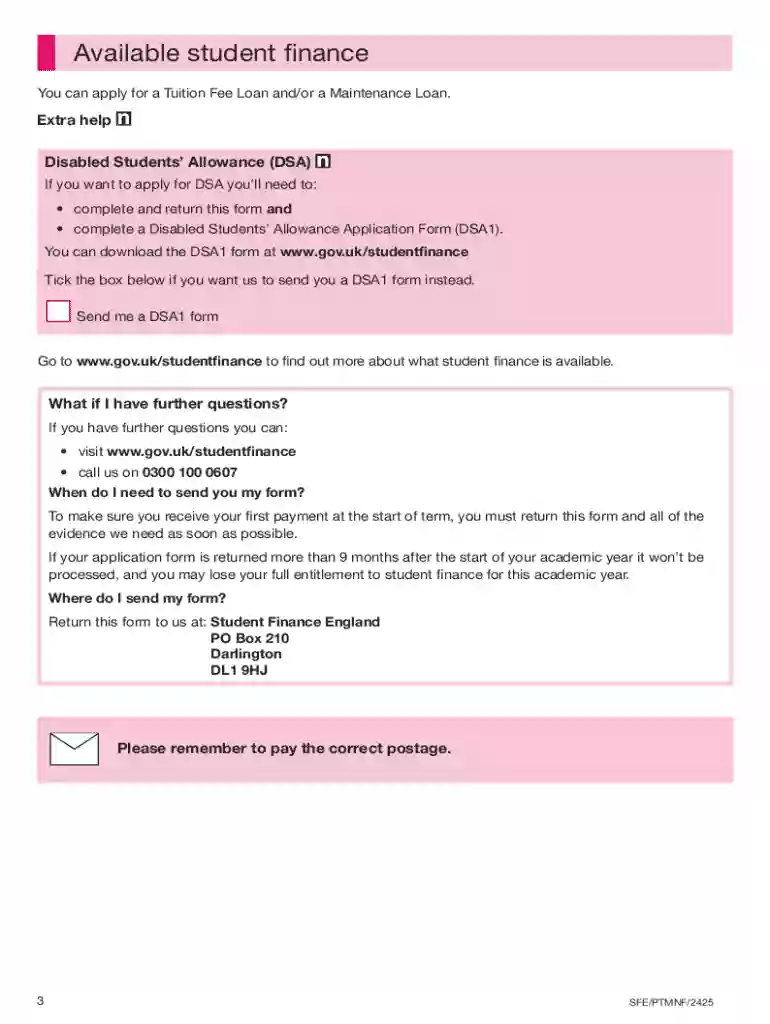
Type text, add images, blackout confidential details, add comments, highlights and more.

Draw your signature, type it, upload its image, or use your mobile device as a signature pad.

Send it via email, link, or fax. You can also download it, export it or print it out.
The term "form online" refers to a digital version of a document that can be completed, submitted, and managed entirely on the internet. This digital transformation of traditional paper forms allows users to interact with documents in a seamless and efficient manner. Forms online can pertain to various applications, including tax filings, student loan applications, business registrations, and more. Their primary goal is to simplify the process of data entry, enhance accessibility, and reduce the need for paper-based procedures.
Using a form online begins with accessing the specific form needed for your purpose. Users typically start by visiting a platform or service, such as DocHub, which offers various tools for document handling. Once the desired form is located, users can fill in the fields directly on the platform. Features like auto-save, easy navigation between sections, and the option to attach additional documents or files streamline the process. Online forms allow for real-time editing, which means any changes are saved immediately. Upon completion, users can submit the form directly through the platform or download it for their records.
Online forms are composed of several critical elements that ensure completeness and usability:
Various individuals and organizations utilize online forms for different purposes. Businesses often use them for tax filings, licensing, and regulatory compliance. Educational institutions employ online forms for student applications and financial aid requests. Individuals seeking government assistance or fulfilling civic duties, such as census reporting, also rely on online forms. Additionally, legal professionals and consultants may use them for contract negotiations and client onboarding processes.


Understanding key terminology associated with online forms can simplify the process:
Legal compliance is vital when using online forms, especially for sensitive information like tax returns and loan applications. Online forms must adhere to regulations such as the Electronic Signatures in Global and National Commerce Act (ESIGN Act), ensuring electronic signatures are legally binding. Personal data protection laws, like the GDPR in the European Union or state-specific privacy laws in the U.S., govern how information collected via online forms is managed and shared.
Online forms often integrate with software applications for enhanced functionality. Platforms like DocHub are designed to work seamlessly with other popular software, including Google Workspace and Microsoft Office. Some forms integrate with financial software like TurboTax or QuickBooks, enabling direct data import for tax calculations or accounting reconciliation. This compatibility ensures that users can maintain workflow efficiency while leveraging the strengths of multiple software tools.
Different states may have specific requirements or variations for forms submitted online. State taxation departments might have unique filings or exemptions that necessitate particular elements in online tax forms. Additionally, educational forms might adhere to state-specific residency requirements or tuition guidelines. It is crucial for users to be aware of and comply with these variations to avoid potential penalties or submission rejections.
At DocHub, your data security is our priority. We follow HIPAA, SOC2, GDPR, and other standards, so you can work on your documents with confidence.

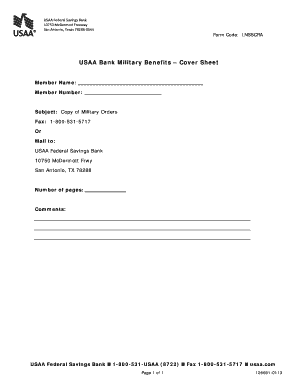
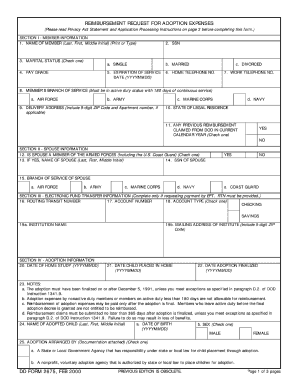

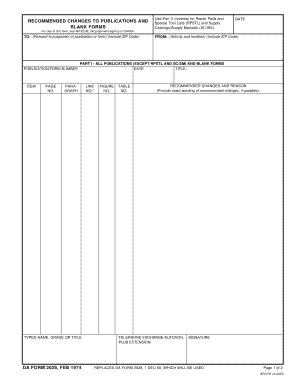


5 days ago There are 2 options for submitting forms using a USCIS online account: filling out a form through a guided online workflow or uploading a
Create powerful online forms with pre-fill, AI, and multi-step workflow features. Try our easy-to-use online form builder with enterprise-level
Creating a Form. Most forms should be instances of Djangos models.ModelForm class. This makes it simpler to create a form for most, if not


