






Definition and Purpose of Superior Court San Bernardino County CA
The Superior Court in San Bernardino County, California, serves as a critical component of the judicial system, addressing a wide range of legal matters within its jurisdiction. The court handles cases related to civil, criminal, family, probate, juvenile, and traffic law, among others. It plays a pivotal role in administering justice, ensuring that legal processes are conducted fairly and efficiently. The court's primary function is to interpret and enforce laws, thereby upholding the rule of law and maintaining order within the community.
Functions and Responsibilities
- Civil Cases: The court adjudicates disputes involving contractual matters, personal injury claims, property disputes, and more.
- Criminal Cases: It handles misdemeanor and felony cases, determining guilt or innocence, and imposing appropriate sentences.
- Family Law: The court oversees divorce, child custody, and support matters, ensuring the best interests of children are considered.
- Juvenile Matters: Issues involving minors, such as delinquency and dependency cases, are addressed.
- Probate: The court manages the distribution of deceased persons' estates and wills, ensuring that final wishes are honored.
- Traffic Violations: It processes infractions and misdemeanor traffic cases, facilitating resolutions and penalties.
How to Use the Superior Court San Bernardino County CA
Navigating the Superior Court system in San Bernardino County involves understanding the procedures and resources available to litigants and other parties involved in legal matters.
Accessing Court Services
- Online Services: Utilize digital platforms to file documents, pay fees, and check case status through the court's official website.
- In-Person Visits: For services requiring personal appearance, like certain hearings, appointments may be necessary.
- Telephone Assistance: Contact the court clerk's office for guidance on procedures, scheduling, and document submission.
Preparing for Court
- Gather Documents: Collect all necessary paperwork related to your case, including evidence, pleadings, and correspondence.
- Understand Procedures: Familiarize yourself with courtroom protocols, such as dress code and appropriate behavior during proceedings.
- Legal Representation: While self-representation is an option, consulting with or hiring a lawyer may provide better outcomes.
Steps to Complete a Case in Superior Court San Bernardino County CA
Completing a case in the Superior Court involves several key phases, from initiation to resolution.
- Filing the Case: Submit initial pleadings or complaints to formally begin legal proceedings.
- Service of Process: Legally notify defendants or opposing parties of the action being taken.
- Discovery Phase: Exchange information and evidence between parties to prepare for trial.
- Pre-Trial Motions: Address procedural and substantive issues before trial, such as motions to dismiss or for summary judgment.
- Trial Proceedings: Present the case before a judge or jury, offering evidence and arguments.
- Judgment: The court issues a ruling, which may include orders, fines, or sentencing.
- Appeals (if necessary): Challenge the court's decision through a higher court if grounds for appeal exist.
State-Specific Rules and Legal Use
The legal landscape in California, including San Bernardino County, has unique elements influencing court proceedings and case management.
California Legal Standards
- Strict Adherence to Precedent: California courts heavily rely on previous judicial decisions as authoritative guidance for current cases.
- Evidentiary Rules: The state follows specific guidelines regarding what evidence is admissible, ensuring fair trials.
- Statutory Requirements: Compliance with California's statutory demands is essential. This includes filing deadlines and document formatting rules.
Superior Court Compliance
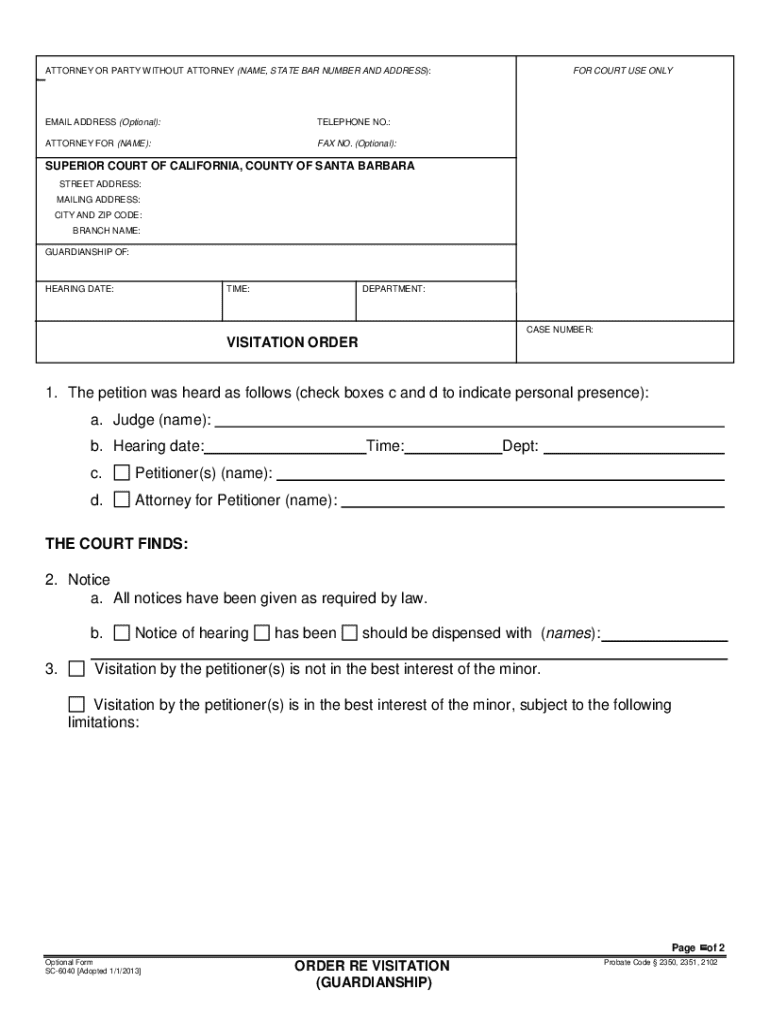
- Mandated Forms: Utilize California Judicial Council Forms where applicable, as these are standardized and officially recognized.
- Fee Schedules: Be aware of state-mandated fees for filing and processing documents, with waivers available for qualifying low-income individuals.
Important Terms Related to Superior Court San Bernardino County CA
Understanding terminology used within the San Bernardino County Superior Court system enhances comprehension and participation in legal proceedings.
Commonly Used Terms
- Plaintiff/Defendant: Parties initiating a lawsuit and responding to it, respectively.
- Petition/Respondent: Comparable to plaintiff/defendant in domestic or probate cases.
- Discovery: The formal process of exchanging information pertinent to the case.
- Subpoena: A command to attend and testify in court, or produce documents.
Specialized Legal Terms
- Declaratory Judgment: A determination of the parties' legal rights without ordering enforcement.
- Injunction: A court order requiring a party to do or cease doing a specific action.
Practical Examples of Using the Superior Court San Bernardino County CA
Illustrative scenarios demonstrate how individuals interact with the court system in San Bernardino County.
Civil Litigation Example
A couple experiencing a breach of contract over a residential property might file a lawsuit in Superior Court. After filing, they would serve the other party, engage in discovery to exchange necessary documentation, and prepare for trial or settlement discussions.
Family Law Scenario
In a custody disagreement, one parent could petition the court to modify existing orders based on new circumstances, necessitating mediation and potential hearings to evaluate the child's best interests.
Small Claims Process
An individual seeking restitution for personal property damage valued under a certain threshold may utilize the court's small claims division, following streamlined procedures conducive to self-representation.
Required Documents for Superior Court Proceedings
Comprehensive documentation is vital for all cases in the Superior Court to ensure smooth processing and adherence to procedural norms.
Essential Paperwork
- Complaints/Petitions: Initial documents outline the nature of the legal issue and relief sought.
- Summons/Notices: These inform the opposing party of the legal action and required response.
- Evidence and Affidavits: Supporting proof and sworn statements are crucial for substantiating claims.
Specialized Documents
- Financial Declarations: Required in family law to assess and allocate financial resources.
- Expert Witness Reports: Applicable in cases where specialized knowledge, such as medical or technical expertise, is necessary.
Form Submission Methods (Online, Mail, In-Person)
The submission of forms and documents in San Bernardino County's Superior Court can be completed through multiple channels, offering flexibility to users.
Digital Submissions
- Online Portals: Many forms and documents can be filed electronically via the court's secure online system, streamlining the process and reducing physical paperwork.
Traditional Methods
- Mail Submissions: Sending forms via postal service is an alternative, with consideration needed for postal delays in meeting deadlines.
- In-Person Filings: Direct submission at the courthouse ensures immediate receipt and processing confirmation, ideal for urgent filings.