




Here's how it works

01. Edit your incident accident report form template online
Type text, add images, blackout confidential details, add comments, highlights and more.

02. Sign it in a few clicks
Draw your signature, type it, upload its image, or use your mobile device as a signature pad.

03. Share your form with others
Send free printable incident report forms via email, link, or fax. You can also download it, export it or print it out.
How to use or fill out incident report with our platform

- Click ‘Get Form’ to open the incident report in the editor.
- Begin by entering the camper’s name, date, and address in the designated fields. Ensure all information is accurate for proper documentation.
- Fill in the details of the person involved, including their name, age, sex, and position (Camper, Paid Staff, Volunteer Staff).
- If applicable, provide the name and contact information of a parent or guardian for minors.
- List any witnesses by entering their names and addresses in the provided sections.
- Select the type of incident from options such as Behavioral, Accident, Epidemic Illness, or Other. Specify if necessary.
- Document the date and time of the incident/accident accurately.
- Describe the event in detail, including specifics about where it occurred and any activities involved at that time.
- Complete sections regarding emergency procedures followed and who was in charge during the incident.
- Finally, ensure all fields are filled out completely before submitting your form for review.
Start using our platform today to streamline your incident reporting process for free!
Fill out incident report online
It's free
Security and compliance
At DocHub, your data security is our priority. We follow HIPAA, SOC2, GDPR, and other standards, so you can work on your documents with confidence.
Learn more


Related forms
Rs100a form
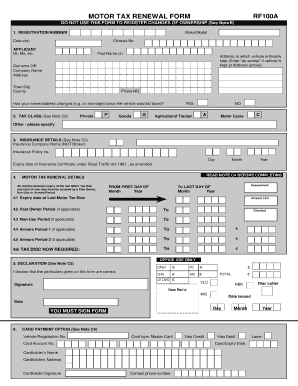
The document RF100A is a Motor Tax Renewal Form used for renewing vehicle tax in Ireland. It requires the applicant to p ...