




01. Edit your company bill lading online
Type text, add images, blackout confidential details, add comments, highlights and more.

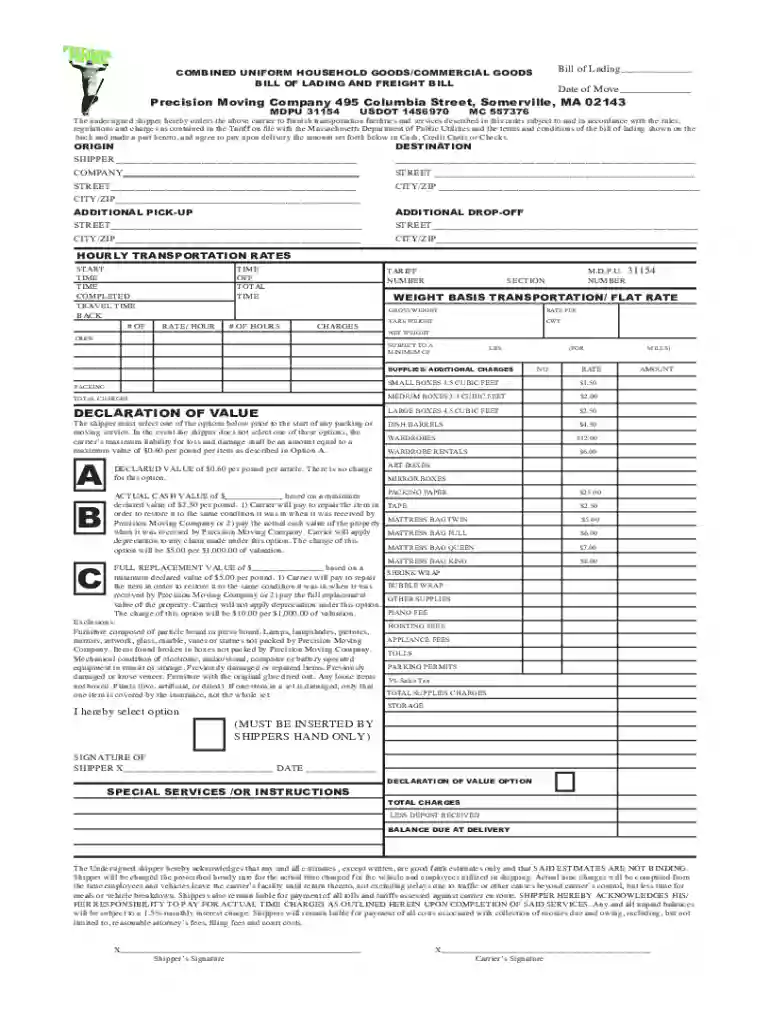
Type text, add images, blackout confidential details, add comments, highlights and more.

Draw your signature, type it, upload its image, or use your mobile device as a signature pad.

Send moving company bill of lading via email, link, or fax. You can also download it, export it or print it out.

Start using our platform today to streamline your document editing and ensure a smooth moving experience!
At DocHub, your data security is our priority. We follow HIPAA, SOC2, GDPR, and other standards, so you can work on your documents with confidence.


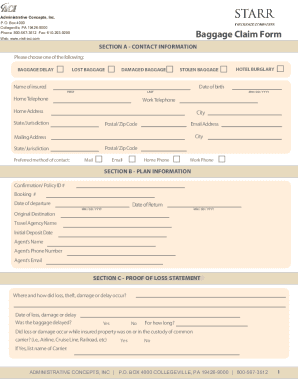
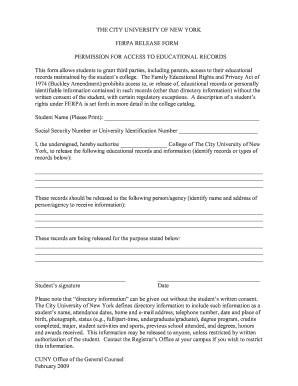
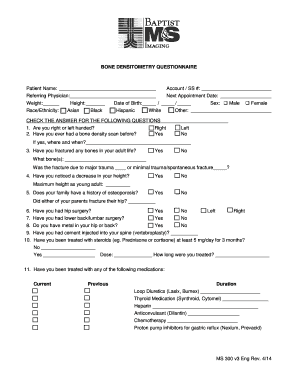


Total Amount Paid: Balance Due: Customer: This bill of lading establishes a contract between you and the household goods carrier. It confirms instructions andRead more
The bill of lading must be provided to, signed, and dated by the individual shipper at least 3 days before the shipment is scheduled to be loaded.Read more
Oct 1, 2018 moving on a Government Bill of Lading, as described in NMF 100, Items 100200 and 100262, will be for 500 pounds at the applicable rate, butRead more


