






Key Elements of the Payment Organizer
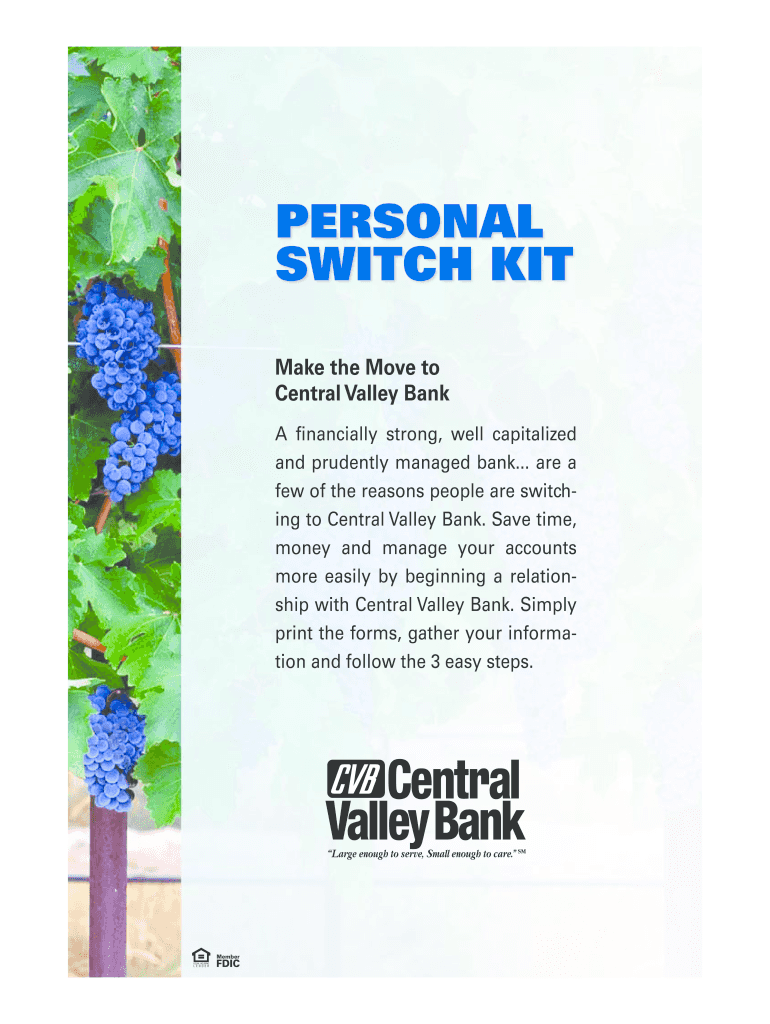
The Payment Organizer is a comprehensive form designed to streamline the transition of automatic payments and deposits to a new account, particularly suited for users opening accounts with Central Valley Bank. At its core, the form contains several sections to help users track and manage financial transactions effectively. These sections include:
-
Automatic Deposits and Withdrawals: This section allows users to list all regular incoming and outgoing transactions. By capturing details such as the frequency, amount, and source or recipient of each transaction, individuals can ensure no payments are missed during the transition.
-
Online Bill Payments: Users can document all existing online bill payments. This is crucial for identifying payments that need to be updated with the new bank account information, thus avoiding any service interruptions.
-
Outstanding Items: A dedicated part of the organizer helps track any pending or unsettled transactions, providing a complete overview of financial obligations not yet reflected in account balances.
How to Use the Payment Organizer
With the objective of facilitating a smooth financial transition, the Payment Organizer's utility spans across various user interactions. It is essential to use the form systematically to gain the most benefit:
-
Gather Financial Information: Collect recent bank statements and records of all automatic transactions. This information will lay the groundwork for completing the sections accurately.
-
Fill Out the Form: Begin by documenting recurring transactions, identifying counterparts (employers, utility companies, etc.), and noting existing details like amounts and schedules.
-
Communication with Service Providers: Contact each organization responsible for your automatic payments and deposits. Update them with your new Central Valley Bank account details.
-
Monitor the Transition: Oversee the transition period carefully. Ensure old accounts maintain overdraft protection or retain sufficient funds until the new arrangements are confirmed.
Steps to Complete the Payment Organizer
Completing the Payment Organizer involves a step-by-step process to ensure accuracy and completeness:
-
Compile Information: Gather necessary documents such as past bank statements, direct deposit forms, and any agreements related to automatic payments.
-
Document Transactions: Record all automatic payments and deposits into the provided sections, specifying the frequency and amounts.
-
Prepare Authorization Forms: Fill in authorization forms for direct deposit and automatic payment redirection. These forms must be signed and sent to relevant service providers.
-
Submit Account Closure Request: Complete the account closure request for the old banking institution if desired. Ensure all transactions have migrated correctly before proceeding.
Who Typically Uses the Payment Organizer
The Payment Organizer is a versatile tool used by individuals and businesses undergoing a financial transition. Typical users include:
-
Individuals Opening New Accounts: Users switching their primary bank account to Central Valley Bank often utilize the organizer to prevent missed payments or deposits.
-
Small Business Owners: Businesses can benefit from using the organizer to manage their vendor payments and customer deposits systematically during a banking transition.
-
Frequent Movers: Individuals who relocate often may use this tool to keep track of changes in financial arrangements associated with changing banks or services.


Legal Use of the Payment Organizer
The Payment Organizer not only facilitates financial transitions but ensures compliance with various legal considerations:
-
Authorization for Changes: By completing and submitting authorization forms, users legally authorize Central Valley Bank and corresponding payment entities to process transactions with updated banking details.
-
Account Closure: Utilizing the account closure request form helps formally terminate services with the previous banking institution, preventing unauthorized access or charges.
Examples of Using the Payment Organizer
Real-world scenarios exhibit how the Payment Organizer effectively aids users:
-
Scenario 1: An employee switching jobs must update direct deposit details for their new employer. They use the Payment Organizer to systematically update all other related services, avoiding any disruption in salary deposits.
-
Scenario 2: A small business opening a new account at Central Valley Bank uses the organizer to redirect customer payments to the new account, ensuring no interruption in sales processing.
Required Documents
When utilizing the Payment Organizer, several documents enhance its effectiveness:
-
Bank Statements: Recent statements provide a comprehensive record of all existing transactions and accounts.
-
Authorization Forms: Forms for authorizing automatic transaction updates help initiate the necessary changes.
-
Contact Information for Service Providers: Details for each entity involved in automatic transactions are key to ensuring smooth communication.
Software Compatibility
The comprehensiveness of the Payment Organizer also extends to compatibility with contemporary financial software:
-
Integration with Financial Tools: The organizer can be used alongside software like QuickBooks to cross-reference transaction records and ensure seamless synchronization with accounting tools.
-
Digital Accessibility: Available both in printable formats and digitally, it allows for easy updates and adjustments as needed, depending on user preference and technological proficiency.